Start in 4 steps
Identify the elements to remove, inspect their motion and the surrounding background, then build and review the cleanup across the shot. Keep the source footage and cleanup work organized for further editing.
Open Codex
Use Codex on the same computer as Adobe After Effects.
 Connect Higgsfield
Enable Higgsfield in Codex and check that its tools are available.
 Install Adobe After Effects
Install Adobe After Effects on the same computer.
- Open in Codex
Start your first workflow
Use the Open in Codex button to start this workflow, then provide your brief and source assets.
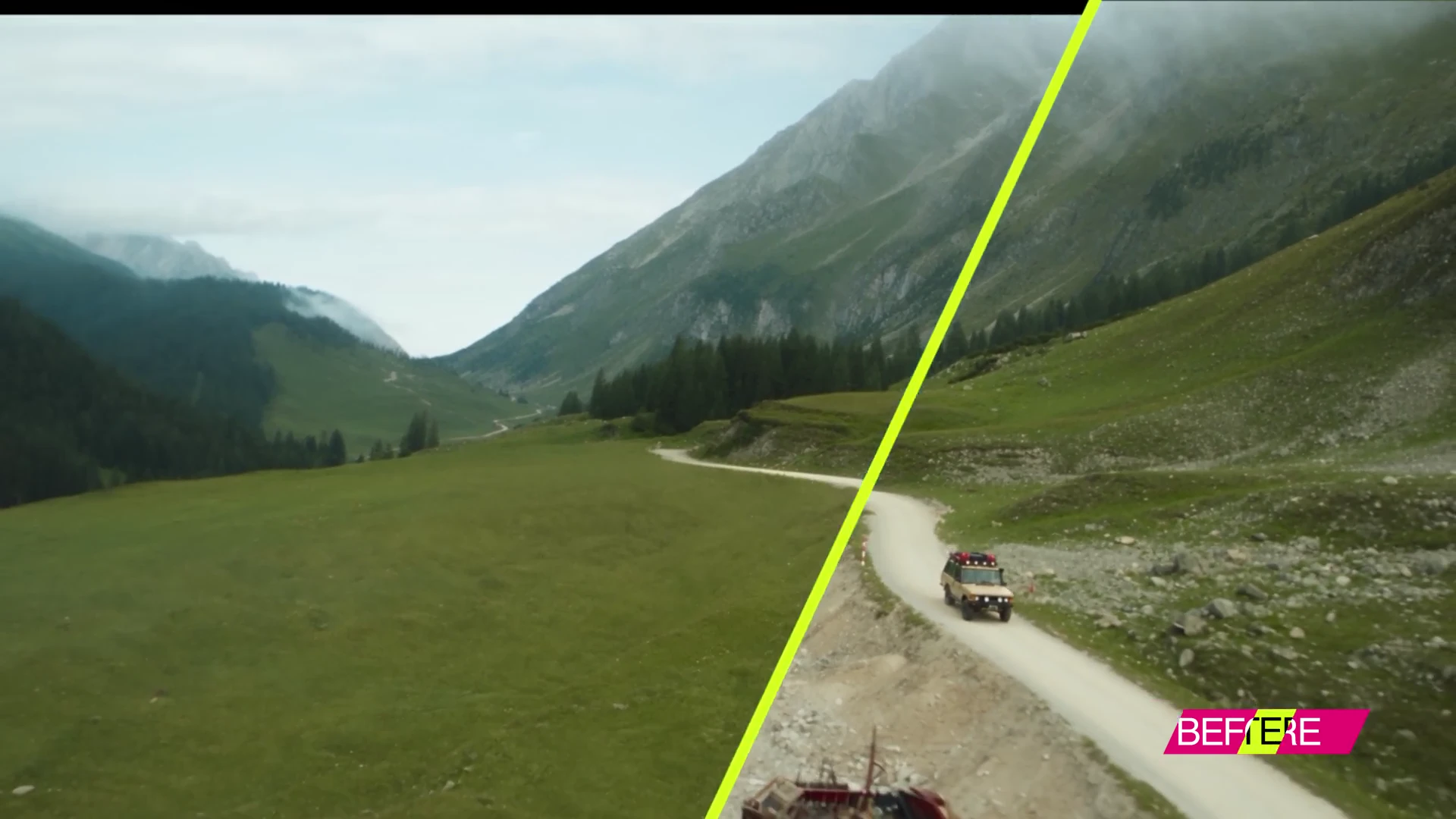
Behind the animation
See the shot cleanup workflow in Adobe After Effects.