Higgsfield
  • Explore
  • Image
  • Video
  • Audio
  • SupercomputerNew
  • MCP & CLINew
  • Cinema Studio
  • Marketing Studio
  • Shorts StudioNew
  • ExplainerNew
  • Originals
  • Canvas
  • AI Influencer
  • Apps

THE ULTIMATE AI-POWERED CAMERA CONTROL FOR FILMMAKERS & CREATORS

Higgsfield AI

  • About
  • Trust
  • Careers
  • Contact
  • Pricing
  • Apps
  • Supercomputer
  • Cinema Studio
  • Marketing Studio
  • Higgsfield Canvas
  • Higgsfield Collab
  • Higgsfield MCP
  • Higgsfield Games
  • AI Influencer
  • Community
  • Enterprise
  • Team
  • Copilot
  • Reference Extension
  • Blog
  • Contests
  • Discord

Image

  • AI Image
  • Soul ID Character
  • Draw to Edit
  • Fashion Factory
  • Edit Image
  • Image Upscale
  • Photodump Studio
  • Higgsfield Popcorn
  • Nano Banana
  • Prompt Guide
  • Flux 2
  • Seedream 5
  • GPT Image 2
  • Inpaint
  • Soul 2.0
  • Soul Cinema
  • Soul Cast

Video

  • AI Video
  • Mixed media
  • Sora 2 Introduction
  • Veo 3.1 Introduction
  • Create Video
  • Lipsync Studio
  • Talking Avatar
  • Draw to Video
  • UGC Factory
  • Video Upscale
  • Kling 3.0
  • WAN 2.6
  • Seedance 2.0
  • Grok Imagine 1.5
  • Gemini Omni Flash

Edit

  • Banana Placement
  • Product Placement
  • Edit Image
  • Multi Reference
  • Upscale
  • Sora 2 Upscale
  • About
  • Trust
  • Careers
  • Contact
  • Pricing
  • Apps
  • Supercomputer
  • Cinema Studio
  • Marketing Studio
  • Higgsfield Canvas
  • Higgsfield Collab
  • Higgsfield MCP
  • Higgsfield Games
  • AI Influencer
  • Community
  • Enterprise
  • Team
  • Copilot
  • Reference Extension
  • Blog
  • Contests
  • Discord
  • X / Twitter
  • Youtube
  • Instagram
  • LinkedIn
  • Tiktok

535 Mission St, 14th floor, San Francisco, CA, 94105

  • X / Twitter
  • Youtube
  • Instagram
  • LinkedIn
  • Tiktok

© 2026 Higgsfield AI™. All rights reserved.

  • Press
  • Privacy
  • Terms
  • Cookie Notice
  1. Blog
  2. /
  3. Fresh Release
  4. /
  5. Kling-Start-End-Frames

Kling is King: Start & End Frames

Mariam Barova

Mariam Barova

·

Sep 3, 2025

·

6 min

Kling is King: Start & End Frames

Become the Master of Transitions: Start & End Frames in Higgsfield

Meet Start & End Frames — our Kling integration that lets you design the in-between. Drop in a start image and an end image; Kling generates a natural, cinematic transition that understands motion, continuity, and intent.


Why it’s POWERFUL:

  • High IQ transitions: Kling “figures out” how to move from A to B without awkward warps.

  • Commercial-ready swaps: Seamlessly change outfits, products, or props mid-shot.

  • Morphs: Transform people, figures, and characters from one to another.

  • Perfect loops: Use the same image for start and end to auto-create a smooth 360° camera loop.

  • Cinematic VFX presets: Build bold transitions with dynamic effects that respond to your keyframes and prompts.
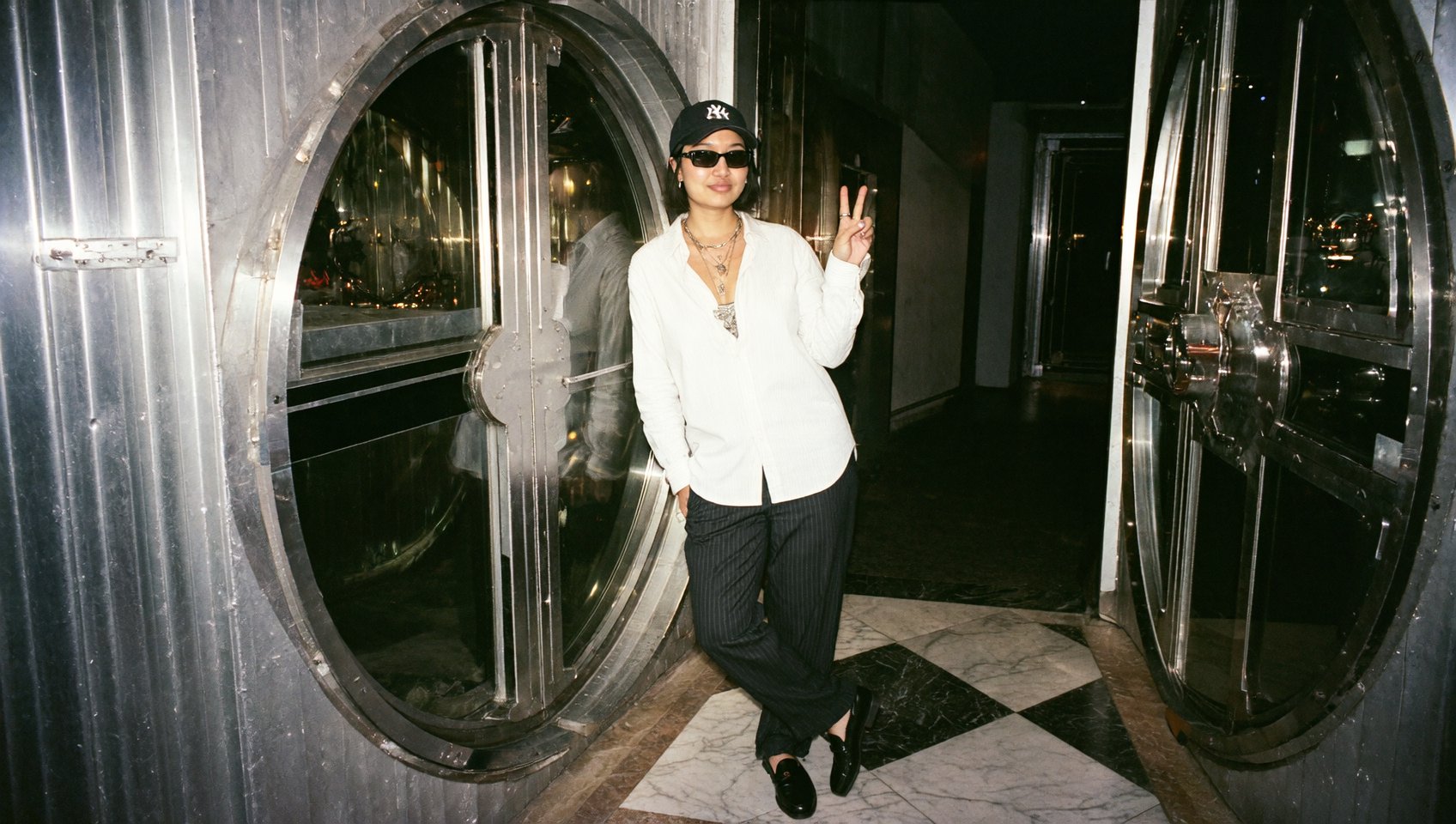

Your browser does not support the video.
Gosling Kling

Step-by-step: Nail your Kling transitions

1. Go to: higgsfield.ai/create/video → choose Kling → General preset (Kling Start/End works only with the General preset)

2. Add your frames

  • Start Frame: Your primary image.

  • End Frame: The frame you want your video transition to.

3. Prompts

  • You can go promptless. Kling will infer the motion.

  • Add prompts when you need specific details:

4. Camera movements Kling understands camera moves perfectly. Keep it simple:

  • zoom in / zoom out / push in / pull back

  • tilt up / tilt down

  • pan left / pan right

  • roll 360

  • handheld, natural sway

5. Add VFX Presets and Transitions

  • 2 types of presets: VFX presets and Transitions.

  • Prompt-friendly: Type short instructions to tweak elements - change object colors, swap textures, or control environment details.

  • Keyframe-sensitive: Use start and end frames that match the theme for best results.

  • Transformation presets: Shine with 10-second clips for smooth, dramatic transitions.

  • Prompt enhancer: Always on - use prompts only for specific details; Kling will deal with the rest.

  • Master the master: Kling 2.1 is the most powerful model, use it for final results.

Example:

Preset: Ravens Transition

Prompt: None

Output:

Your browser does not support the video.
Ravens

Preset: Flying Cam Transition

Prompt: None

Output:

Your browser does not support the video.
Flying

Preset: Flying Cam Transition

Prompt: None

Output:

Your browser does not support the video.
Seamless

6. Set duration

  • 5 seconds - for dynamic transitions (BEST)

  • 10 seconds - for complex transformation presets (too long for transitions)

7. Generate Preview, then re-iterate with small prompt tweaks if needed.


Best-practice recipes

1. Transition (A → B)

  • Use: Scene change, time jump, style shift.

  • Frames: Two related images (lighting, palette, and subject continuity).

  • Prompt (optional): “gentle push-in, cinematic continuity, soft lighting carryover.”

2. Outfit / Product Swap (brand-ready)

  • Use: Fashion drops, UGC ads, product reveals.

  • Frames: Same model/pose; outfit or product differs.

  • Tip: Size your product realistically in both frames.

  • Prompt (optional): “hand raises product toward camera; clean commercial feel.”

3. Morphing (person → person)

  • Use: Creative identity transitions.

  • Frames: Two people in similar poses and composition.

  • Prompt (optional): “subtle facial morph; keep eye line steady; minimal camera sway.”

4. Perfect Loop

  • Use: Eye-catching reels, hypnotic posts.

  • Frames: Same image for start and end.

  • Prompt (optional): “360° roll to original frame; seamless loop.”

Your browser does not support the video.
Pitt swap

Pro tips (read before you render)

  • Match your worlds: Don’t pick start/end that are wildly different in color, style, or lighting - extremes can break the transition.

  • Start frame rules: Its aspect ratio drives the whole clip; the end frame either crops or expands to it.

  • Prompt lightly: Kling can work great without the prompt. Add small details when you need exact camera or action control.

  • Commercial polish: For product shots, place/scale the item realistically in both frames.

  • Iterate smart: If you see micro-jitters or over-eager motion, simplify the prompt and keep camera notes minimal.


Example setups

1. Outfit swap (fashion reel)

  • Start: Model in beige trench, same pose.

  • End: Model in black blazer, matching pose/lighting.

2. Product reveal (UGC ad)

  • Start: Hand empty at chest level.

  • End: Hand holding bottle, same framing.

3. Loop (360° roll)

  • Same start & end frames

  • Prompt: None


Troubleshooting quickies

  • Transition feels “off”? Make start/end closer in style.

  • Too much motion? Remove extra camera directions.

  • Product scale weird? Resize in your source frames to realistic proportions.


This Is Just the Beginning

Kling in Higgsfield is your go-to for next-level cinematic transitions. From eternal loops to cinematic transformations, it lets you create outputs that feel like they were crafted by fully equipped movie studios - in a fraction of the time.

Now it's your turn. It's the best time in history to unleash the power of AI. Start experimenting, explore different models and settings, and find what brings your content to life.

As always, keep creating! 🧩

🎬 Start Now: higgsfield.ai/create/video


Tag us when you post. We love featuring your work 💚

@higgsfield.ai (IG) | @higgsfield_ai (TT) | @higgsfield_ai (X)

Generate THE Transition

Try now
Mariam Barova

by Mariam Barova

Share article

Discover more

post preview

From Sketches to Cinematics: Your Guide to Visual Freedom

post preview

The Future of Product Placement. Turn Your Sketch Into a Cinema with Higgsfield Product-to-Video

post preview

Become The Director of AI-Cinema with #1 Video Model