Higgsfield
  • Explore
  • Image
  • Video
  • Audio
  • SupercomputerNew
  • MCP & CLINew
  • Cinema Studio
  • Marketing Studio
  • Shorts StudioNew
  • ExplainerNew
  • Originals
  • Canvas
  • AI Influencer
  • Apps

THE ULTIMATE AI-POWERED CAMERA CONTROL FOR FILMMAKERS & CREATORS

Higgsfield AI

  • About
  • Trust
  • Careers
  • Contact
  • Pricing
  • Apps
  • Supercomputer
  • Cinema Studio
  • Marketing Studio
  • Higgsfield Canvas
  • Higgsfield Collab
  • Higgsfield MCP
  • Higgsfield Games
  • AI Influencer
  • Community
  • Enterprise
  • Team
  • Copilot
  • Reference Extension
  • Blog
  • Contests
  • Discord

Image

  • AI Image
  • Soul ID Character
  • Draw to Edit
  • Fashion Factory
  • Edit Image
  • Image Upscale
  • Photodump Studio
  • Higgsfield Popcorn
  • Nano Banana
  • Prompt Guide
  • Flux 2
  • Seedream 5
  • GPT Image 2
  • Inpaint
  • Soul 2.0
  • Soul Cinema
  • Soul Cast

Video

  • AI Video
  • Mixed media
  • Sora 2 Introduction
  • Veo 3.1 Introduction
  • Create Video
  • Lipsync Studio
  • Talking Avatar
  • Draw to Video
  • UGC Factory
  • Video Upscale
  • Kling 3.0
  • WAN 2.6
  • Seedance 2.0
  • Grok Imagine 1.5
  • Gemini Omni Flash

Edit

  • Banana Placement
  • Product Placement
  • Edit Image
  • Multi Reference
  • Upscale
  • Sora 2 Upscale
  • About
  • Trust
  • Careers
  • Contact
  • Pricing
  • Apps
  • Supercomputer
  • Cinema Studio
  • Marketing Studio
  • Higgsfield Canvas
  • Higgsfield Collab
  • Higgsfield MCP
  • Higgsfield Games
  • AI Influencer
  • Community
  • Enterprise
  • Team
  • Copilot
  • Reference Extension
  • Blog
  • Contests
  • Discord
  • X / Twitter
  • Youtube
  • Instagram
  • LinkedIn
  • Tiktok

535 Mission St, 14th floor, San Francisco, CA, 94105

  • X / Twitter
  • Youtube
  • Instagram
  • LinkedIn
  • Tiktok

© 2026 Higgsfield AI™. All rights reserved.

  • Press
  • Privacy
  • Terms
  • Cookie Notice
  1. Blog
  2. /
  3. How To Guides
  4. /
  5. How to Keep AI Generated Videos in High Quality?

How to Keep AI Generated Videos in High Quality?

Mariam Barova

Mariam Barova

·

Oct 14, 2025

·

8 mins

How to Keep AI Generated Videos in High Quality?

You’ve crafted the perfect prompt & the AI generator delivered a video that brilliantly captured your idea, but the the motion was unstable, the image was blurry, or plagued by a distracting flicker. This is a common challenge in the fast-moving world of generative video - a great concept can be let down by technical imperfections.

What if you could take that imperfect but promising AI clip and transform it into a professional, high-quality asset?

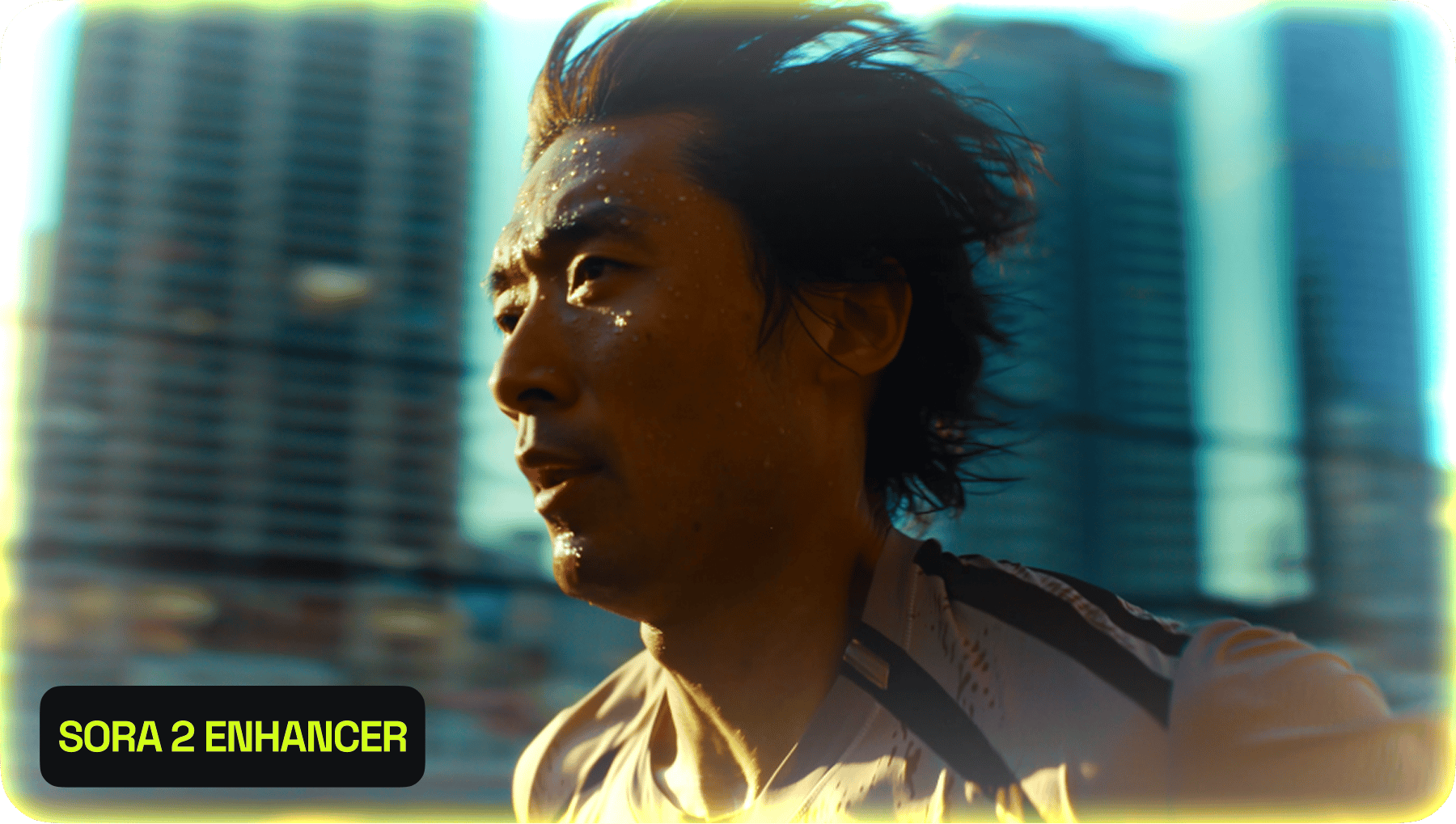
This guide explains why other AI-generated videos often fall short and shows you how to use Sora 2 Enhancer as the ultimate finishing tool for high quality.

The Unique Flaws of AI-Generated Video

Many AI video models, especially faster or more experimental ones, can produce content with specific visual issues that don't appear in traditional camera footage. These often include:

  • Temporal Instability & Flickering: The most common problem, where details or textures seem to "shimmer" or change inconsistently from one frame to the next.

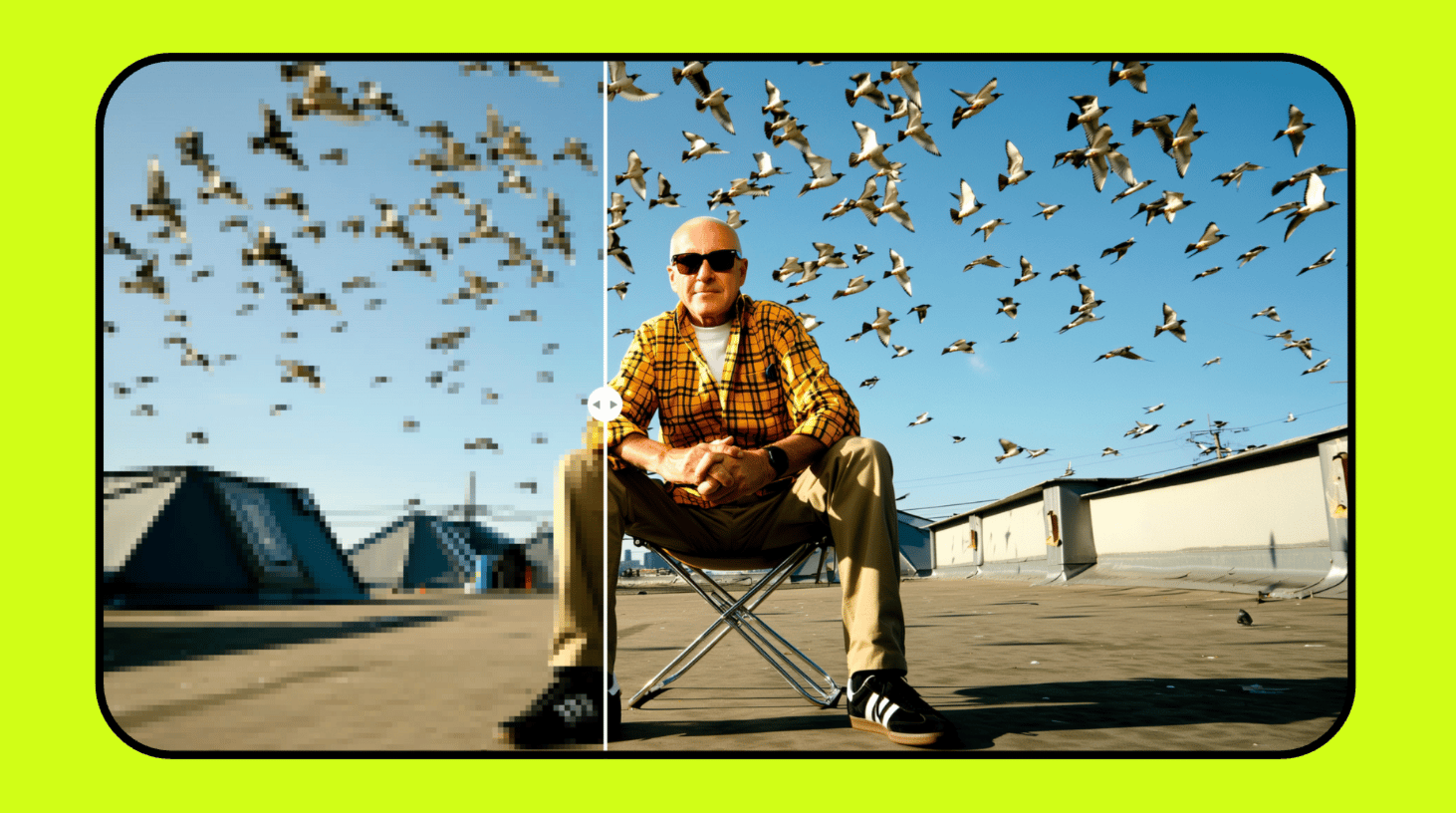
  • Low Resolution & Compression: Many tools output video in lower resolutions (720p or less) that look blurry on modern HD displays.

  • Motion Artifacts: Unnatural blurs or glitches that appear during fast or complex movements.

Simply upscaling this footage often just magnifies the problems. To truly fix it, you need a tool that understands and is trained to correct these specific AI-generated flaws.

How Sora 2 Enhancer is Built for This Task?

Sora 2 Enhancer with Deflickering: Unlike a standard upscaler, the Enhancer is specifically trained to identify and eliminate the frame instability and flicker that are characteristic of AI-generated video. It analyzes the motion across frames to create a smooth, stable, and visually coherent result.

Case Study 1:

  • The Input Generated Video: A grainy, shaky, and distant video clip. This ad for begins with cinematic interior shots of a woman driving along a scenic coast at sunset. A sequence of elegant close-ups gives way to a sweeping exterior shot, revealing the car's full silhouette in motion against the horizon. The video concludes with the brand's final call to action appearing on screen.
Your browser does not support the video.
sora 2 max video
  • The Challenge: To recreate the sense of movement and scale with believable physical realism and high fidelity.

  • Quality Recreation: Upload the blurry clip to Sora 2 Enhancer to recreate this scene as highly realistic & cinematic.

Your browser does not support the video.
sora 2 max video

Case Study 2:

  • The Input Generated Video: A middle-aged man sits in his parked car at dusk, rain streaking down the windows, city lights glowing in the distance. He’s holding a photograph, lost in thought. The camera slowly pushes in through the windshield, capturing the reflections of neon signs across his face.

    Style: cinematic realism, muted tones, warm reflections, soft raindrop bokeh.

    Tone: melancholic, introspective.

Your browser does not support the video.
Sora 2 MAX
  • The Improved Quality Output: Slow camera moves are saved & rain drops are visually seen after generation

Your browser does not support the video.
Sora 2 MAX

Case Study 3:

  • The Input Generated Video: Two people sit across from each other in a quiet diner at 2 a.m., neon lights from outside painting their faces pink and blue. One laughs softly while the other stirs their coffee, trying not to smile.

    Style: 35mm lens bokeh, cinematic intimacy, subtle reflections on glass.

    Tone: bittersweet, intimate realism.

Your browser does not support the video.
SORA 2 MAX

  • The Improved Quality Output:

  • Your browser does not support the video.
    SORA 2 MAX

    These case studies illustrate that Sora 2 Enhancer powered by Higgsfield functions as reliable recreation engine for professional workflows. The model demonstrates a consistent ability to interpret degraded videos to generate high-fidelity, stylistically coherent output. Its capacity to accurately render specified details, such as slow camera movements and environmental effects, confirm their utility for producing predictable, high-quality video assets, providing an efficient method for translating creative briefs into production-ready content.

    Turn AI Videos Into HD

    Try Now!
    Mariam Barova

    by Mariam Barova

    Share article

    Discover more

    post preview

    Higgsfield Enhancer & Sora 2 MAX: A Guide to Cinematic Quality Videos

    post preview

    Keep Memories Alive: Upgrade the Quality of Old Videos using Higgsfield Upscale

    post preview

    SORA 2 Prompt Guide: How to Create Viral Videos Like a Pro