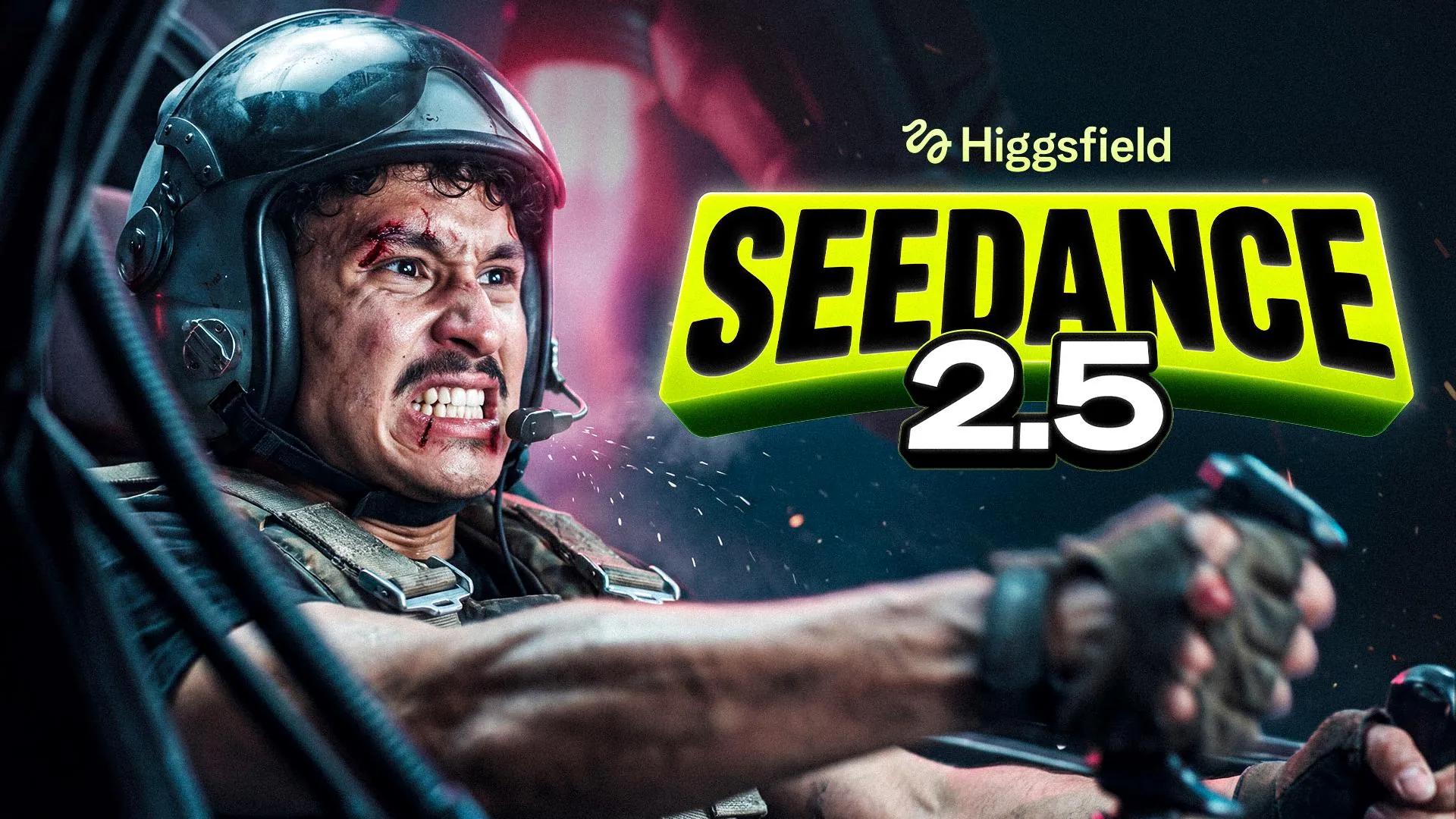
Seedance 2.0 AI Video Generator for Native 4K Scenes
Turn text prompts, images, video clips, and audio references into cinematic scenes with Seedance 2.0. Generate videos from 4 to 15 seconds with native audio, flexible aspect ratios, and resolutions up to 4K.
Use these prompts as starting points for your own videos. Adjust the subject, setting, action, camera direction, and sound details to guide each generation.
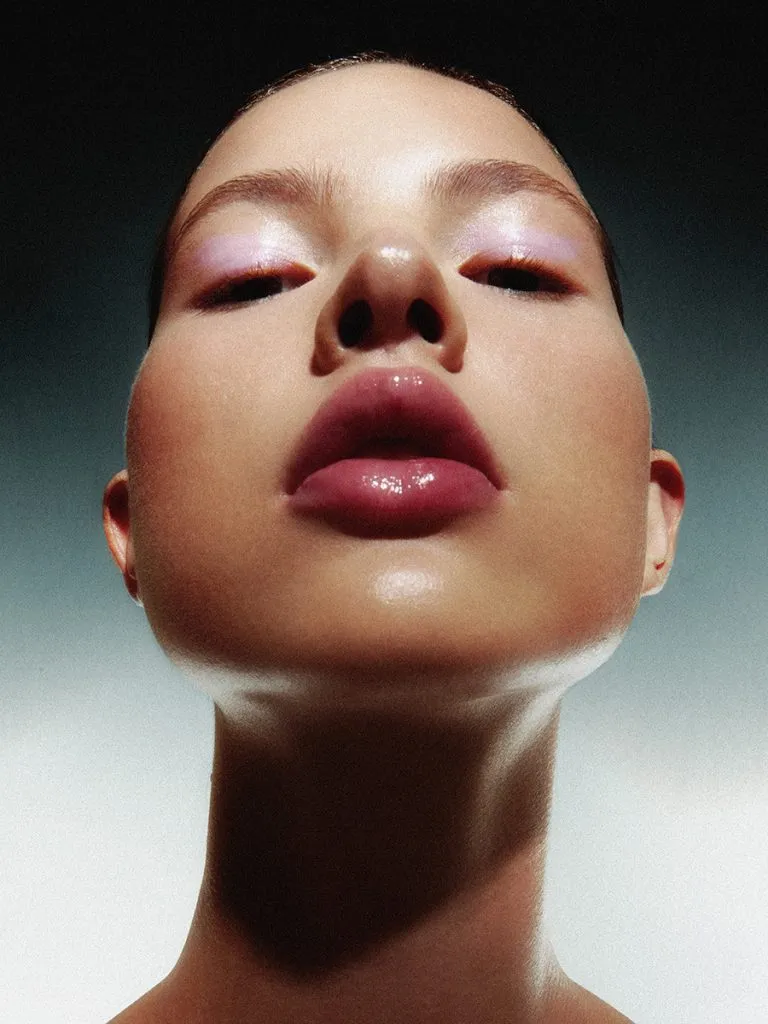
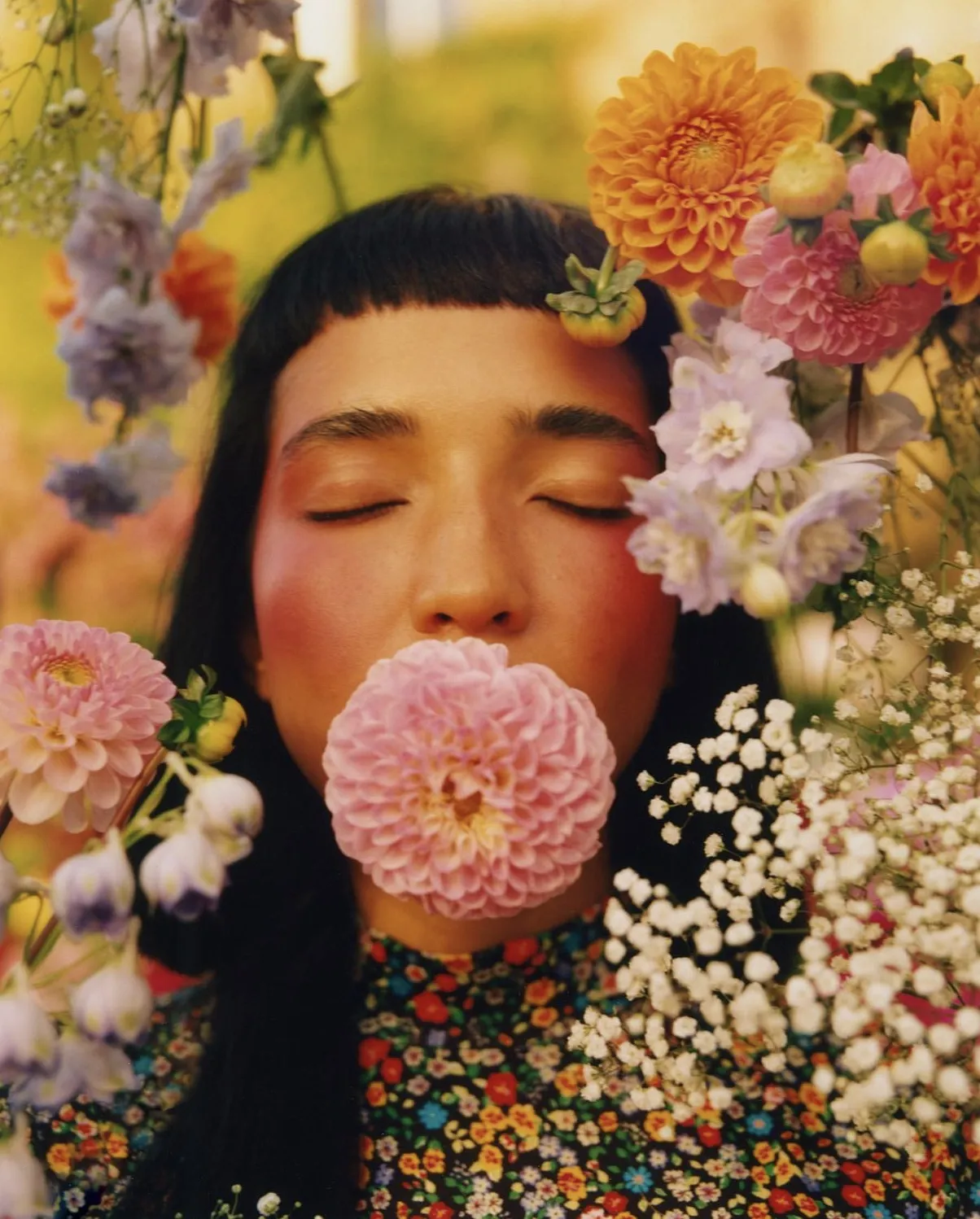
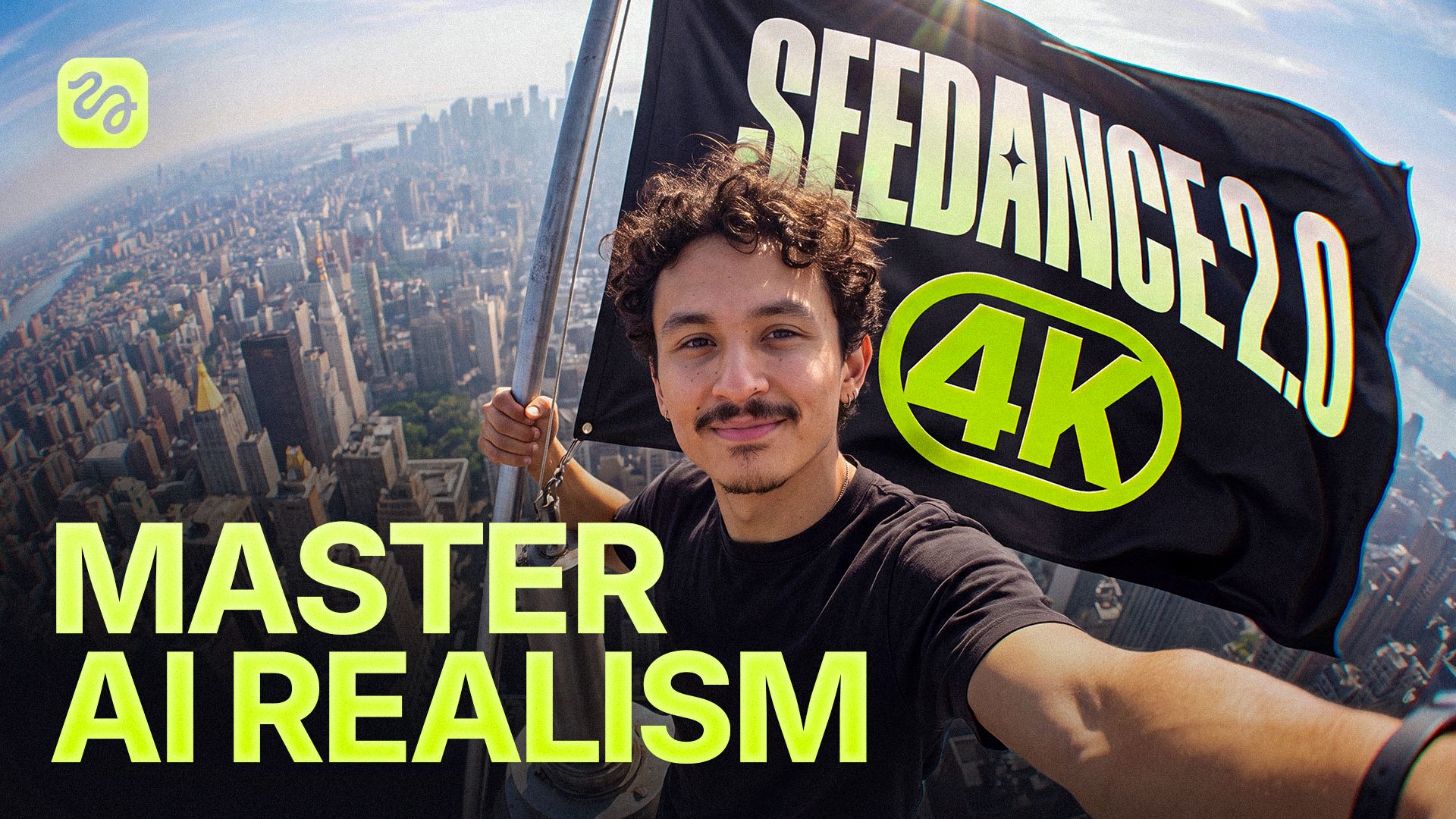
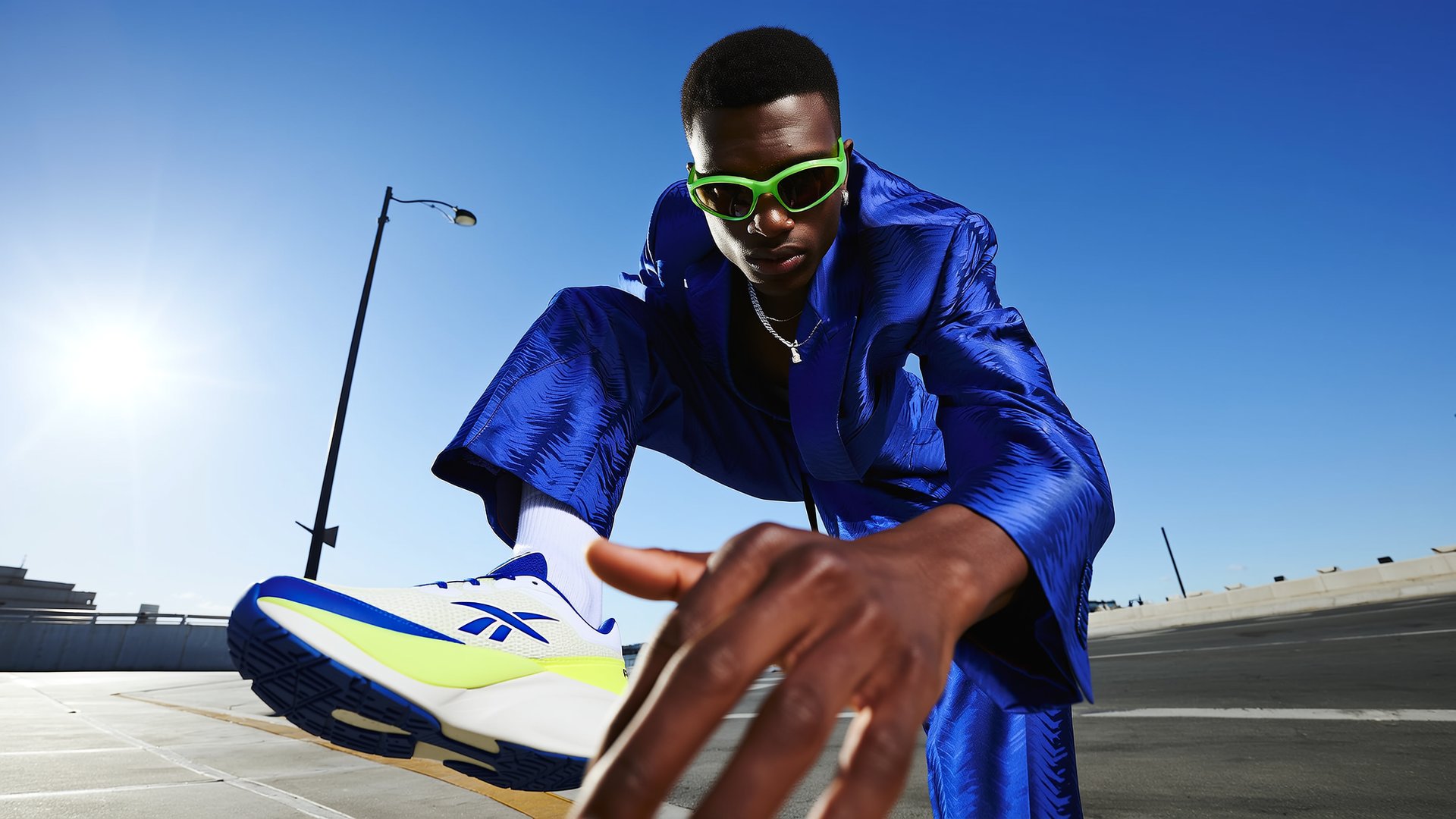
Built for 4K, made for Everything. From ads to short films, social, and e-commerce - native 4K delivers broadcast-ready detail in every frame.
Handheld medium close-up at golden hour. A young woman with long pastel-pink hair and thin rectangular glasses glances back over her shoulder at the camera, soft smile. Old Shanghai street corner behind her: red brick facades, Chinese signage, zebra crossings, warm backlight, shallow depth of field, filmic vlog look.
Seedance 2.0 4K example 2
Prompt
Cinematic shot in near-Earth space, a sleek fighter jet banking against the darkness, star streaks behind it, Earth's dark ocean and clouds far below, cold rim light on the fuselage, canopy reflections, deep contrast.
Seedance 2.0 4K example 3
Prompt
Wide symmetrical shot. A dancer with bleach-blond hair and futuristic sunglasses stands center frame, arms spread wide, mouth open mid-shout. Blue fitted tee over black long sleeves, baggy grey jeans. Behind him a trapezoid portal of horizontal white light panels, everything else pitch black. Pale blue reflective floor, high contrast, clean studio look.
How to Generate a Video with Seedance 2.0 in Higgsfield
Create videos with Seedance 2.0 using text prompts, images, video clips, or audio references. Choose from presets for camera movement, framing, and VFX, or use the General preset for manual control.
Add Media and Describe Your Scene
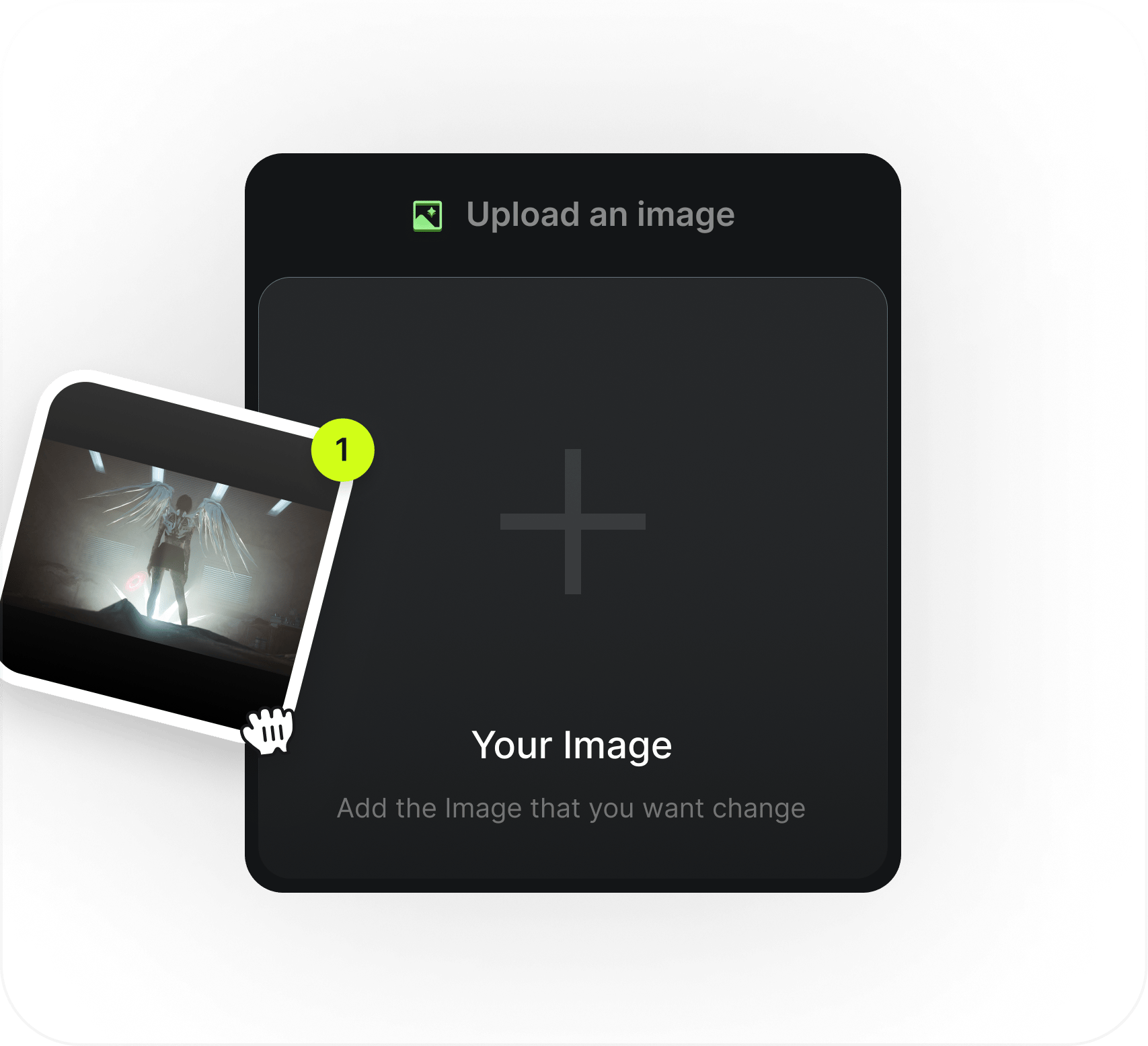
Step 1
Add Media and Describe Your Scene
Upload an image, video, or audio clip to guide the generation. In the prompt, describe the subject, setting, action, and movement you want.
Choose a Preset
Step 2
Choose a Preset
Select from presets for camera control, framing, and VFX. Choose the General preset when you want manual control over the scene.
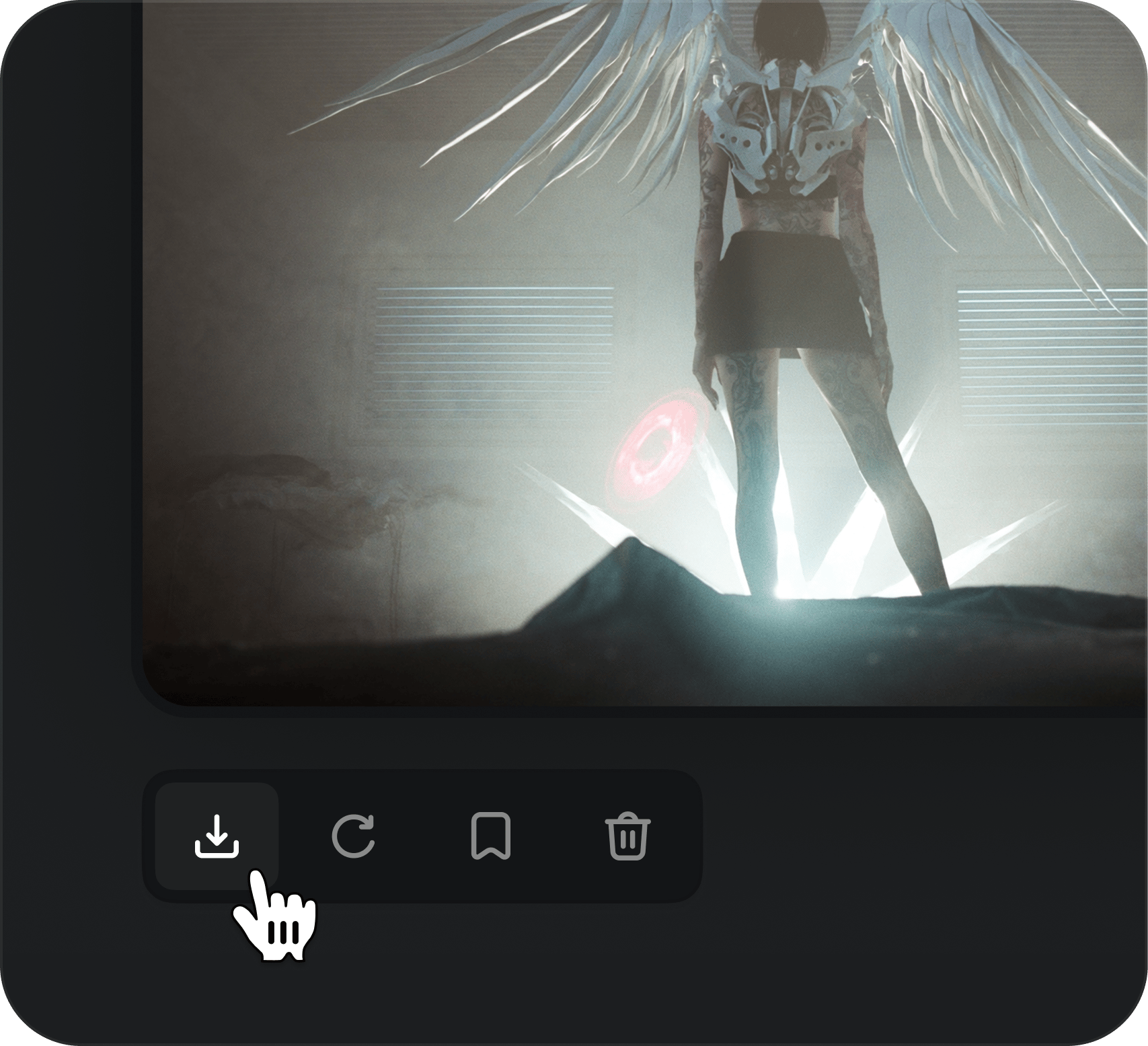
Set Your Options and Generate
Step 3
Set Your Options and Generate
Choose a duration from 4 to 15 seconds and a resolution up to 4K. Set audio as needed, then generate your Seedance 2.0 video.
What Can You Create with the Seedance 2.0 AI Video Generator?
Explore Seedance 2.0 videos in Higgsfield for storytelling, campaigns, product ads, action concepts, and social content. Start with a prompt or add image, video, and audio references, then generate a clip with audio.
Cinema feature preview
Short Films and Cinematic Storytelling
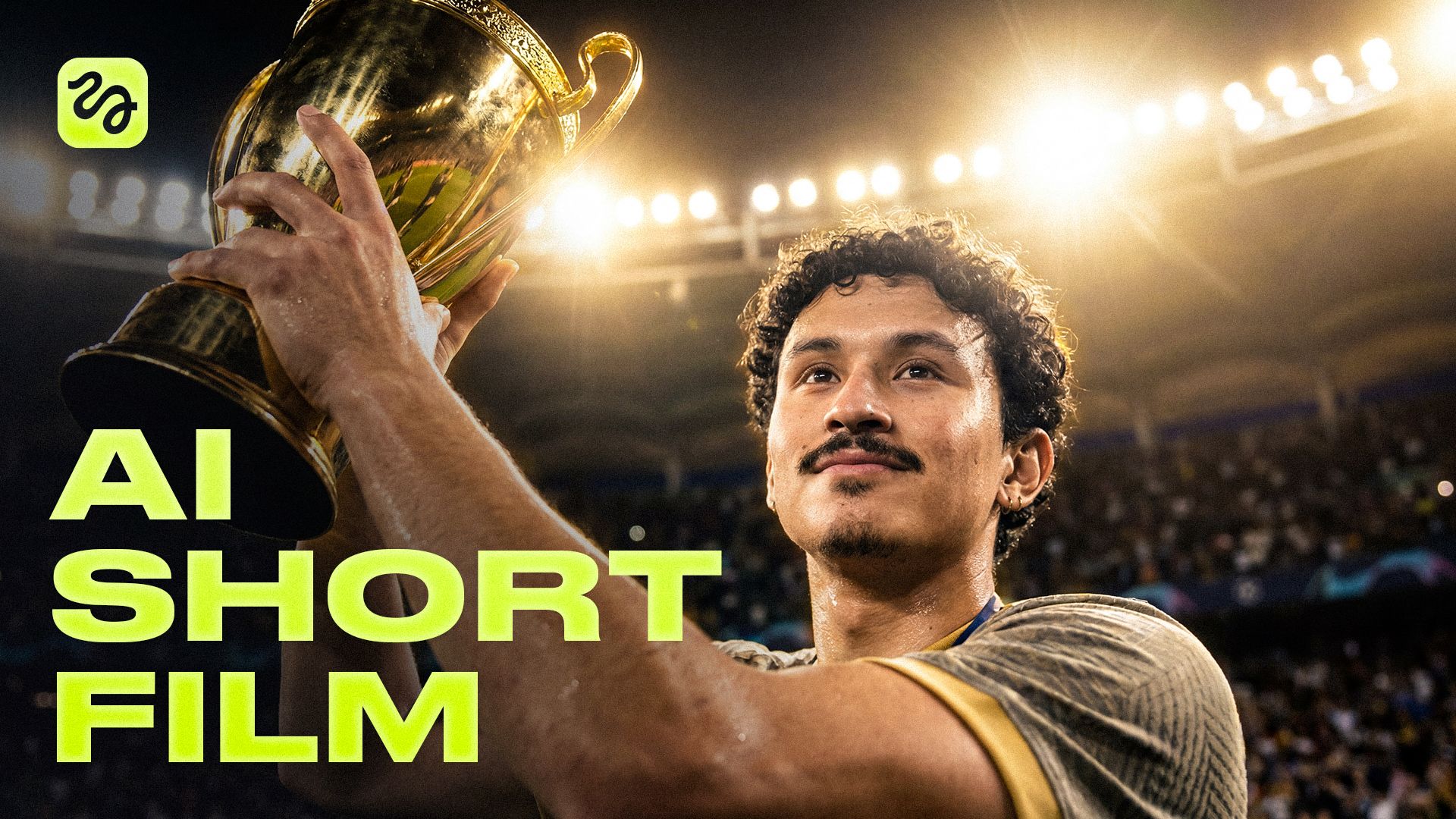
For independent filmmakers, writers, and music-video creators, Seedance 2.0 can help develop a scene from a prompt and visual or audio references. Generate a short cinematic clip to explore a mood, character moment, or story beat before shaping it into a larger edit.
Cinema feature preview
Brand Campaign Videos
For in-house marketing teams and agencies, turn a campaign concept into short video content for product launches, seasonal promotions, or brand storytelling. Add visual references to inform the look, then choose an aspect ratio and resolution for the intended placement.
Cinema feature preview
Product Videos and AI Video Ads
For ecommerce teams and performance marketers, use a product image as a reference for a concise video ad concept. Describe the setting, action, and mood, then generate a clip for a product showcase or paid social creative test.
Cinema feature preview
Action and VFX Concepts
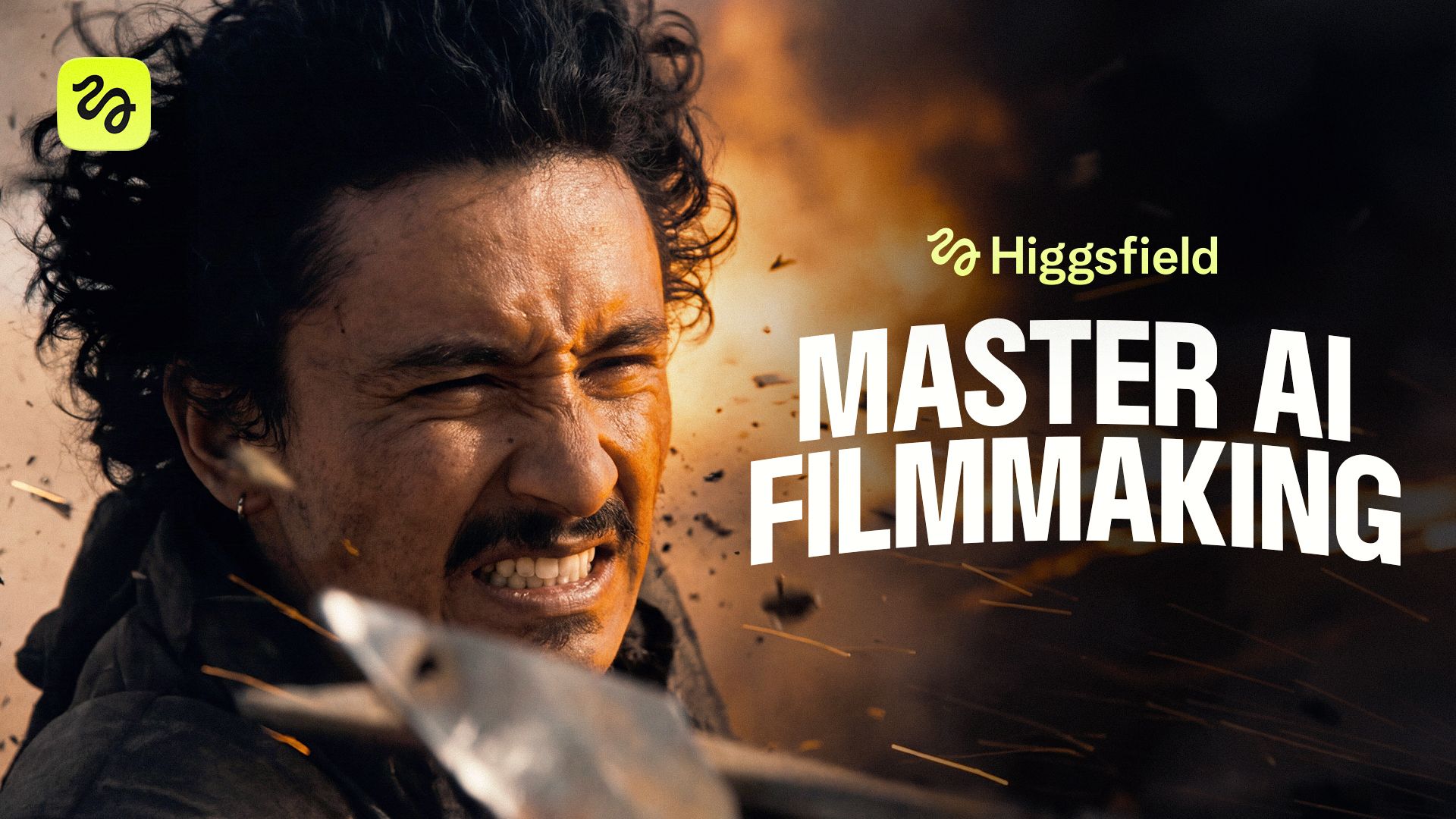
For filmmakers and VFX artists, use Seedance 2.0 to explore action ideas and stylized effects in short video clips. Describe the movement and atmosphere, or add a video reference to inform the scene. Use the result to develop a visual concept or previsualize a moment.
Cinema feature preview
Social Videos and UGC Concepts
For social media creators, small businesses, and content teams, create short vertical videos for Reels, TikTok, and Shorts. Start with a prompt or references, choose a 9:16 aspect ratio, and generate a clip with audio for a product moment, social hook, or UGC-style concept.
Seedance 2.0 vs. Seedance 2.5
Explore the difference between Seedance 2.0 and Seedance 2.5 to find the best solution for your next video generation.
Longer clips, more references, and region-level edits
Resolution
480p, 720p, 1080p, or 4K
480p, 720p, 1080p, or 4K
Video length
From 4 to 15 seconds
Up to 30 seconds
References per generation
Up to 9 images, 3 video clips, and 3 audio clips; video and audio references combined can total up to 15 seconds
Up to 50 references
Aspect ratios
From vertical 9:16 to widescreen 21:9
From vertical 9:16 to widescreen 21:9
Audio
Native audio generated with the video
Native audio generated with the video
Other capabilities
—
Region-level edits through Seedance 2.5 Edit
Explore Seedance 2.0 AI Video Generation
Seedance 2.0 can draw on a broader creative brief than a text prompt alone. Explore how its multimodal inputs, multi-shot generation, and audio capabilities can shape a video.
Edit and Refine
Generate Videos from Text and References
Start with a text prompt and add image, video, or audio references to give the scene more context. A single generation can include up to 9 images, 3 video clips, and 3 audio clips, with video and audio references totaling up to 15 seconds.
Edit and Refine
Create Multi-Shot Scenes
Describe a short sequence with several moments to generate a multi-shot Seedance 2.0 video. This lets you develop a scene with more progression than a single shot.
Edit and Refine
Generate Audio with Your Video
Seedance 2.0 generates audio alongside the video in the same process. Audio clips can also be used as references to inform the scene’s sound.
Edit and Refine
Choose Native 4K Output
Generate Seedance 2.0 videos at 480p, 720p, 1080p, or 4K. Choose 4K when high resolution and fine visual detail matter for your project.
Community over 40 MILLION USERS
Join a global creative network where people generate AI images, share ideas, and inspire each other every day.
A
Alexandre
I've been using Higgsfield for my creative work for a while now and, honestly, it's one of the best platforms out there - the tools are powerful and the results speak for themselves. But what made me write this was the support. I had a question about my credits, and Tim handled everything with a transparency and care you rarely see.
S
Spock
Im a new customer of Higgsfield and enjoying it! I'm making some cool videos. I look forward to the advances on the platform! Oh, the support service is excellent!
R
Rha
Higgsfield A.I. has been the best and most exciting tool I've used since I first started editing back in 2008! I still can't believe we live in a time where we can type a sentence; prompt, on one end and get a blockbuster video that comes out on the other end! The site can feel overwhelming at times, but in a good way.
AS
Akun Suliman
I am an Indonesian content creator based on my experience, I feel helped by the presence of this AI Agent higgsfield I say honestly and swear also thank you.. Because AI Agent Higgsfield has helped a lot, especially for creators in the form of our full support to create. In addition to this support, there are many other supports that are very helpful, especially the Higgsfield team
SJ
Shatanu Jachak
What Higgsfield is doing really well is making high-quality AI creation feel smooth, fast, and inspiring. I also appreciate how the company supports its creative community and gives artists the freedom to experiment, grow, and push visual storytelling to the next level.
FM
Freissy Mediaart
The user interface (UI) is highly intuitive and beginner-friendly. Additionally, the cloud rendering speed for generating both images and videos is exceptionally fast, and the AI tools menu is very well-organized. I have completed numerous projects using Higgsfield, and every single one of them turned out perfectly.
LE
Ls estúdios
For a long time, I have seen it as a useful and well-optimized tool, designed to help creators in the best possible way. I like that it constantly introduces updates and interesting features that improve the experience. That is why it has always been a platform that has caught my attention and that I have enjoyed using compared to others.
RR
Rian Rizky Ananta
Honestly one of the best AI creative platforms out there. The credit pricing is surprisingly affordable compared to similar platforms, and what impresses me most is how consistently they keep shipping new features. You can tell the team actually listens and keeps pushing the product forward.
DD
Deyo D
The Most Powerful AI Creative Platform for Creators. What impressed me the most is the level of support around the creator program. The team is helpful, professional, and always there when you need assistance or have questions. It really feels like they care about creators and want to help them grow.
A
Alexandre
I've been using Higgsfield for my creative work for a while now and, honestly, it's one of the best platforms out there - the tools are powerful and the results speak for themselves. But what made me write this was the support. I had a question about my credits, and Tim handled everything with a transparency and care you rarely see.
S
Spock
Im a new customer of Higgsfield and enjoying it! I'm making some cool videos. I look forward to the advances on the platform! Oh, the support service is excellent!
R
Rha
Higgsfield A.I. has been the best and most exciting tool I've used since I first started editing back in 2008! I still can't believe we live in a time where we can type a sentence; prompt, on one end and get a blockbuster video that comes out on the other end! The site can feel overwhelming at times, but in a good way.
AS
Akun Suliman
I am an Indonesian content creator based on my experience, I feel helped by the presence of this AI Agent higgsfield I say honestly and swear also thank you.. Because AI Agent Higgsfield has helped a lot, especially for creators in the form of our full support to create. In addition to this support, there are many other supports that are very helpful, especially the Higgsfield team
SJ
Shatanu Jachak
What Higgsfield is doing really well is making high-quality AI creation feel smooth, fast, and inspiring. I also appreciate how the company supports its creative community and gives artists the freedom to experiment, grow, and push visual storytelling to the next level.
FM
Freissy Mediaart
The user interface (UI) is highly intuitive and beginner-friendly. Additionally, the cloud rendering speed for generating both images and videos is exceptionally fast, and the AI tools menu is very well-organized. I have completed numerous projects using Higgsfield, and every single one of them turned out perfectly.
LE
Ls estúdios
For a long time, I have seen it as a useful and well-optimized tool, designed to help creators in the best possible way. I like that it constantly introduces updates and interesting features that improve the experience. That is why it has always been a platform that has caught my attention and that I have enjoyed using compared to others.
RR
Rian Rizky Ananta
Honestly one of the best AI creative platforms out there. The credit pricing is surprisingly affordable compared to similar platforms, and what impresses me most is how consistently they keep shipping new features. You can tell the team actually listens and keeps pushing the product forward.
DD
Deyo D
The Most Powerful AI Creative Platform for Creators. What impressed me the most is the level of support around the creator program. The team is helpful, professional, and always there when you need assistance or have questions. It really feels like they care about creators and want to help them grow.
A
Alexandre
I've been using Higgsfield for my creative work for a while now and, honestly, it's one of the best platforms out there - the tools are powerful and the results speak for themselves. But what made me write this was the support. I had a question about my credits, and Tim handled everything with a transparency and care you rarely see.
S
Spock
Im a new customer of Higgsfield and enjoying it! I'm making some cool videos. I look forward to the advances on the platform! Oh, the support service is excellent!
R
Rha
Higgsfield A.I. has been the best and most exciting tool I've used since I first started editing back in 2008! I still can't believe we live in a time where we can type a sentence; prompt, on one end and get a blockbuster video that comes out on the other end! The site can feel overwhelming at times, but in a good way.
AS
Akun Suliman
I am an Indonesian content creator based on my experience, I feel helped by the presence of this AI Agent higgsfield I say honestly and swear also thank you.. Because AI Agent Higgsfield has helped a lot, especially for creators in the form of our full support to create. In addition to this support, there are many other supports that are very helpful, especially the Higgsfield team
SJ
Shatanu Jachak
What Higgsfield is doing really well is making high-quality AI creation feel smooth, fast, and inspiring. I also appreciate how the company supports its creative community and gives artists the freedom to experiment, grow, and push visual storytelling to the next level.
FM
Freissy Mediaart
The user interface (UI) is highly intuitive and beginner-friendly. Additionally, the cloud rendering speed for generating both images and videos is exceptionally fast, and the AI tools menu is very well-organized. I have completed numerous projects using Higgsfield, and every single one of them turned out perfectly.
LE
Ls estúdios
For a long time, I have seen it as a useful and well-optimized tool, designed to help creators in the best possible way. I like that it constantly introduces updates and interesting features that improve the experience. That is why it has always been a platform that has caught my attention and that I have enjoyed using compared to others.
RR
Rian Rizky Ananta
Honestly one of the best AI creative platforms out there. The credit pricing is surprisingly affordable compared to similar platforms, and what impresses me most is how consistently they keep shipping new features. You can tell the team actually listens and keeps pushing the product forward.
DD
Deyo D
The Most Powerful AI Creative Platform for Creators. What impressed me the most is the level of support around the creator program. The team is helpful, professional, and always there when you need assistance or have questions. It really feels like they care about creators and want to help them grow.
Trusted by 40M+ users worldwide
Seedance 2.0 AI on Higgsfield
Give Your Next Idea the Cinematic Treatment
Create cinematic multi-shot videos with native audio, camera presets, and multimodal inputs.
Get access to more generations and priority access to new features
Frequently Asked Questions
We’ve answered the most frequently asked questions
What is Seedance 2.0?
Seedance 2.0 is ByteDance’s AI video generation model. On Higgsfield, you can use text, images, video clips, and audio clips as references to generate video with audio.
How do I access Seedance 2.0 on Higgsfield?
Select Seedance 2.0 in Higgsfield’s AI video generator. Generations use credits, and the cost is shown before you generate.
Is Seedance 2.0 free?
No. Seedance 2.0 uses credits. New accounts get 10 free credits once at sign-up to try Higgsfield, but a Seedance 2.0 video needs more than that. For regular use, see the plans.
What inputs does Seedance 2.0 support?
You can use a text prompt with up to 9 images, 3 video clips, and 3 audio clips in one generation. Video and audio references can total up to 15 seconds combined.
What can I create with Seedance 2.0?
Create short films, music videos, campaign content, product ads, action concepts, and social videos. Use a prompt or add references to guide the scene.
Does Seedance 2.0 generate audio?
Yes. Seedance 2.0 generates audio with the video.
How long can Seedance 2.0 videos be?
You can generate videos from 4 to 15 seconds long.
Can I maintain character consistency across multiple shots?
Yes. Reference images can help maintain a character's appearance in Seedance 2.0, though results may vary. To reuse a character across generations, save it as an Element and use it as a reference in supported workflows.
What resolutions and aspect ratios does Seedance 2.0 support?
Choose 480p, 720p, 1080p, or 4K. Aspect ratios include Auto, 16:9, 9:16, 4:3, 3:4, 1:1, and 21:9.
Seedance 2.0 vs. Seedance 2.5: which should I use?
Both models support 4K. Choose Seedance 2.0 for videos up to 15 seconds, with up to 9 images, 3 video clips, and 3 audio clips as references; video and audio references can total up to 15 seconds. Choose Seedance 2.5 for videos up to 30 seconds, up to 50 references, and region-level edits.
Do I need video editing experience to use Seedance 2.0?
No. Describe the scene in a prompt and add references if you have them. Choose from presets for camera control, framing, and VFX, or use the General preset for manual control.
Get the insights you need. Our experts share actionable hacks, break down the hottest topics, and provide essential how-to guides to help you build, optimize, and scale.