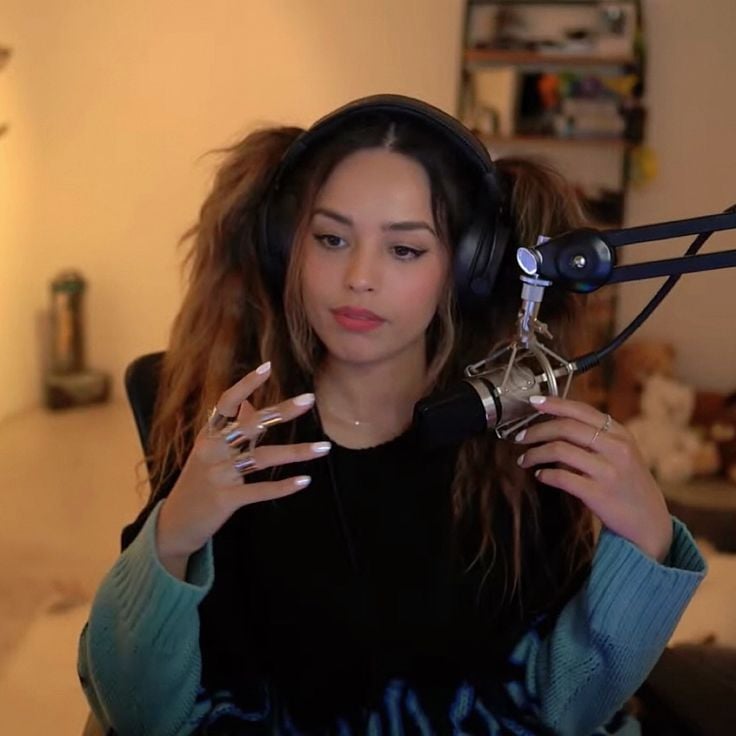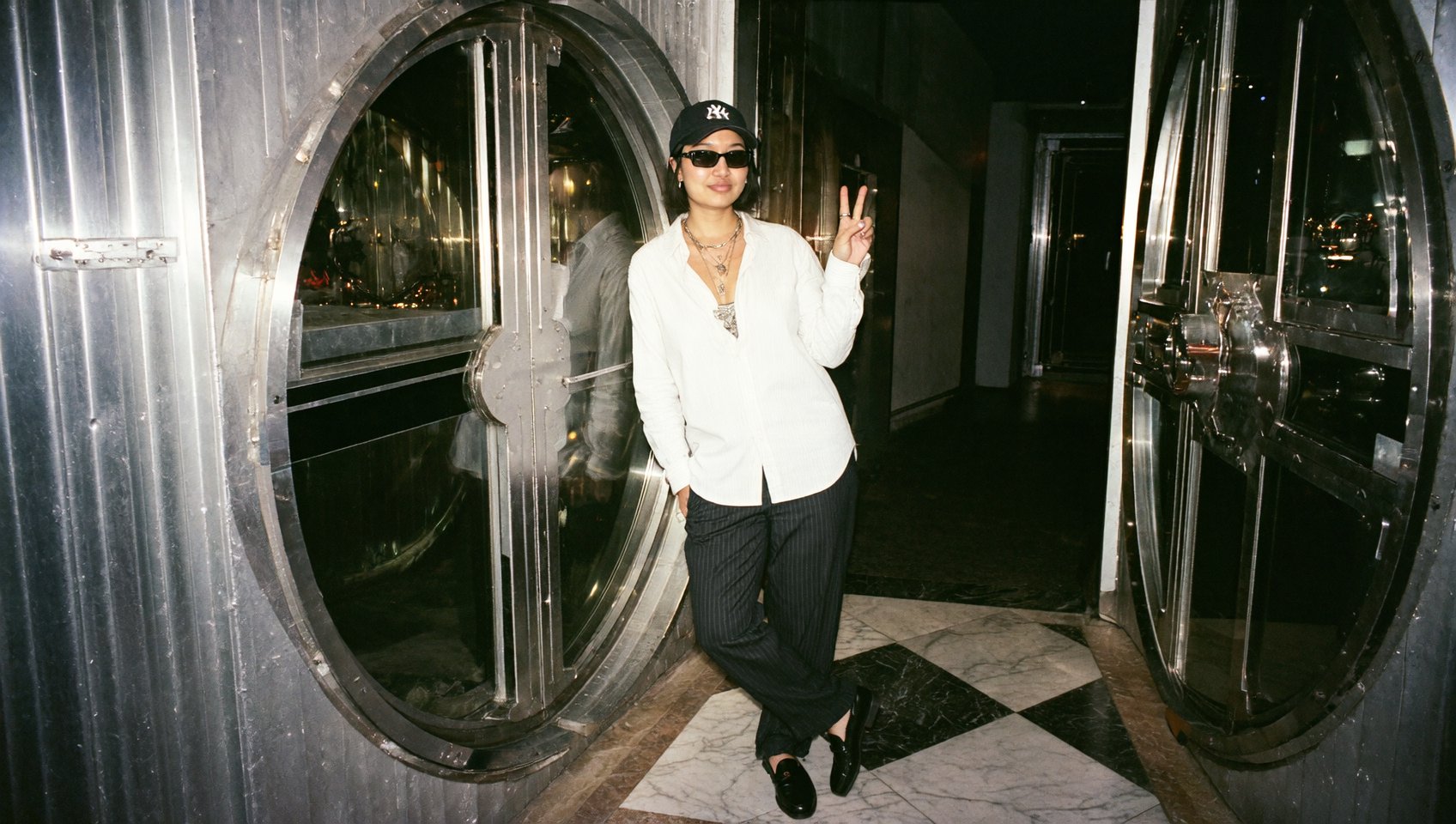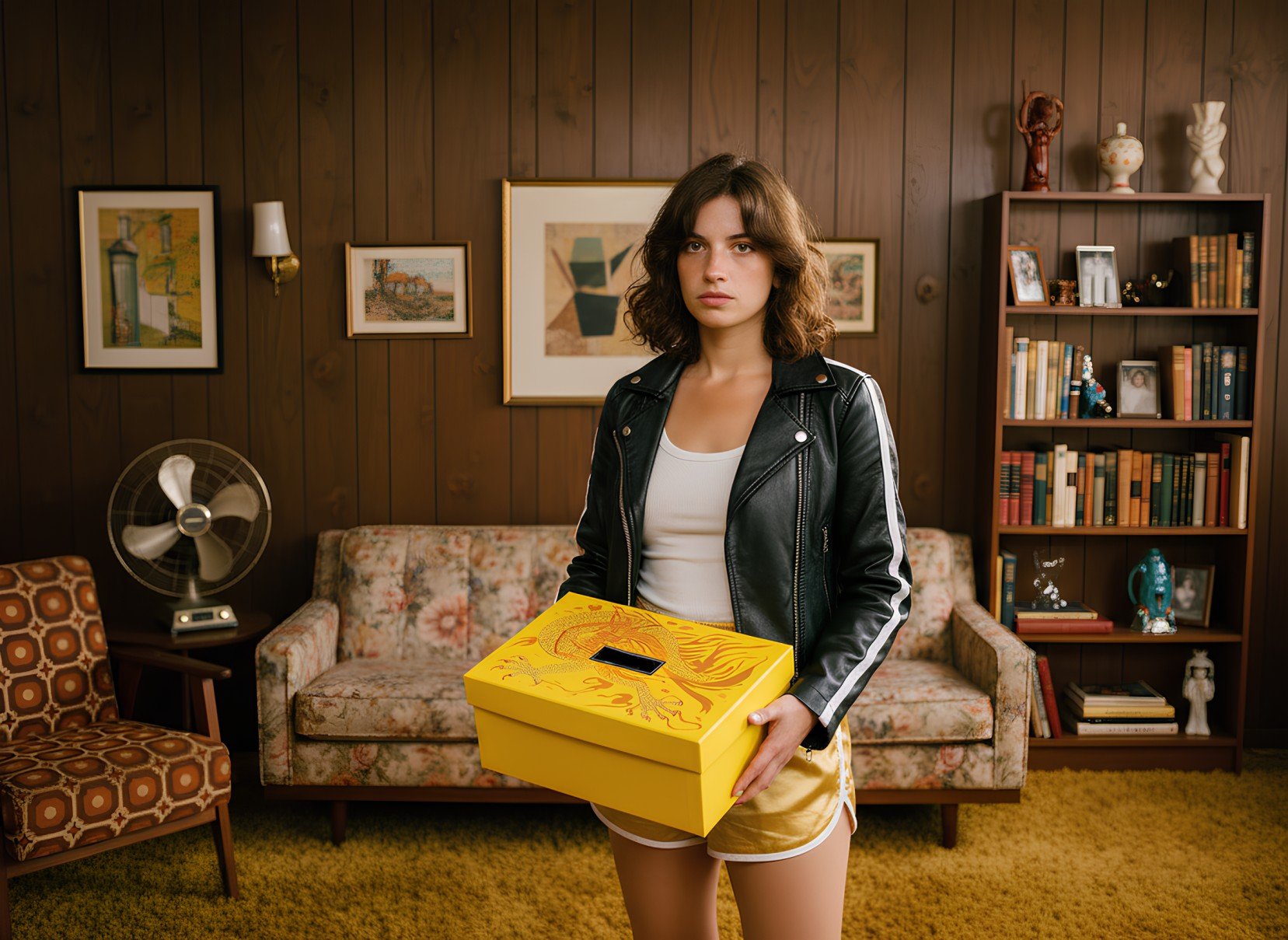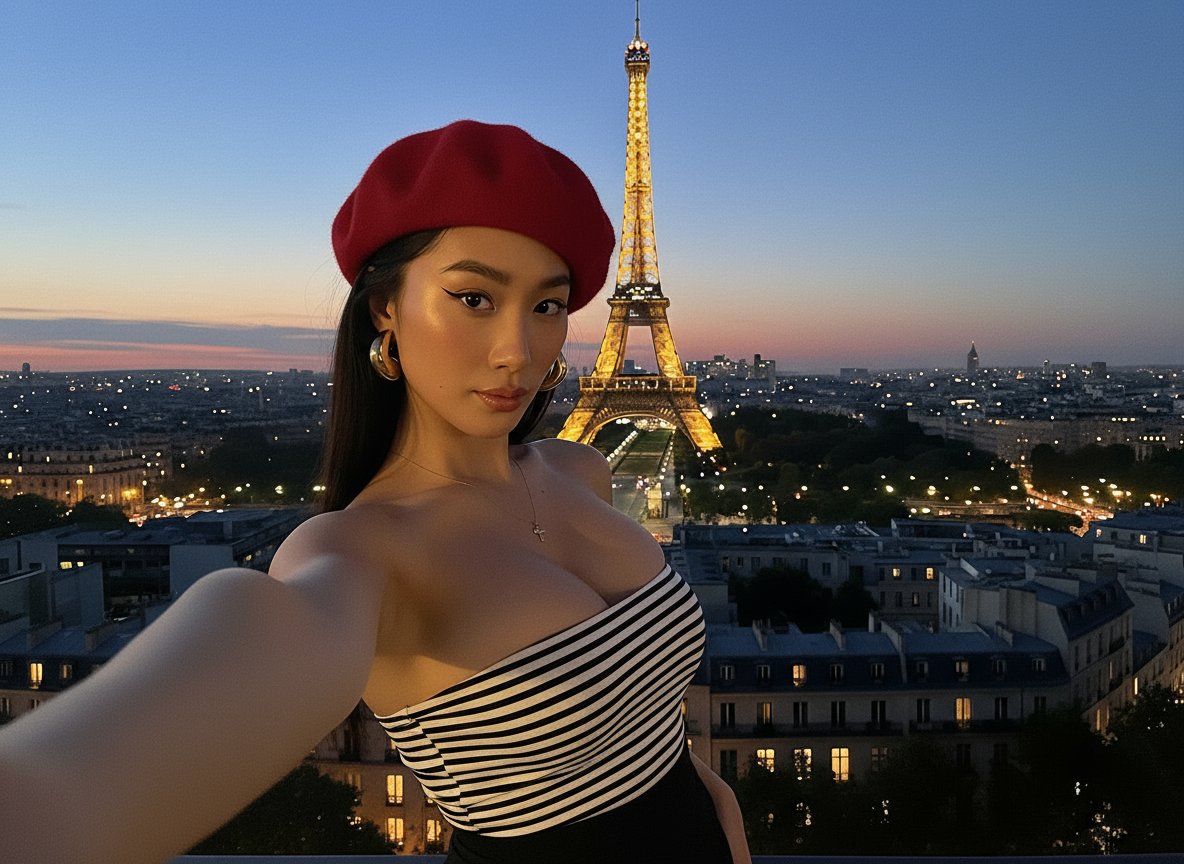
Ads of the Future: Higgsfield Ads 2.0
UPDATED! 4 New ASMR Presets! Check the guide's Part 2.
Product placement has finally been solved by Higgsfield.
Introducing Higgsfield Ads 2.0 — your entire production, marketing, and creative team compressed into a single Mini App inside Higgsfield.
With Unlimited Kling and Unlimited Nano Banana for 365 days, Higgsfield unlocks your path to becoming a solo entrepreneur with a solo subscription.
Be your own CEO — let Higgsfield power your path.
Part 1. How to Ace Product Placement with Ads 2.0
1. Go to: https://higgsfield.ai/apps
2. Choose an Ad Preset
We’ve designed a set of ready-made ad presets — optimized for high-performing, studio-grade content.
Select the one that matches your campaign style (rotating product shot, lifestyle showcase, cinematic highlight, etc.)
3. Upload Your Product Image
Upload a clear, high-resolution image of your product.
Make sure the product is fully visible and the image has a clear background
Note:
Avoid small or intricate texts on the product if you’re using rotating presets — tiny labels may distort in motion.
Outfit Show preset can take up to 3 images
4. Generate
Now the magic happens:
Generate Image → studio-level stills with perfect product placement
Generate Video → fully polished, ready-to-publish product ad
That’s it. You’ve just produced ad creative at the level of an entire agency — in one click.
Example input: