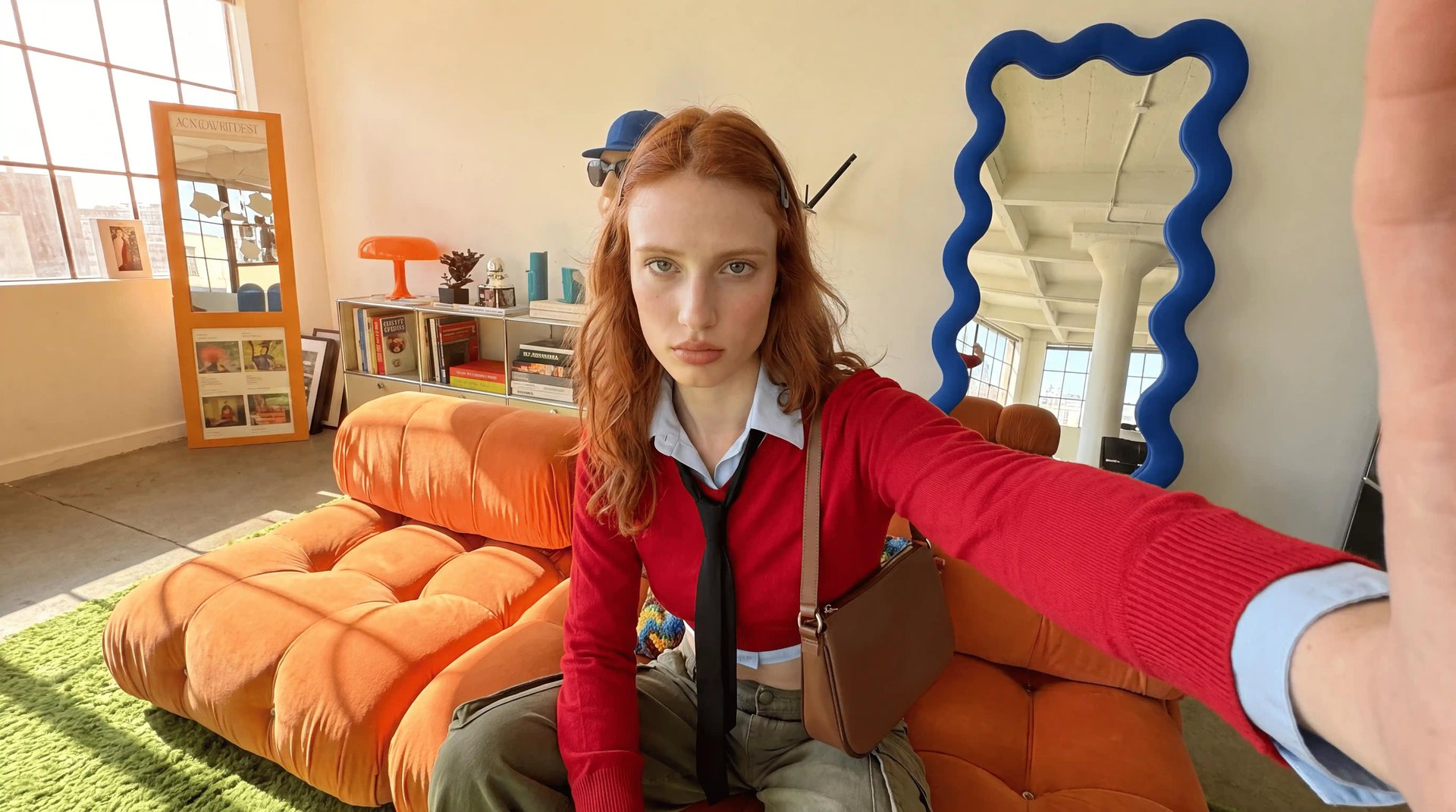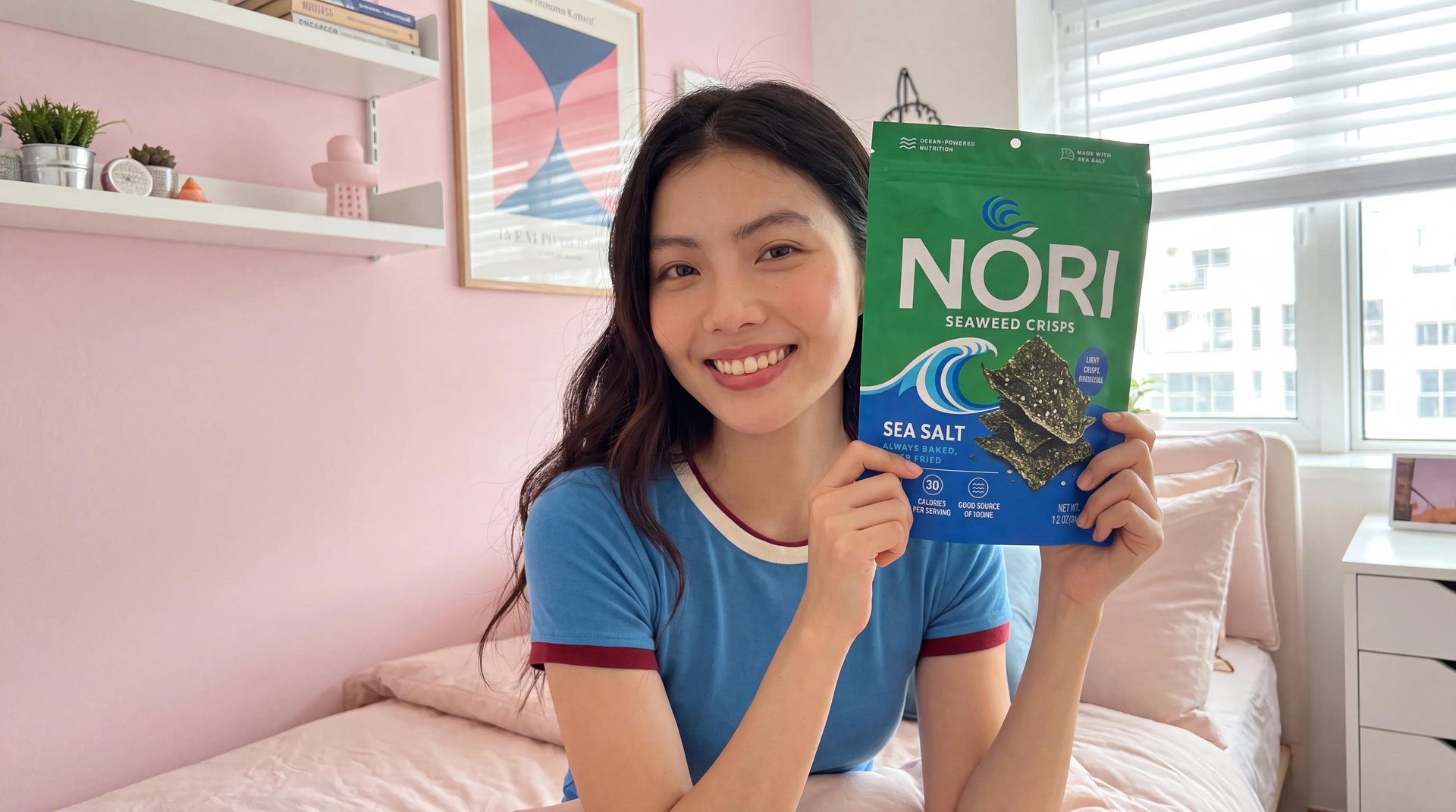
To create a product ad with AI, decide what style fits the product and where it runs. Then prepare whatever the format needs, a description, a reference image and a product link. The tool writes the script, casts a spokesperson, generates the video, and syncs audio and lip movement in one pass, no camera, no crew. Below are four step-by-step workflows, one per ad type.
How These Ads Get Made
The starting point changes depending on what you're making. A demo needs the actual product URL so the tool can pull real features and pricing into the script. A UGC-style ad often starts from nothing more than a topic and a reference video you liked. A product reveal might start from a single photo with no script at all, letting the visuals carry the whole thing. The format decision matters more than the input, because different products and different platforms call for genuinely different kinds of ads. Some need the feel of a real person talking to camera. Others need the product itself doing the talking, with no presenter in the frame.
Format | Best for |
|---|---|
UGC | Authentic creator-style content for TikTok and Meta |
Tutorial | Step-by-step feature demonstration |
Unboxing | Reveal and first-impression moment |
Product Review | Spokesperson-led review pitch |
TV Spot | Polished broadcast-style brand awareness |
Hyper Motion | High-energy, fast-cut format |
Wild Card | Experimental, unconventional creative |
UGC Virtual Try On | Creator-style try-on for apparel |
Pro Virtual Try On | Polished try-on format |
The Full Workflow Inside a Creative Suite
Marketing Studio handles the entire ad production process from one starting point: a product URL. Paste it in, and the platform extracts the images, product name, key features, and pricing directly from the page, then builds a script from that information. It generates the video from there, spokesperson included, with native audio and lip sync produced in the same pass, and exports a file ready to upload to Meta, TikTok, or wherever the ad runs.
Soul ID is what keeps the spokesperson's face consistent across every ad the brand generates. Upload 20 or more reference photos once, and the platform trains an identity model from them. Every ad generated after that uses the same face automatically, no manual adjustment needed. This is the piece that makes running one spokesperson across an entire month of creative actually work, without the face changing slightly from ad to ad.
The video generation runs on Seedance 2.0, which accepts up to 9 reference inputs in a single generation: product images, the spokesperson's face, a voice sample, and a camera style reference all at once. The model builds the scene from that material directly rather than approximating it from a text description.
Where it falls short. Marketing Studio is a web interface tool, built to be used directly rather than called programmatically. Automated pipelines that need to run without a person opening the app for every generation go through Higgsfield MCP, which connects Marketing Studio to Claude and other AI agents for workflow automation, there is no separate public API outside of that MCP connection.
Workflow 1: From Product URL to Demo Video
Tutorial and Product Review formats work best for products with a feature that genuinely needs to be shown in action rather than just described. This one starts from the product URL, since the whole point is pulling real features and specs directly into the script.
Step 1: Train a Soul ID once. Attach a Soul ID trained on a real person from 20+ reference photos before generating anything. This is the only setup step in the whole workflow that happens just once.
Step 2: Paste the product URL. The platform extracts images, name, key features, and pricing automatically.
Step 3: Review and edit the script. Adjust the angle so the demo actually highlights the feature that matters most for this specific product.
Step 4: Choose Tutorial or Product Review as the format.
Step 5: Attach the same Soul ID and generate.
Step 6: Repeat for the next SKU. Paste the next product's URL, keep the same format and spokesperson locked in, generate again. Because the Soul ID and format both stay fixed, this repeats cleanly across an entire catalog.