Marketing teams and small businesses often face the same challenge: ad production takes time.
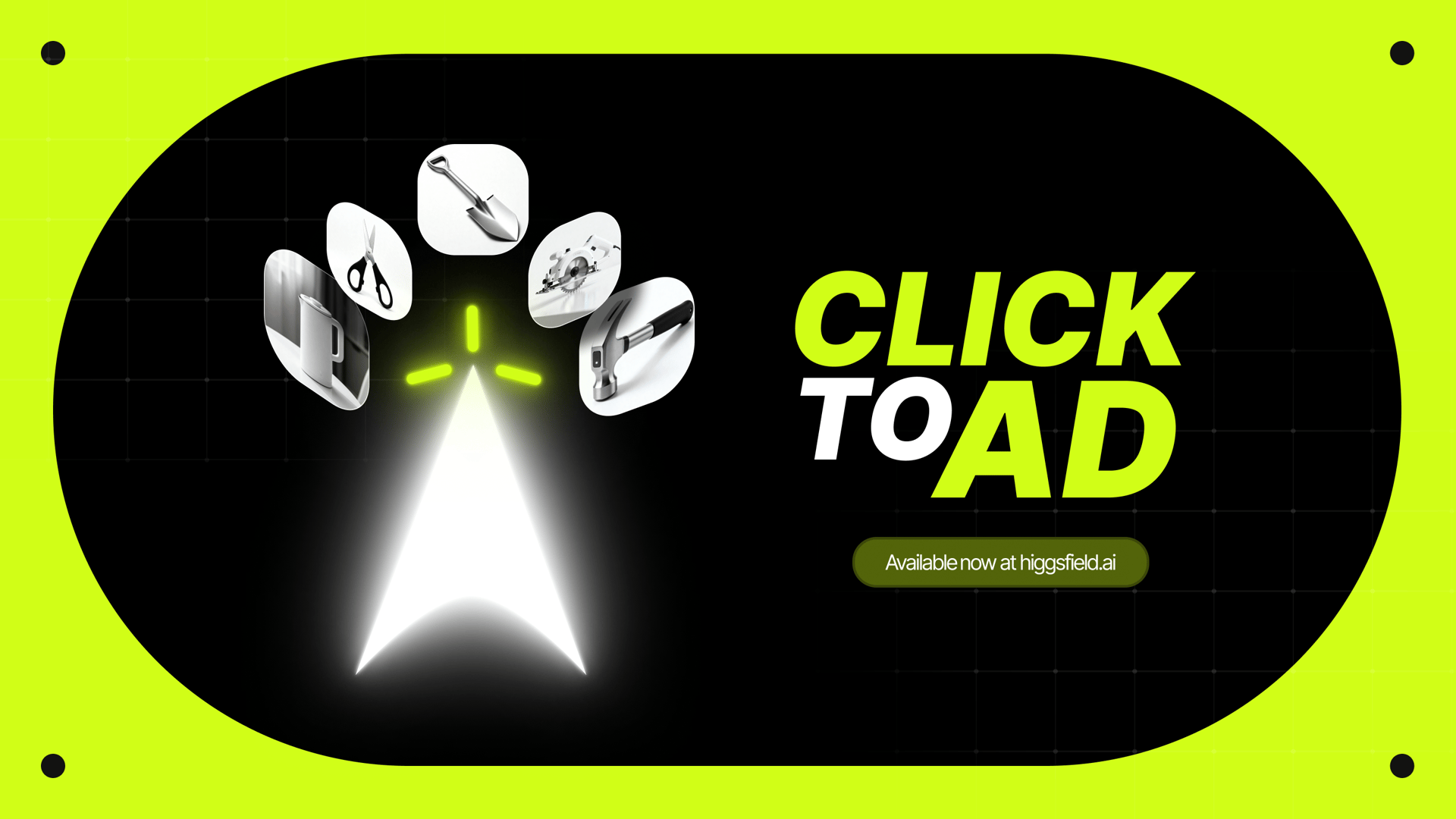
“Click-to-Ad,” a new feature inside Higgsfield, streamlines this process by building ads automatically from a single product link. Instead of preparing files and descriptions manually, the user only provides a URL.
The system then
The goal is to reduce preparation time, ensure consistency across campaigns, and allow teams to test or produce content without relying on full-scale video production.
In this guide let's break down how the feature works, what it collects, what it generates, and how to use it effectively for any type of product.
The idea is simple: a product website already contains most of the information needed for a promotional asset. By scanning the webpage, Click to Ad compiles the core elements and automatically builds a video using pre-designed templates.
Try it yourself.
Step 1: Insert a Product Link
Begin by pasting a link to the product’s webpage. This can be:
an ecommerce product page
a catalog card
a landing page with a single product
a brand website showcasing a new item
From this link, the system searches for structured information that can be used for an ad.
Step 2: Automatic Data Extraction
Once the link is provided, Click to Ad collects a set of attributes commonly used in advertising:
1. Product Name
The title pulled from the webpage helps label the item inside the ad.
2. Description
Short product descriptions, feature lists, or concise summaries are extracted to appear as text frames.
3. Up to Eight Photos
The system looks for product images. It automatically selects up to eight that are relevant and clear enough for video use.
4. Brand Colors
From the webpage design and product photography, the feature extracts dominant color palettes to style the video frames.
5. Logo
If the website contains a logo, Click to Ad can capture it. This allows brand identity to appear consistently in the final ad.
If one or several elements are missing, the user has the option to upload them manually. This flexibility ensures that a product with minimal information can still be promoted effectively.
Generating the Ad
After collecting the assets, the tool provides ten preset video templates, each with a distinct structure and pacing. These presets cover a variety of visual approaches - some minimal and text-forward, some more dynamic, others clean and brand-focused.
The user receives a completed promotional video within the workflow. This allows for fast iteration, quick testing of multiple presets, or creating multiple variants for different platforms.
A prompt field may be introduced later, but the core idea remains consistent: automated video composition based on webpage content.
Tips for Best Results
1. Pages Must Contain at Least One Product Photo
The system relies on visual data. Without at least one clear product image, it cannot build a video.
2. Photos Without People Perform Better
Images showing the product by itself produce cleaner layouts. When models appear in the image, the system may place more weight on the person than the product, which can affect clarity or emphasis in certain presets.
3. Works Best for Physical Goods
The feature currently performs well with material items such as:
Digital products can also be advertised, but the system is optimized for objects with clear shapes and angles.
4. Use High-Quality, Clean Photos
The system selects up to eight images automatically. If the webpage includes decorative pictures, icons, small thumbnails, or unrelated visuals, it may include them unless manually replaced.
Webpages using clean product galleries usually produce the strongest results.
5. Provide Pages With Clear Product Titles and Descriptions
If the page layout includes multiple text blocks, pop-ups, or non-product information, the extraction may require minor adjustments. A clearly structured product page is ideal.
A Manual Fine-Tuning Before Generation
After extraction, the user can edit the detected information:
This step allows for brand customization before the final render.
Practical Examples
When brands introduce new items, they often need a series of quick promotional videos. Click to Ad can produce multiple versions from the same webpage link, helping teams test different formats on social platforms.
Small Businesses Without Video Production Resources
For businesses without dedicated video designers or editors, creating promotional assets is often difficult. A link-based workflow allows them to generate videos using existing website content.
Marketing Teams Preparing A/B Tests
Teams often need variations of the same ad to compare performance. Since presets differ in structure and timing, it is easy to produce several styles quickly.
Agencies Working With Multiple Clients
Agencies handling many product lines can generate first-draft videos from client websites before refining or customizing them.
Catalog Updates and Seasonal Campaigns
If a brand updates photos or product pages, new ads can be generated within minutes using the updated links.
Although the feature can operate independently, it also works well when paired with other creative steps:
1. Pre-launch staging
Teams can use Click to Ad to preview how a new product might appear in marketing before building full campaigns.
2. Social media distribution
Presets are suitable for short-form video platforms, enabling content publication across several channels with minimal preparation.
3. Rapid iteration
The link-based extraction allows repeated updates. If the product page changes, new ads can be generated instantly.
4. Consistency across items
If a brand sells multiple products in a line, similar presets can create a unified visual identity across ads.
Conclusion
Click to Ad presents a streamlined approach to generating product advertisements. By converting a single product page link into a structured set of visuals, colors, and text, it enables businesses to produce video ads efficiently and consistently.
Whether used as a first step in a broader marketing project or as a quick, practical solution for social media content, the feature offers an accessible way to turn product information into usable promotional material.