
1
Copy the URL del conector de Higgsfield
 URL del conector de Higgsfield
Pegarás esta URL en Claude en el siguiente paso

Create a faceless explainer video in an editorial motion graphics style about the history of football
Explicaré la historia del fútbol en tres escenas simples.
Tu video explicativo sobre la historia del fútbol está listo.
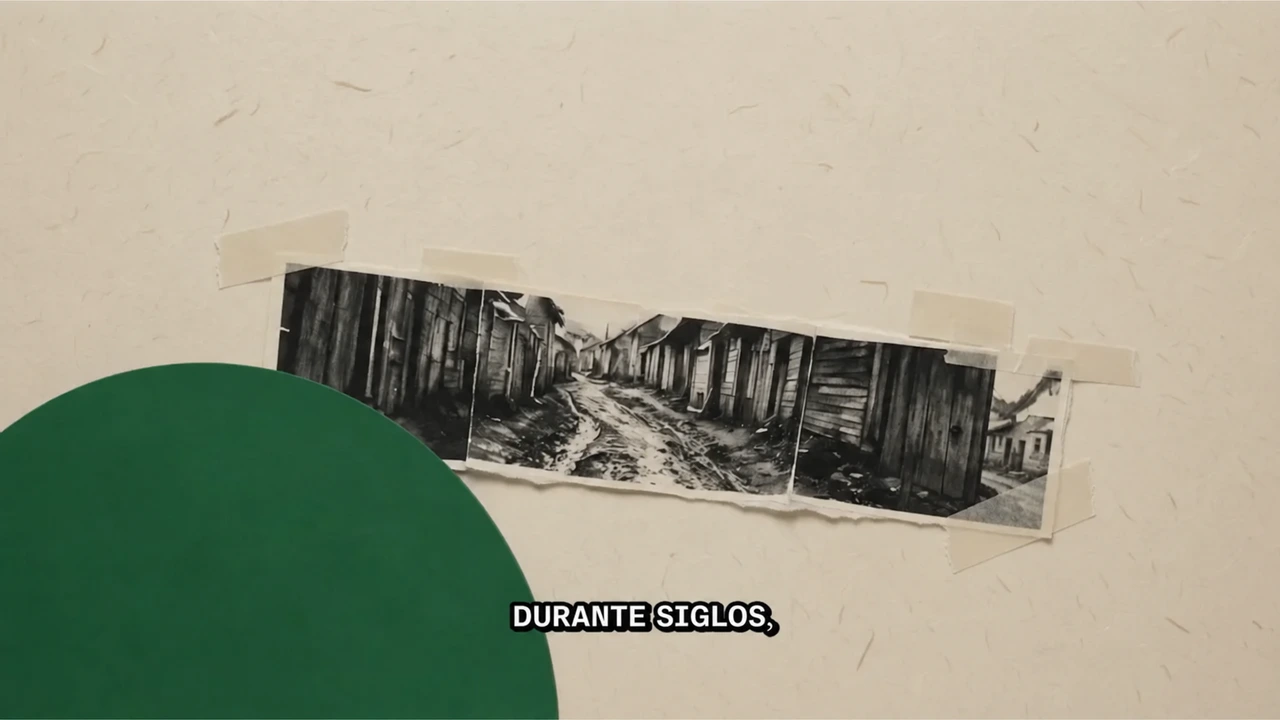
Create a faceless explainer video in an editorial motion graphics style about the history of football

Create a faceless explainer video in an editorial motion graphics style about how chameleons change color, using cutout illustrations, color diagrams, labels, and quick visual transitions

Create a faceless explainer video in an editorial motion graphics style about how the Mona Lisa became the world’s most famous painting, using layered cutouts, animated labels, and documentary pacing
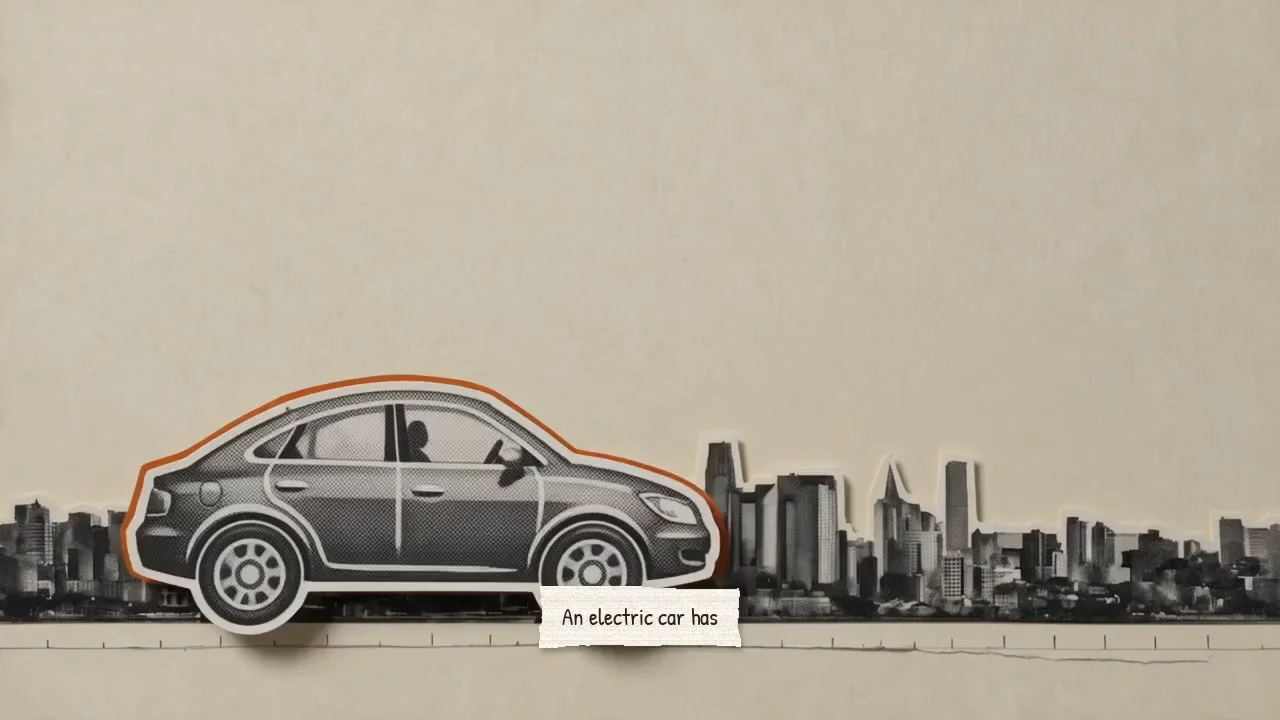
Create a faceless explainer video in an editorial motion graphics style comparing electric-car and gasoline-car emissions, including manufacturing, electricity generation, and the effect of a cleaner power grid

Create a faceless explainer video in an editorial motion graphics style about why climbers need supplemental oxygen on Mount Everest, using mountain cutouts, altitude diagrams, labels, and documentary pacing
Create a faceless explainer video in an editorial motion graphics style about how football evolved from early ball games into the modern sport, using historical cutouts, timelines, labels, and clear transitions
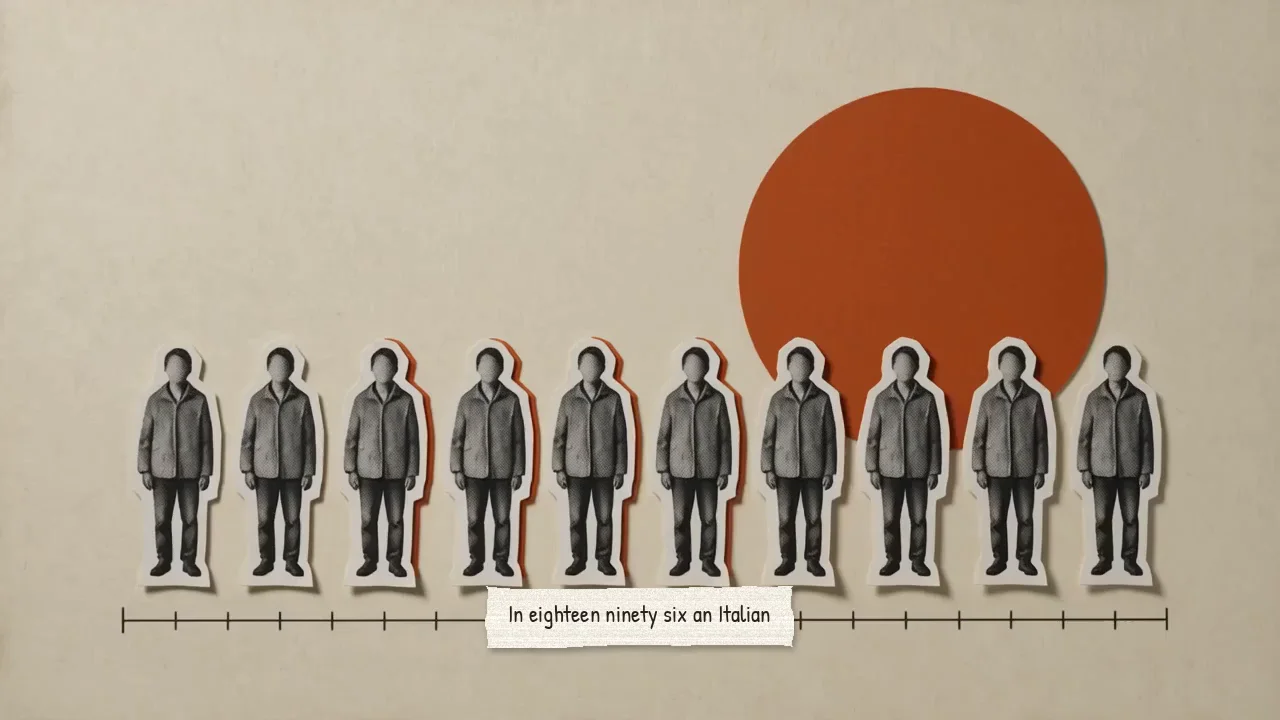
Create a faceless explainer video in an editorial motion graphics style about the Pareto principle, showing how a small share of causes can produce most results through clear charts, cutouts, labels, and examples
Conecta Higgsfield a tu asistente de IA preferido para usarlo Motion graphics editorial habilidad
Describe tu tema en Claude, ChatGPT o Supercomputer. Higgsfield crea el guion, las escenas, la voz en off y el video final