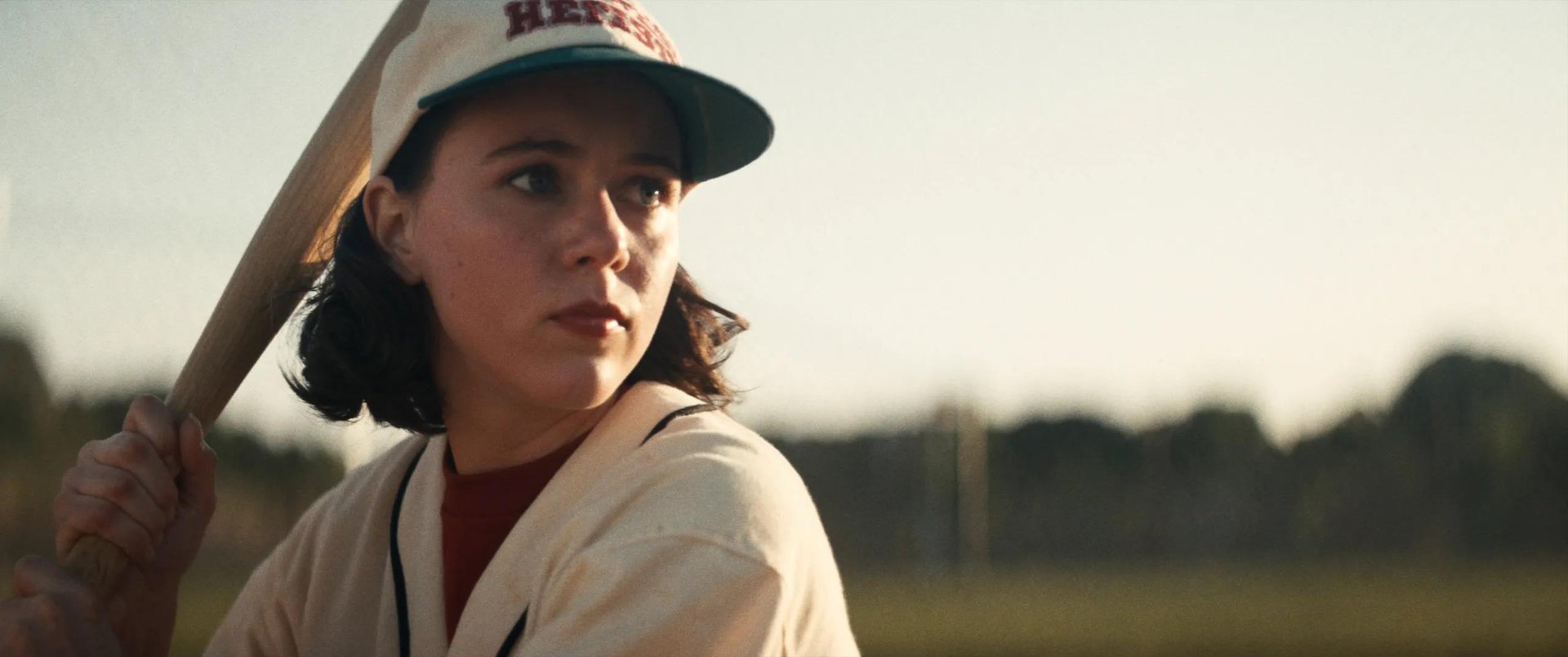
Generador de video con IA Seedance 2.0 para escenas en 4K nativo
Convierte prompts de texto, imágenes, clips de video y referencias de audio en escenas cinematográficas con Seedance 2.0. Genera videos de 4 a 15 segundos con audio nativo, relaciones de aspecto flexibles y resoluciones de hasta 4K.
Usa estos prompts como punto de partida para tus propios videos. Ajusta el sujeto, el ambiente, la acción, la dirección de cámara y los detalles de sonido para guiar cada generación.
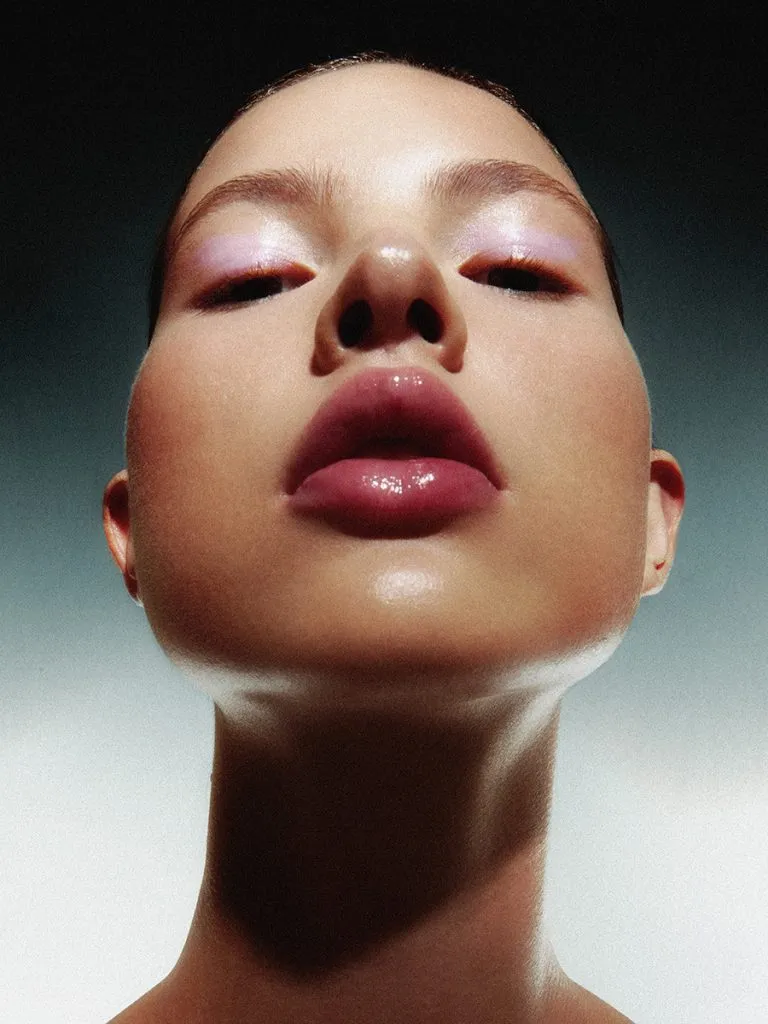
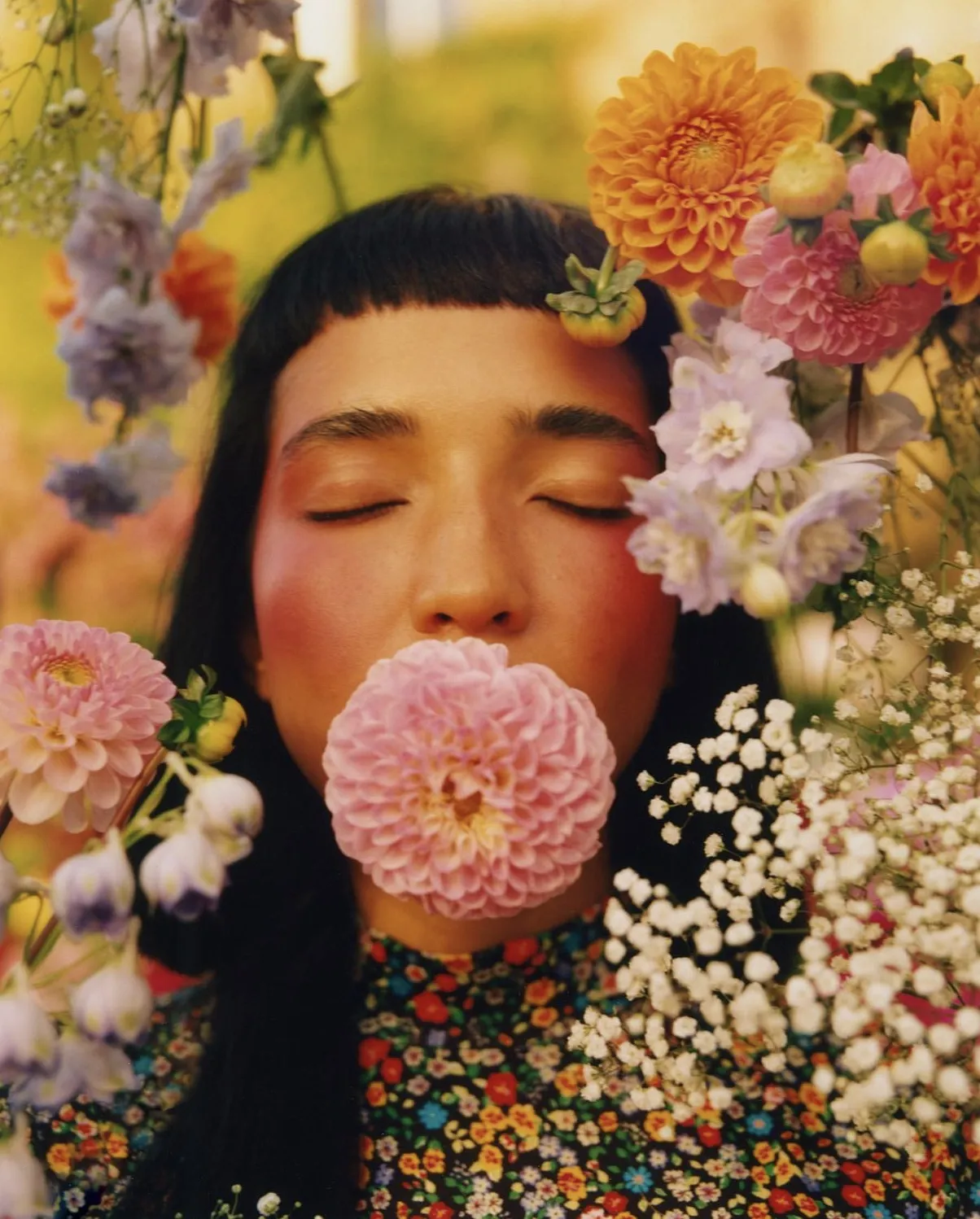
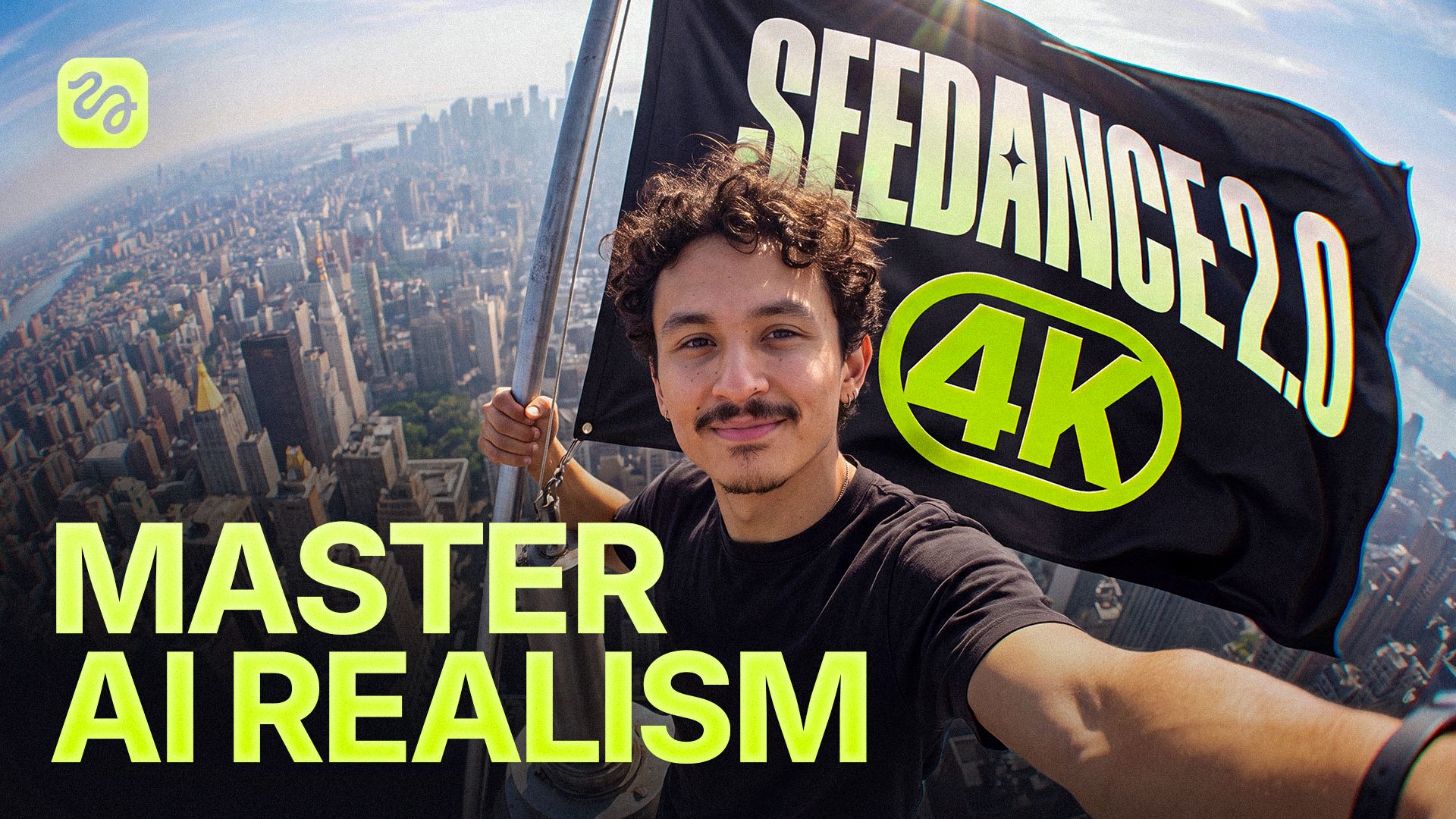
Hecho para 4K, creado para todo. De anuncios a cortometrajes, redes sociales y e-commerce: el 4K nativo entrega detalle listo para transmisión en cada fotograma.
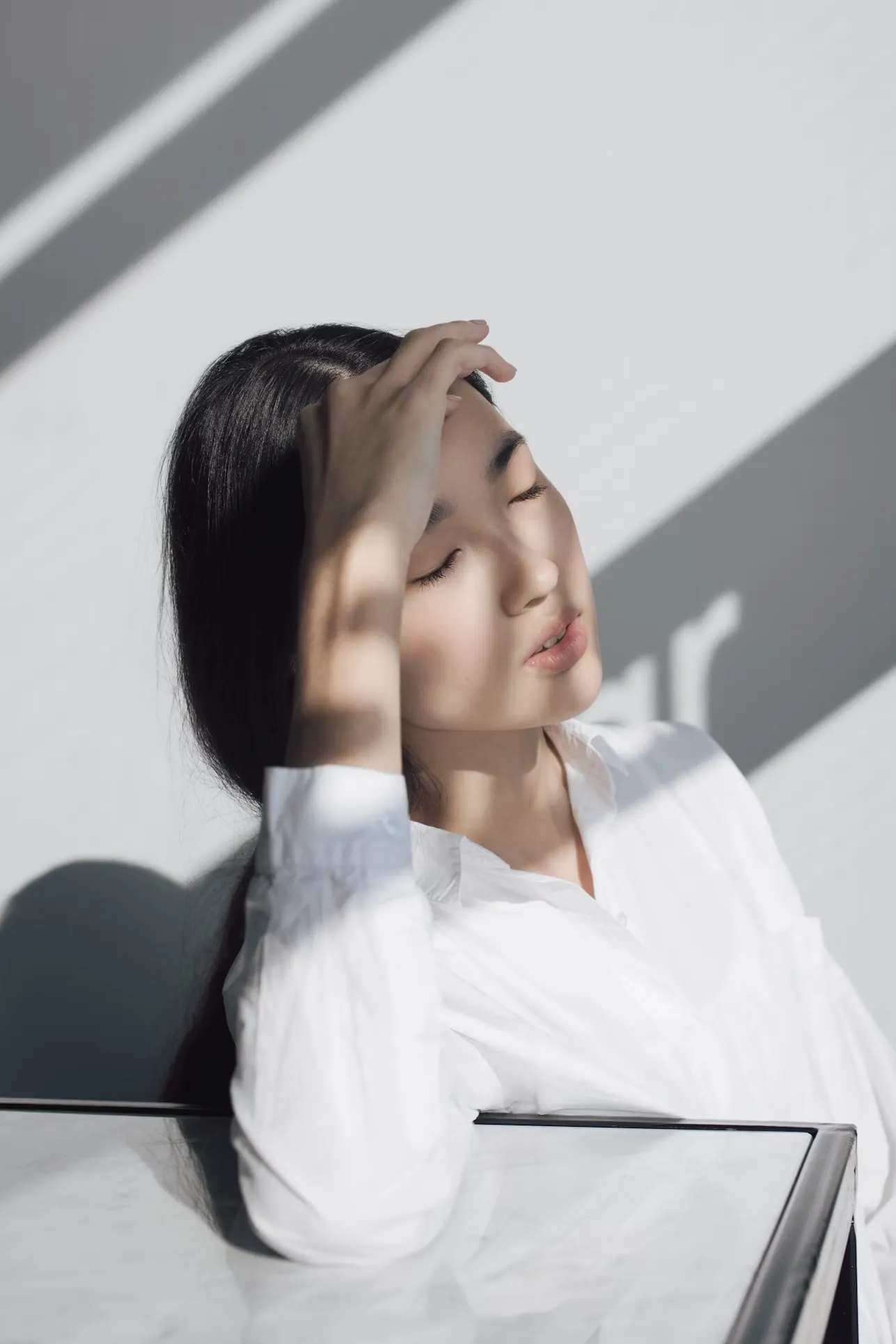
Primer plano medio cámara en mano en la hora dorada. Una mujer joven con largo cabello rosa pastel y lentes rectangulares delgados mira hacia atrás por encima del hombro a la cámara, con una sonrisa suave. Detrás de ella, una esquina del viejo Shanghái: fachadas de ladrillo rojo, letreros en chino, pasos de cebra, contraluz cálida, poca profundidad de campo, estética fílmica de vlog.
Seedance 2.0 4K example 2
Prompt
Toma cinematográfica en el espacio cercano a la Tierra, un elegante avión de combate girando contra la oscuridad, estelas de estrellas detrás, el océano oscuro y las nubes de la Tierra muy abajo, luz fría de contorno sobre el fuselaje, reflejos en la cabina, contraste profundo.
Seedance 2.0 4K example 3
Prompt
Shot amplio y simétrico. Un bailarín con cabello rubio decolorado y lentes de sol futuristas está de pie en el centro del cuadro, con los brazos extendidos y la boca abierta a mitad de un grito. Camiseta azul ajustada sobre manga larga negra, jeans grises holgados. Detrás de él, un portal trapezoidal de paneles horizontales de luz blanca, todo lo demás en negro absoluto. Piso reflectante azul pálido, alto contraste, estética de estudio limpia.
Cómo generar un video con Seedance 2.0 en Higgsfield
Crea videos con Seedance 2.0 usando prompts de texto, imágenes, clips de video o referencias de audio. Elige entre presets de movimiento de cámara, encuadre y VFX, o usa el preset General para control manual.
Añade medios y describe tu escena
Paso 1
Añade medios y describe tu escena
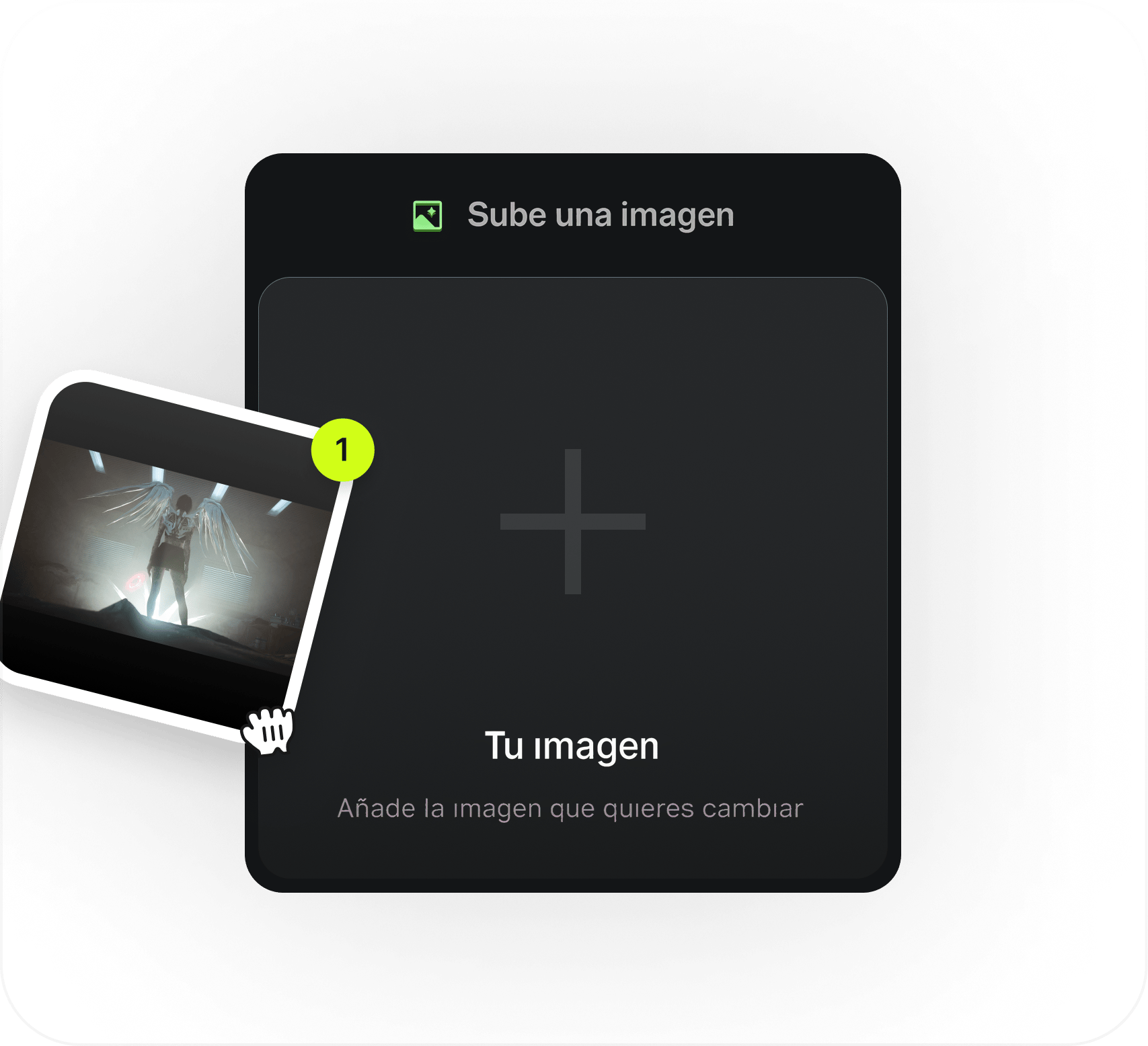
Sube una imagen, un video o un clip de audio para guiar la generación. En el prompt, describe el sujeto, el ambiente, la acción y el movimiento que quieres.
Elige un preset
Paso 2
Elige un preset
Selecciona entre presets de control de cámara, encuadre y VFX. Elige el preset General cuando quieras control manual sobre la escena.
Configura tus opciones y genera
Paso 3
Configura tus opciones y genera
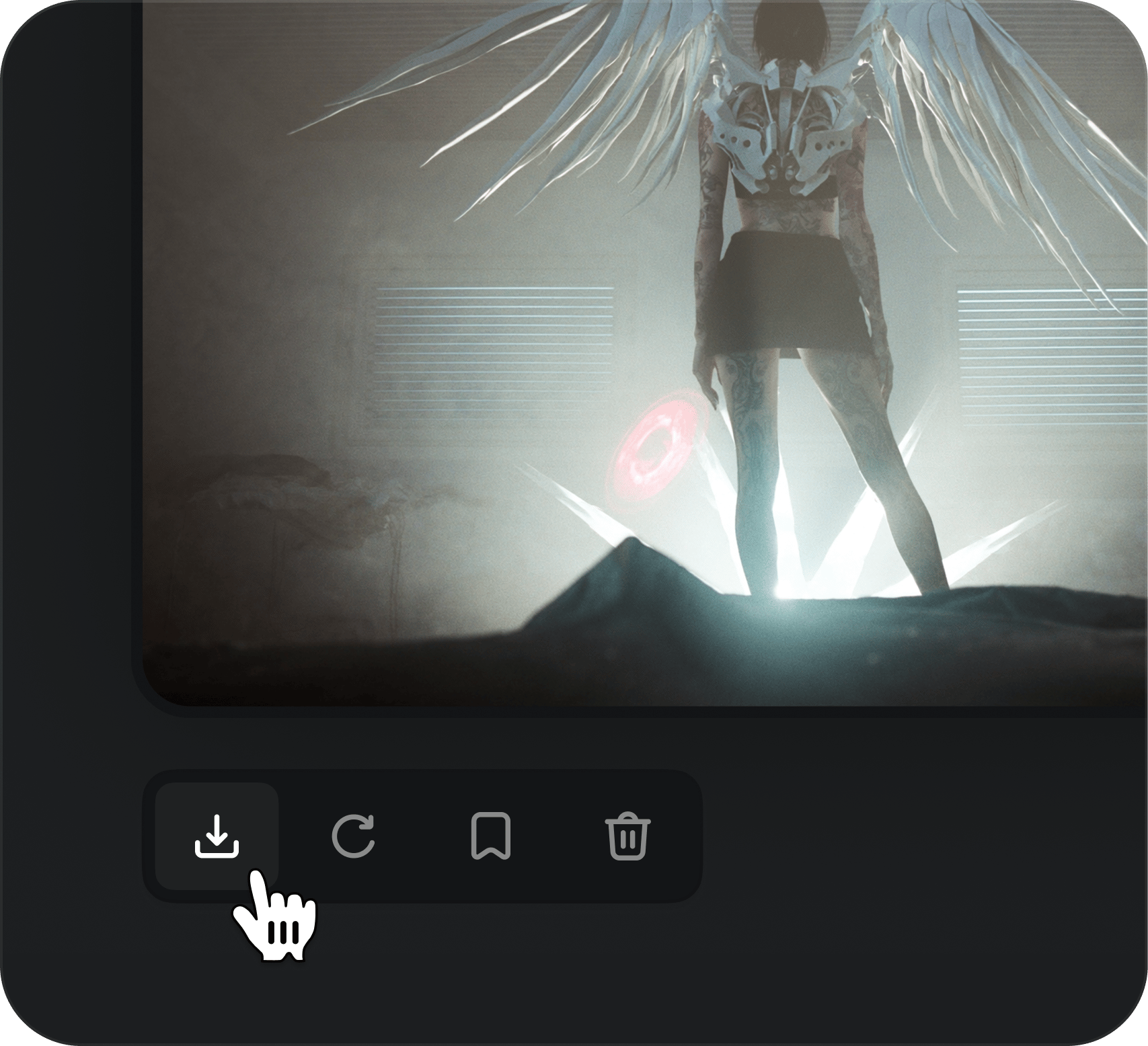
Elige una duración de 4 a 15 segundos y una resolución de hasta 4K. Configura el audio según lo necesites y luego genera tu video con Seedance 2.0.
¿Qué puedes crear con el generador de video con IA Seedance 2.0?
Explora videos de Seedance 2.0 en Higgsfield para narrativa, campañas, anuncios de producto, conceptos de acción y contenido para redes. Comienza con un prompt o añade referencias de imagen, video y audio, y luego genera un clip con audio.
Cinema feature preview
Cortometrajes y narrativa cinematográfica
Para cineastas independientes, escritores y creadores de videos musicales, Seedance 2.0 puede ayudar a desarrollar una escena a partir de un prompt y referencias visuales o de audio. Genera un clip cinematográfico corto para explorar un estado de ánimo, un momento de personaje o un punto clave de la historia antes de darle forma en una edición más grande.
Cinema feature preview
Videos de campaña de marca
Para equipos de marketing internos y agencias, convierte un concepto de campaña en contenido de video corto para lanzamientos de producto, promociones de temporada o narrativa de marca. Añade referencias visuales para definir el look y luego elige una relación de aspecto y una resolución según el destino previsto.
Cinema feature preview
Videos de producto y anuncios de video con IA
Para equipos de ecommerce y especialistas en marketing de resultados, usa una imagen de producto como referencia para un concepto de anuncio de video conciso. Describe el ambiente, la acción y el estado de ánimo, y luego genera un clip para mostrar tu producto o hacer una prueba creativa de anuncios pagados en redes.
Cinema feature preview
Conceptos de acción y VFX
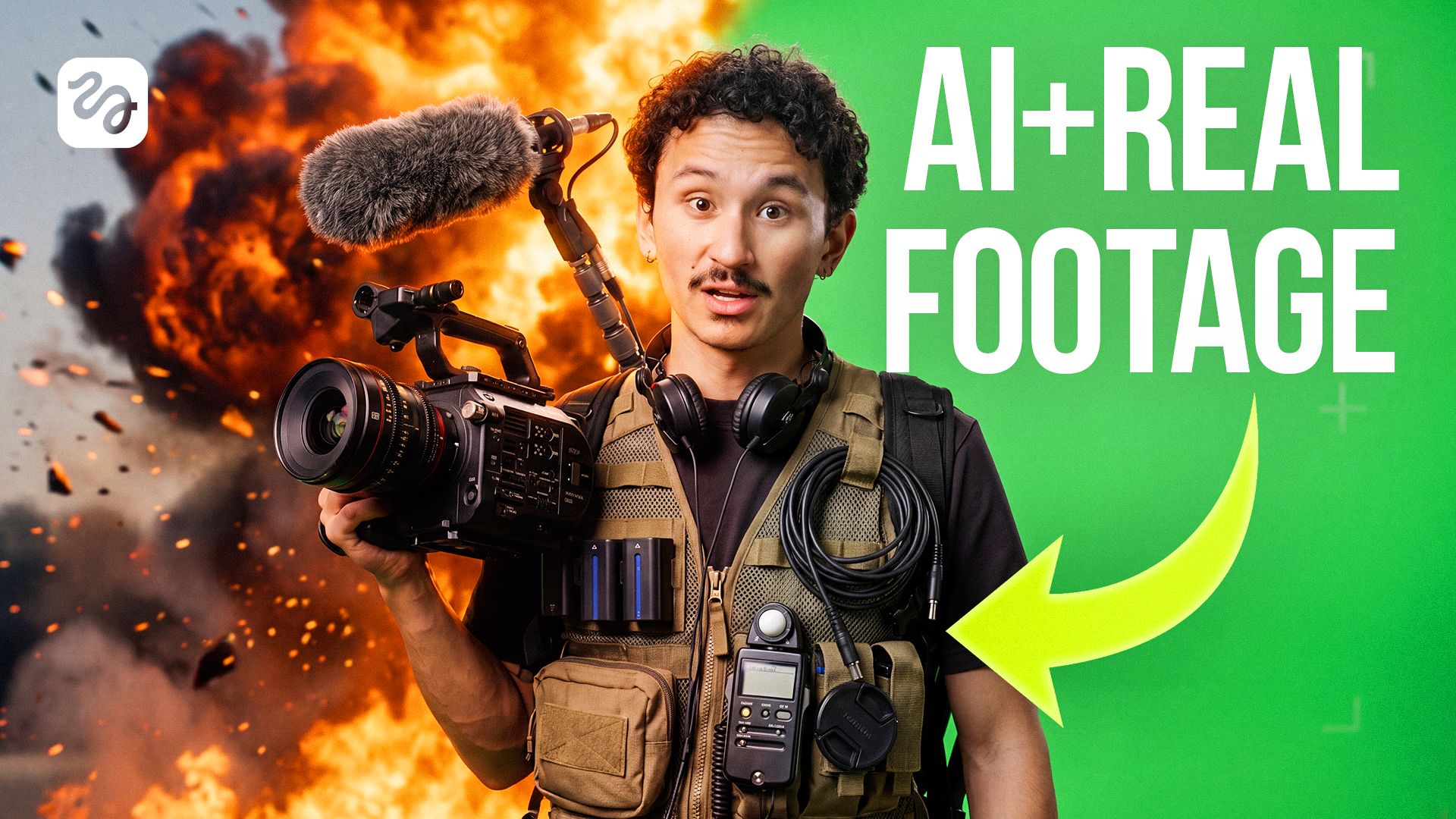
Para cineastas y artistas de VFX, usa Seedance 2.0 para explorar ideas de acción y efectos estilizados en clips cortos de video. Describe el movimiento y la atmósfera, o añade un video de referencia para orientar la escena. Usa el resultado para desarrollar un concepto visual o previsualizar un momento.
Cinema feature preview
Videos para redes y conceptos UGC
Para creadores de redes sociales, pequeños negocios y equipos de contenido, crea videos verticales cortos para Reels, TikTok y Shorts. Comienza con un prompt o referencias, elige una relación de aspecto de 9:16 y genera un clip con audio para un momento de producto, un gancho social o un concepto estilo UGC.
Seedance 2.0 vs. Seedance 2.5
Explora la diferencia entre Seedance 2.0 y Seedance 2.5 para encontrar la mejor solución para tu próxima generación de video.
Clips más cortos y conjuntos de referencias más pequeños
Clips más largos, más referencias y ediciones por región
Resolución
480p, 720p, 1080p o 4K
480p, 720p, 1080p o 4K
Duración del video
De 4 a 15 segundos
Hasta 30 segundos
Referencias por generación
Hasta 9 imágenes, 3 clips de video y 3 clips de audio; las referencias de video y audio combinadas pueden sumar hasta 15 segundos
Hasta 50 referencias
Relaciones de aspecto
Desde 9:16 vertical hasta 21:9 panorámico
Desde 9:16 vertical hasta 21:9 panorámico
Audio
Audio nativo generado junto con el video
Audio nativo generado junto con el video
Otras capacidades
—
Ediciones por región mediante Seedance 2.5 Edit
Explora la generación de video con IA de Seedance 2.0
Seedance 2.0 puede aprovechar un brief creativo más amplio que solo un prompt de texto. Explora cómo sus entradas multimodales, la generación de varias tomas y sus capacidades de audio pueden dar forma a un video.
Edit and Refine
Genera videos a partir de texto y referencias
Comienza con un prompt de texto y añade referencias de imagen, video o audio para darle más contexto a la escena. Una sola generación puede incluir hasta 9 imágenes, 3 clips de video y 3 clips de audio, con referencias de video y audio que suman hasta 15 segundos en total.
Edit and Refine
Crea escenas de varias tomas
Describe una secuencia corta con varios momentos para generar un video de varias tomas con Seedance 2.0. Esto te permite desarrollar una escena con más progresión que una sola toma.
Edit and Refine
Genera audio junto con tu video
Seedance 2.0 genera el audio junto con el video en el mismo proceso. Los clips de audio también pueden usarse como referencias para orientar el sonido de la escena.
Edit and Refine
Elige salida en 4K nativo
Genera videos de Seedance 2.0 en 480p, 720p, 1080p o 4K. Elige 4K cuando la alta resolución y el detalle visual fino importen para tu proyecto.
Comunidad de más de 40 MILLION USUARIOS
Únete a una red creativa global donde las personas generan imágenes con IA, comparten ideas y se inspiran mutuamente cada día.
A
Alexandre
I've been using Higgsfield for my creative work for a while now and, honestly, it's one of the best platforms out there - the tools are powerful and the results speak for themselves. But what made me write this was the support. I had a question about my credits, and Tim handled everything with a transparency and care you rarely see.
S
Spock
Im a new customer of Higgsfield and enjoying it! I'm making some cool videos. I look forward to the advances on the platform! Oh, the support service is excellent!
R
Rha
Higgsfield A.I. has been the best and most exciting tool I've used since I first started editing back in 2008! I still can't believe we live in a time where we can type a sentence; prompt, on one end and get a blockbuster video that comes out on the other end! The site can feel overwhelming at times, but in a good way.
AS
Akun Suliman
I am an Indonesian content creator based on my experience, I feel helped by the presence of this AI Agent higgsfield I say honestly and swear also thank you.. Because AI Agent Higgsfield has helped a lot, especially for creators in the form of our full support to create. In addition to this support, there are many other supports that are very helpful, especially the Higgsfield team
SJ
Shatanu Jachak
What Higgsfield is doing really well is making high-quality AI creation feel smooth, fast, and inspiring. I also appreciate how the company supports its creative community and gives artists the freedom to experiment, grow, and push visual storytelling to the next level.
FM
Freissy Mediaart
The user interface (UI) is highly intuitive and beginner-friendly. Additionally, the cloud rendering speed for generating both images and videos is exceptionally fast, and the AI tools menu is very well-organized. I have completed numerous projects using Higgsfield, and every single one of them turned out perfectly.
LE
Ls estúdios
For a long time, I have seen it as a useful and well-optimized tool, designed to help creators in the best possible way. I like that it constantly introduces updates and interesting features that improve the experience. That is why it has always been a platform that has caught my attention and that I have enjoyed using compared to others.
RR
Rian Rizky Ananta
Honestly one of the best AI creative platforms out there. The credit pricing is surprisingly affordable compared to similar platforms, and what impresses me most is how consistently they keep shipping new features. You can tell the team actually listens and keeps pushing the product forward.
DD
Deyo D
The Most Powerful AI Creative Platform for Creators. What impressed me the most is the level of support around the creator program. The team is helpful, professional, and always there when you need assistance or have questions. It really feels like they care about creators and want to help them grow.
Con la confianza de 40M+ usuarios en todo el mundo
IA de Seedance 2.0 en Higgsfield
Dale a tu próxima idea un tratamiento cinematográfico
Crea videos cinematográficos de varias tomas con audio nativo, presets de cámara y entradas multimodales.
Consigue acceso a más generaciones y acceso prioritario a nuevas funciones
Preguntas frecuentes
Hemos respondido las preguntas más frecuentes
¿Qué es Seedance 2.0?
Seedance 2.0 es el modelo de generación de video con IA de ByteDance. En Higgsfield, puedes usar texto, imágenes, clips de video y clips de audio como referencias para generar video con audio.
¿Cómo accedo a Seedance 2.0 en Higgsfield?
Selecciona Seedance 2.0 en el generador de video con IA de Higgsfield. Las generaciones usan créditos, y el costo se muestra antes de generar.
¿Seedance 2.0 es gratis?
No. Seedance 2.0 usa créditos. Las cuentas nuevas consiguen 10 créditos gratis una sola vez al registrarse para probar Higgsfield, pero un video de Seedance 2.0 necesita más que eso. Para un uso regular, consulta los planes.
¿Qué entradas admite Seedance 2.0?
Puedes usar un prompt de texto con hasta 9 imágenes, 3 clips de video y 3 clips de audio en una generación. Las referencias de video y audio pueden sumar hasta 15 segundos combinadas.
¿Qué puedo crear con Seedance 2.0?
Crea cortometrajes, videos musicales, contenido de campaña, anuncios de producto, conceptos de acción y videos para redes. Usa un prompt o añade referencias para guiar la escena.
¿Seedance 2.0 genera audio?
Sí. Seedance 2.0 genera el audio junto con el video.
¿Cuánto pueden durar los videos de Seedance 2.0?
Puedes generar videos de 4 a 15 segundos de duración.
¿Puedo mantener la consistencia del personaje en varias tomas?
Sí. Las imágenes de referencia pueden ayudar a mantener la apariencia de un personaje en Seedance 2.0, aunque los resultados pueden variar. Para reutilizar un personaje en distintas generaciones, guárdalo como Element y úsalo como referencia en los flujos de trabajo compatibles.
¿Qué resoluciones y relaciones de aspecto admite Seedance 2.0?
Elige 480p, 720p, 1080p o 4K. Las relaciones de aspecto incluyen Auto, 16:9, 9:16, 4:3, 3:4, 1:1 y 21:9.
Seedance 2.0 vs. Seedance 2.5: ¿cuál debería usar?
Ambos modelos admiten 4K. Elige Seedance 2.0 para videos de hasta 15 segundos, con hasta 9 imágenes, 3 clips de video y 3 clips de audio como referencias; las referencias de video y audio pueden sumar hasta 15 segundos en total. Elige Seedance 2.5 para videos de hasta 30 segundos, hasta 50 referencias y ediciones por región.
¿Necesito experiencia en edición de video para usar Seedance 2.0?
No. Describe la escena en un prompt y añade referencias si las tienes. Elige entre presets de control de cámara, encuadre y VFX, o usa el preset General para control manual.
Consigue los insights que necesitas. Nuestros expertos comparten trucos accionables, analizan los temas más candentes y ofrecen guías prácticas esenciales para ayudarte a construir, optimizar y escalar.