Whether you are a filmmaker planning a scene, a comic artist needing reference, or a brand creating a fashion editorial, Shots solves the consistency problem once and for all.
Here is why Shots is about to become your favorite new tool on Higgsfield.
Most AI tools require you to be the prompt engineer, struggling to describe "Dutch angle, medium shot, from behind" while praying the face stays the same.
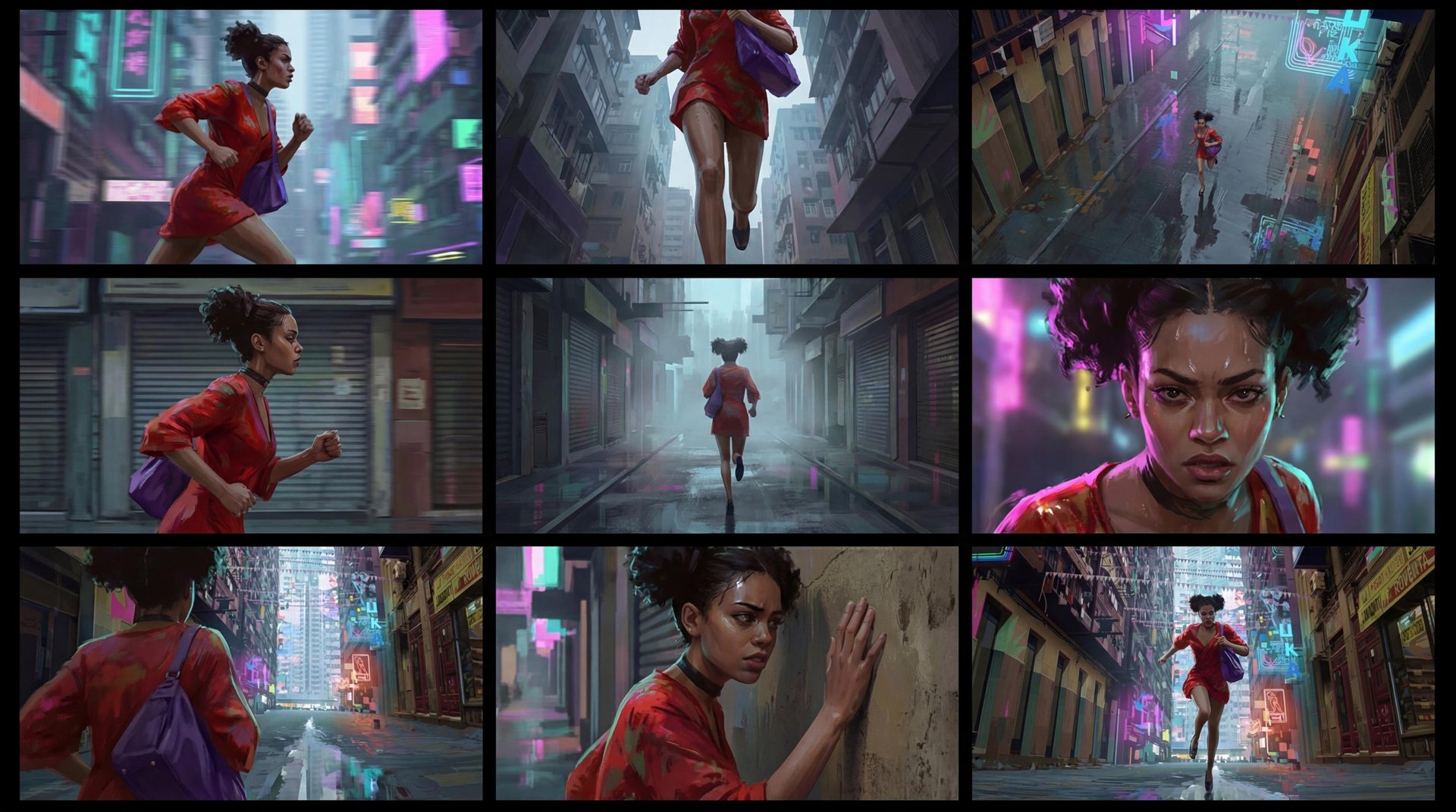
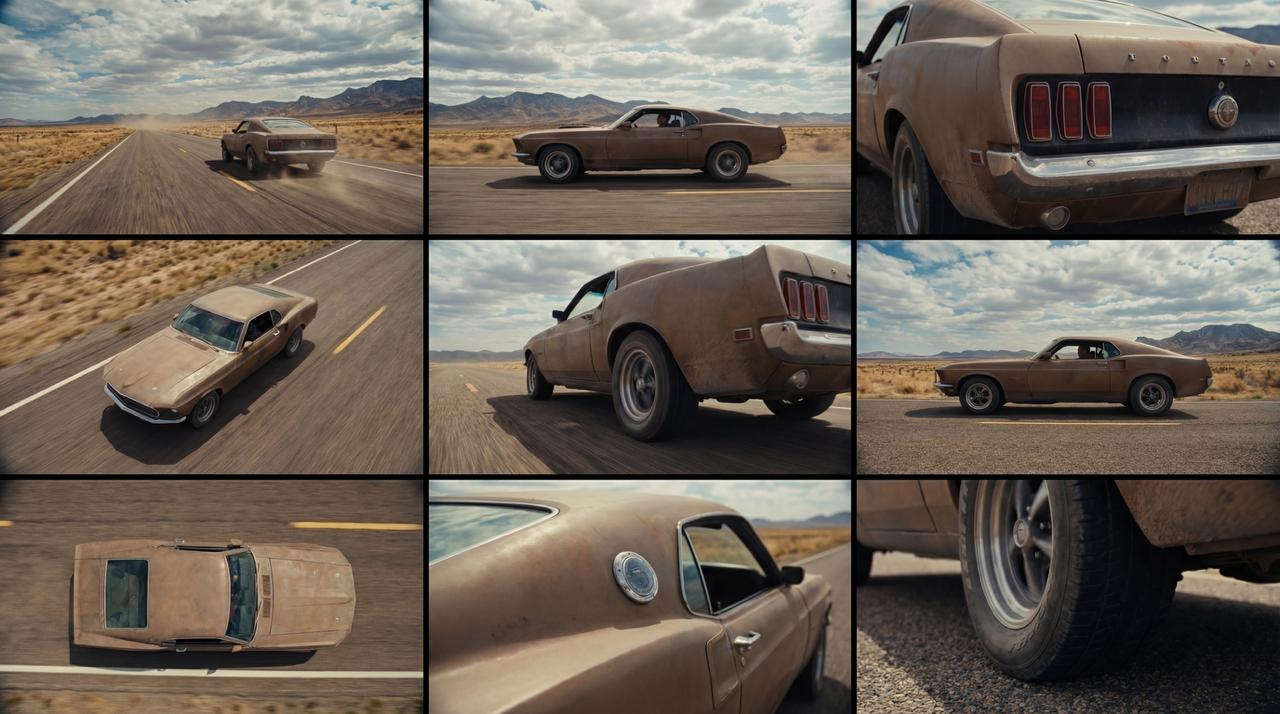
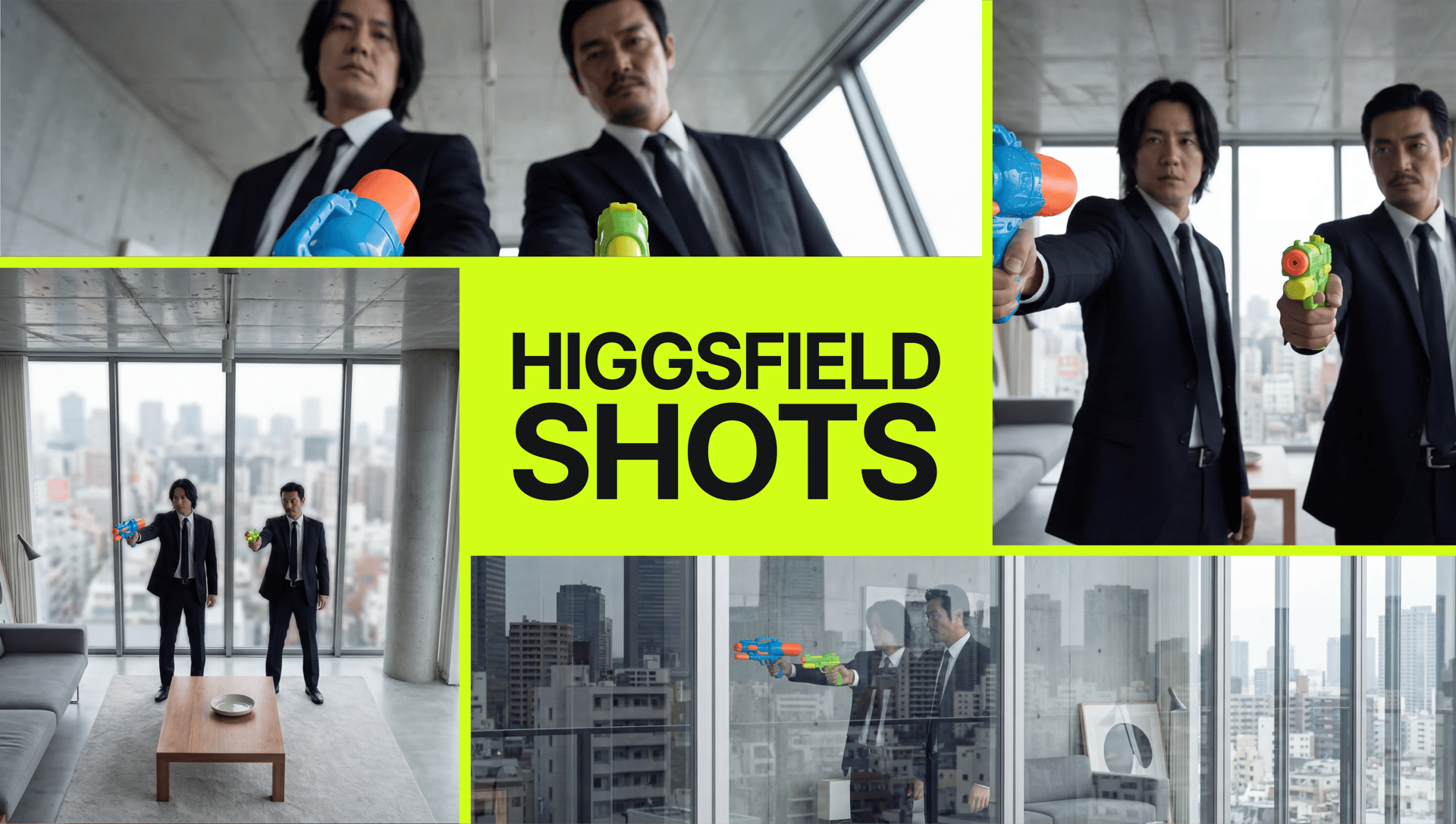
Shots flips this script. It understands the language of cinema automatically. When you upload an image, the model analyzes the composition and subject, then logically generates the 9 most useful camera angles for that specific scene.
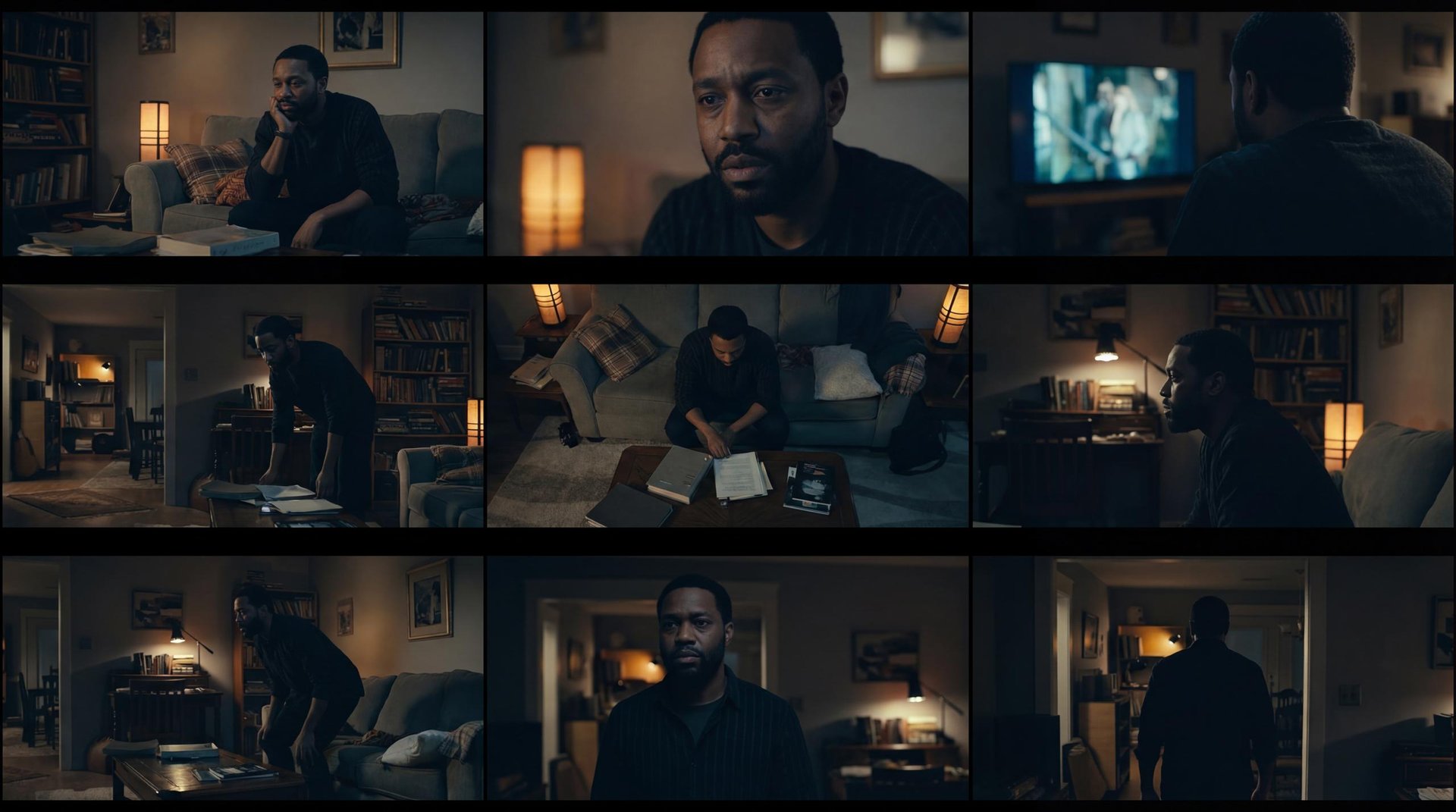
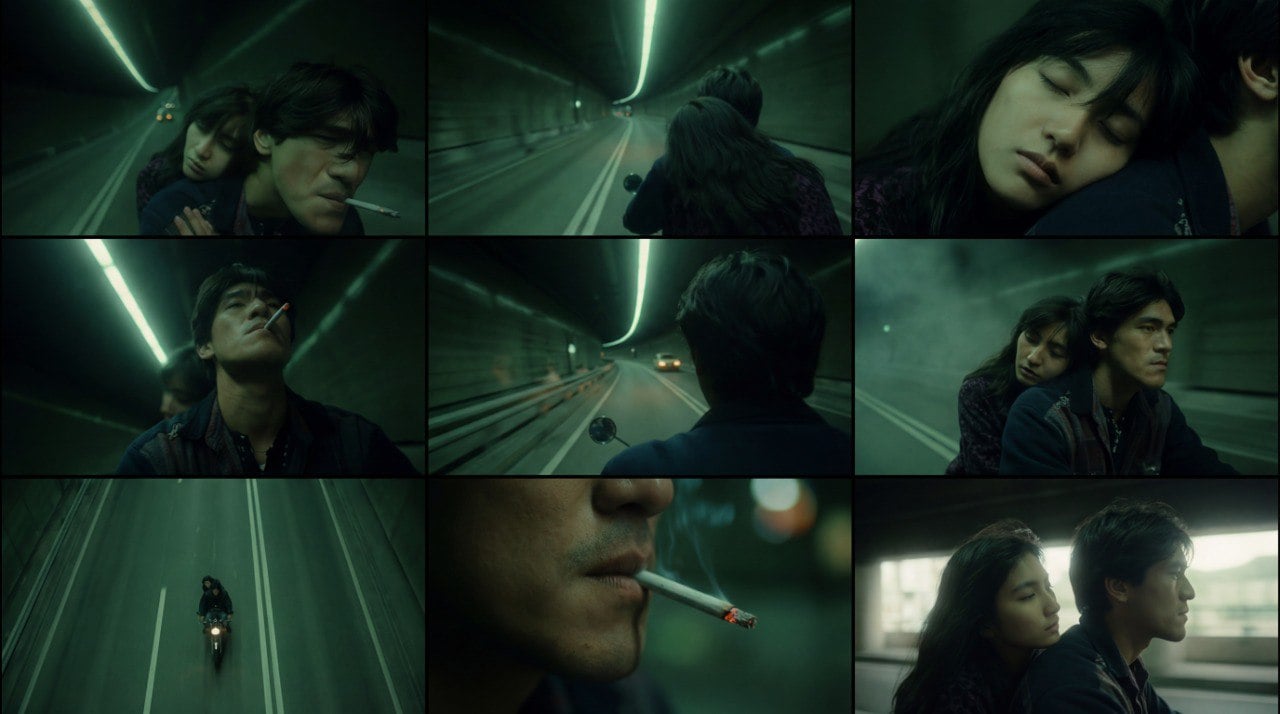
It’s not just random variations; it’s a directed shoot. You get:
Establishing Shots: Wide angles to show the environment.
Dynamic Camera Angles: Over-the-shoulder (OTS) views and reaction shots.
Crops: Extreme close-ups and portrait crops.
Dynamics: Low-angle and high-angle perspectives to add drama.
Technical Specs & Best Practices
To get the most out of Shots, we’ve optimized the workflow for speed and quality.
Optimal Aspect Ratio: The model performs best with inputs in 3:4 or 4:3. This vertical/horizontal balance gives the AI enough room to re-frame the shot dynamically without cropping out important details.
Upscaling Ready: The initial output is a 9-grid preview. Once you find the perfect angle, you can select that specific frame and Upscale it to 2x or 4x resolution, making it production-ready for print or final video assets.
Cost Efficiency: Efficiency is key. You get the full grid of 9 images for just 4 credits - the same cost as a single standard 4K generation.
Unmatched Character Consistency
Shots leverages advanced identity mapping to ensure that the face, clothing, and style remain consistent across the entire 9-frame grid.
For Known Subjects: We see near 100% identity retention.
For Original Characters: The style, outfit details, and facial structure track perfectly from the wide shot to the close-up.
This effectively turns a single concept art piece or selfie into a full reference sheet or storyboard sequence.

Style Master: From Anime to Realism
Shots isn't limited to photorealistic people. We designed the engine to be completely style-agnostic, meaning it respects the artistic medium of your input image.
Cinematic Replication: Upload a scene from a movie, and Shots doesn't just copy the pixels - it understands the director's style. It generates new angles that perfectly match the original cinematography, color grading, and mood, effectively giving you "deleted scenes" or alternative takes from that exact cinematic universe.
Anime & Manga: Upload a flat 2D character, and get dynamic action angles without the AI trying to turn it into a 3D render.
Concept Art & Sketches: Turn a rough character sketch into a multi-view reference sheet.
3D Renders: Perfect for game developers needing to visualize assets from different sides.
Editorial Photography: Maintains the specific lighting and color grading of high-end fashion shots.
Whatever your art style, Shots preserves the "vibe" while changing the perspective.

Editorial & Fashion Workflows
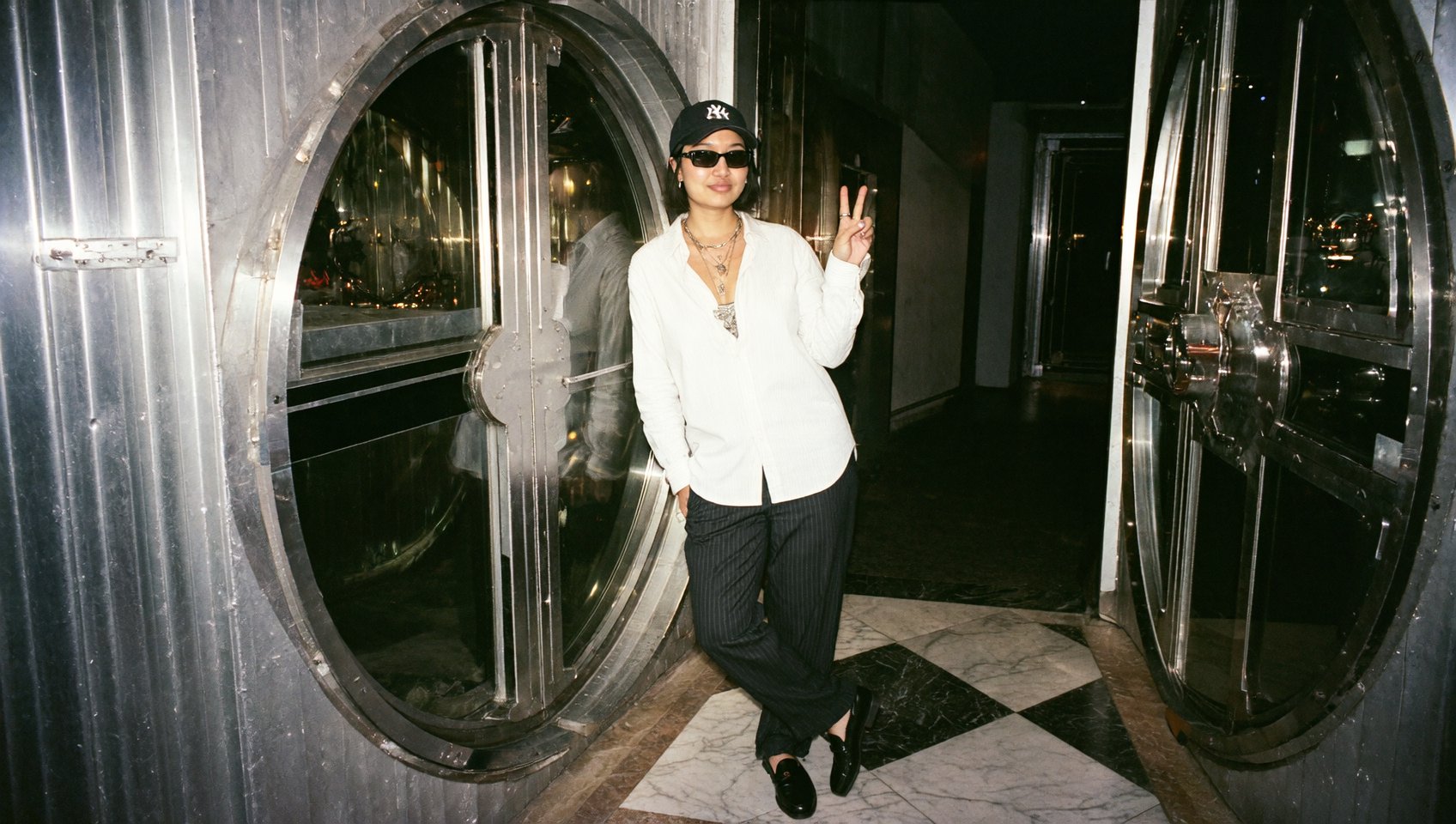
For solo subjects, Shots acts like a virtual fashion photographer. Upload one photo of a model, and the AI will "move around" the subject, capturing:
Back views and side profiles: Need to show the back of a jacket or the detailed side profile of a dress? Shots understands the geometry of clothing. It can "walk around" your subject to reveal angles that weren't in the original photo, maintaining texture and fit consistency.
Cohesive Campaigns: Unlike standard tools that might shift the lighting or color grading, Shots locks in the aesthetic of your original photography.

Step-by-Step Guide: How to Use Shots
Ready to direct your first AI scene? Here is the workflow:
Go to the "Shots" Feature on Higgsfield. You can find it on Apps page or follow this link.
Upload Your Input Image:
Recommendation: Use a 3:4 or 4:3 image for the widest range of angles.
No Prompting Needed:
Sit back. You don't need to type "camera from above." The AI analyzes the scene and decides the best angles for you.
Generate:
In seconds, you will receive a 3x3 grid containing 9 unique cinematic perspectives of your scene.
Select & Upscale:
Click on the angles that work best for your storyboard.
Hit Upscale to get a crisp, detailed final image.
Conclusion
Shots removes the randomness from AI image generation. Instead of rolling the dice and hoping for a good angle, you get a controlled, professional contact sheet of your scene.
It transforms Higgsfield from just an image generator into a pre-visualization suite. For just 4 credits, you can do the work of a storyboard artist, a location scout, and a director of photography all from one image.
Try Shots Now!
Try Next-Gen Storyboard Generator Now!