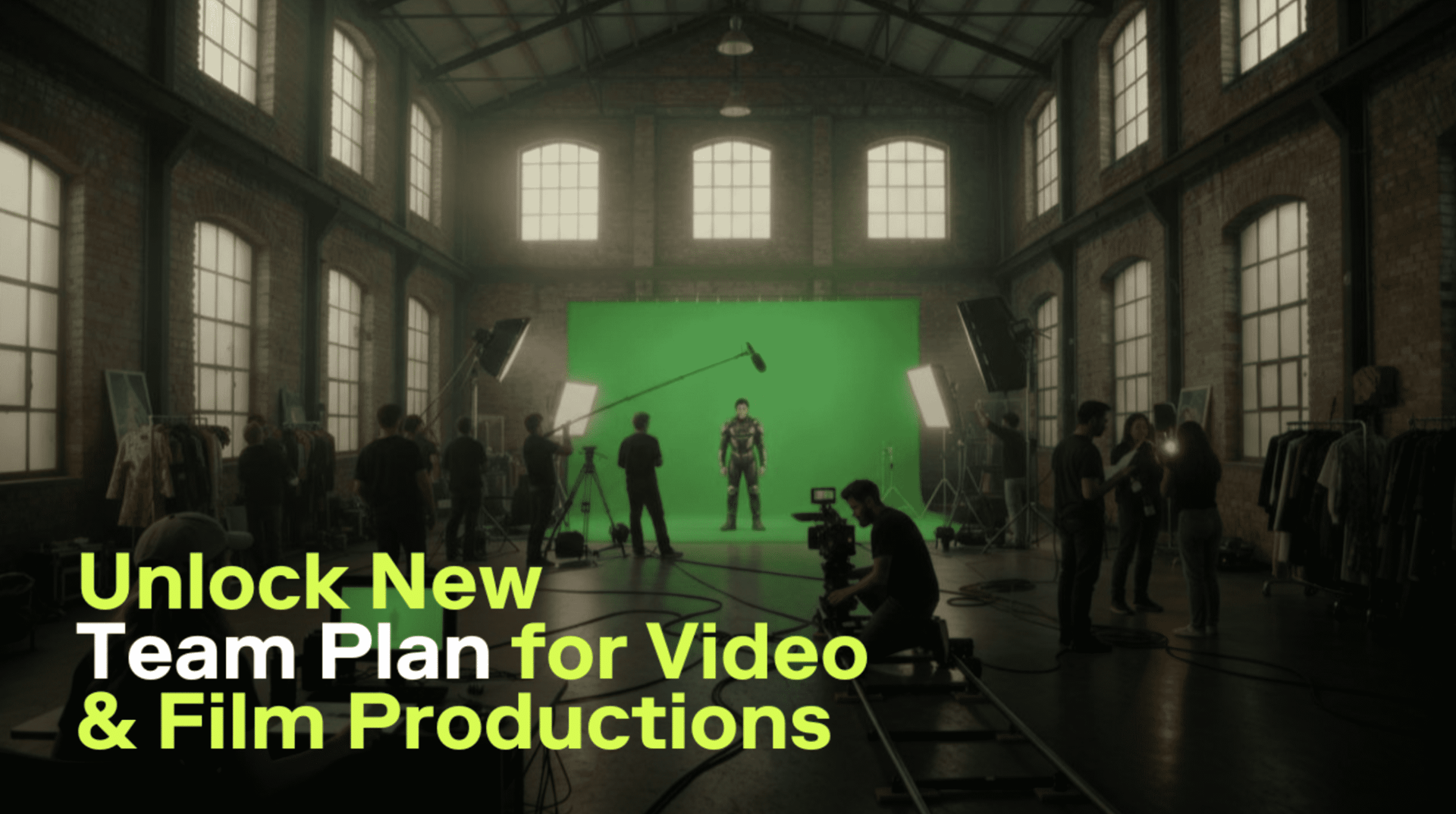
It’s been almost 5 years since I started working in video production and call myself a filmmaker.
During this time, I’ve tried every possible way to stay organized: folders, drives, spreadsheets, message threads, you name it. Whether it was my own personal project or one that was commissioned, there was always something that made me believe I am not doing enough.
As a writer-director who also owns an independent video production agency, storyboarding is one of the most important parts of my work.
I used to believe that if I just focused on the creative side of it, the emotions of the words, the mood, and so on, everything else would somehow fall into place. It didn’t.
How I Learned the Hard Way
There was once a time when I completely miscalculated the number of shots per scene. That single mistake threw off the schedule for my entire team: my cinematographer, my actors, my producer, the gaffers, the sound guys. Everyone’s work started clashing because of my terrible planning. Now I realize that it was a lack of structure.
When I started the pre-production for my first feature film a month ago, I made a promise to myself like I did after being dissatisfied with my previous project – that this time, I will do things differently.
I wanted to build a process that would help my team and myself to work at 200%. Without overworking and burnout, of course.
This film means a lot to me. It’s a deeply personal story about my family, about the silent and irreplaceable connections across generations.
For me, it stopped being just a film a long time ago. Essentially, it is something I owe to the people I’m making it about.
And maybe that’s why I started thinking seriously about the process itself.
Because if the story itself is about connection, then the way we made it with my team, the people I get inspired by and who support me, should also reflect that.
The process should be connected, structured, and collaborative.

The Discovery of My Dreams
Around the same time, my long-time friend, a cinematographer I’d worked with told me about HiggsfieldAI and how crazy useful of a tool it is. I discovered things and processes I haven’t even thought about before. But it was their newest release – Team Plan – that made me rethink how I treat my own work and that of my team, the processes that run our production.
My friend said he already started using the Team Plan for a commercial music video project and said it completely changed how his team handled their work.
I instantly looked it up.
I was already familiar with Higgsfield’s tools – their Click-to-Video and Draw-to-Video features were all over my feed. But I never thought of it as something for full productions, more like for fun experiments to do on your own. Turns out, Team Plan was designed exactly for that.
The concept is simple: it’s a shared workspace where your whole creative team can generate, review, and manage everything in one place. You can store every visual reference, AI-generated sequence, or storyboard draft in shared folders that everyone has access to.
You can work in two modes. There is your personal mode for private experiments, and a separate, team mode for material that is ready for production. It’s like having a digital studio where everyone’s desks are finally in order.
That was the first time I felt like a GenAI tool was actually made for professionals – for full-scale film and production teams, who, like me and my own team, are trying to work smarter.

Working Smarter Together
The setup took less than five minutes. I upgraded my account, named our workspace the name of our production company, and invited my team – we are 12 members in total.
We instantly got access to all video and image models, shared assets and folders, analytics, and even priority support.
At first, we used it just for storyboarding. I’d upload visual references and shot ideas into a shared folder, then my cinematographer would add lighting mockups or test frames created with tools like Minimax or Seedream. Our producer would jump in to comment on what could realistically fit our schedule and budget.
What used to take us hours of messaging became one clean workflow. Everyone could see what changed and when. There were no “latest version” files floating around. It was synchronized all the time.
Then we gave the Team Plan a try at pre-visualization. I generated quick AI video sequences using Higgsfield’s cinematic models to test how certain shots or camera movements, (like dolly-ins, a slow pans, or a crash zooms) might feel. And now our team can see it.
We keep experimenting without losing time. Since every member had their own credits (1,200 per seat monthly), multiple people could work in parallel. This meant we had up to 16 generations at once per person. That alone makes a huge difference.
I also liked the analytics part more than I expected. It showed how we were using credits and which stages of production consumed the most resources. My produces is the one obsessed with it the most.
Why I Recommend It
If you’re a filmmaker, you know well how fragile collaboration can be. Your flow can break any second.
With Team Plan, I noticed that I really stopped worrying about what was missing. Everything we created lived in one space.
Running a production and needing to be constantly creating takes a lot of energy for me.
I am grateful for the Teams Plan for turning this energy into what really matters to me – directing, writing, connecting with my team.
It doesn’t seem like it is purely for filmmakers either.
I think that anybody who runs a creative studio or an agency, no matter offline or remote.
And the best thing for me is that even though it’s light and fast to use, (some of my colleagues are not technical specialists) it is still a professional tool.
So, if you’re like me and feel like the problem is lack of discipline, it might be a lack of a system.
Do not overthink anything. Unleash the full potential of your entire team, including yourself.
Start Your Filmmaking Journey
Give your team shared assets, collaborative AI tools, and powerful analytics - all in one place.