
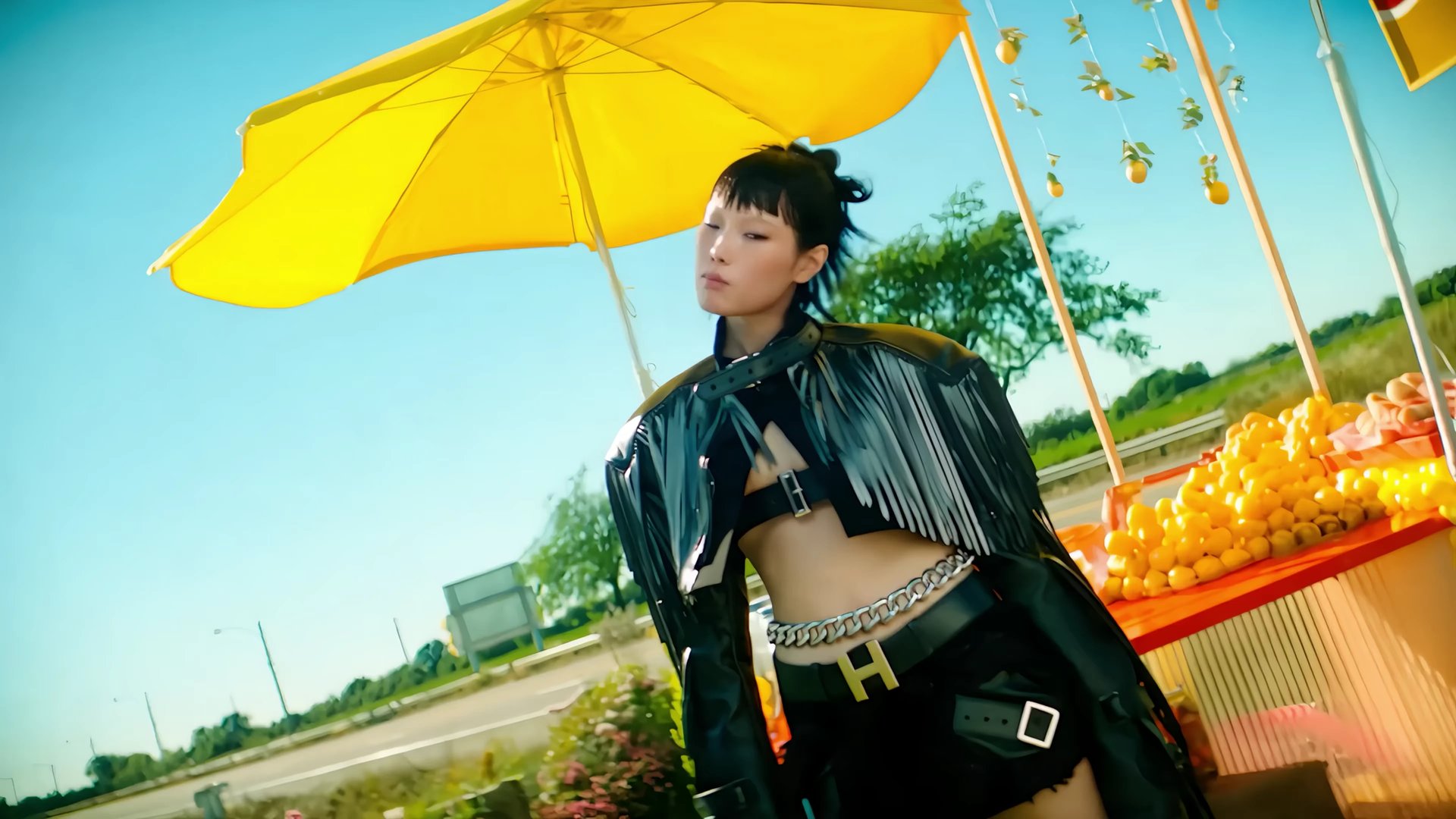
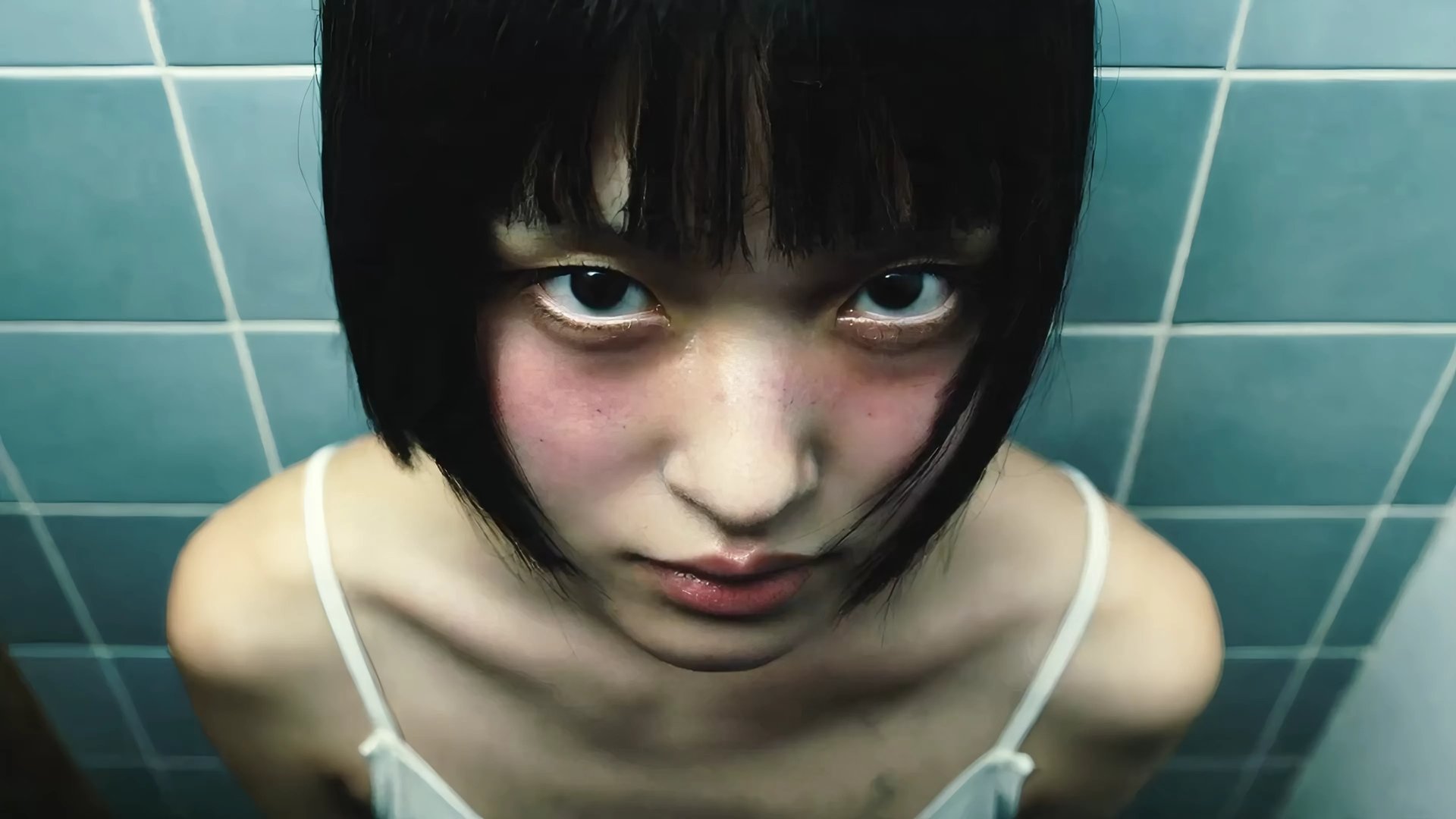
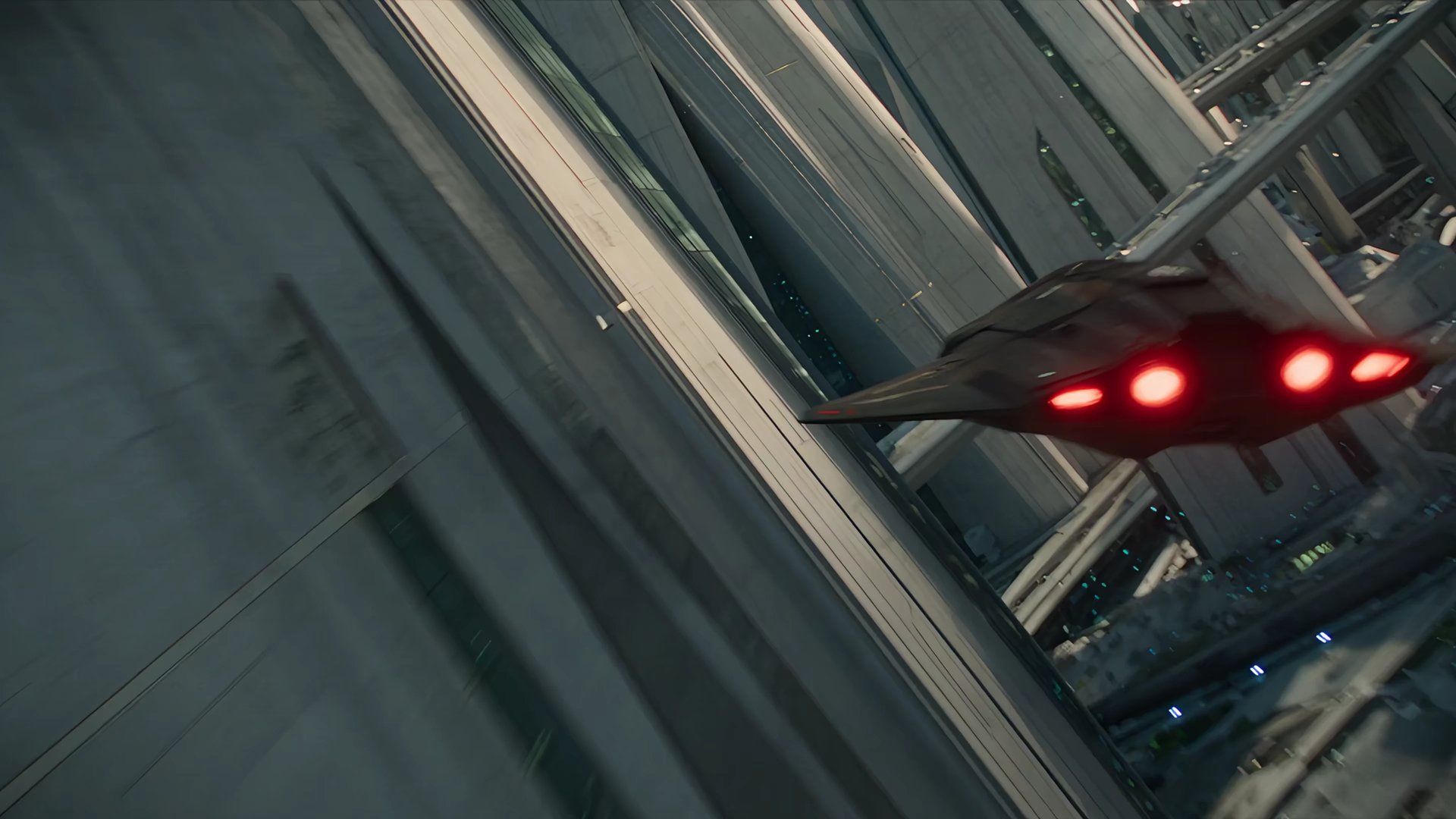
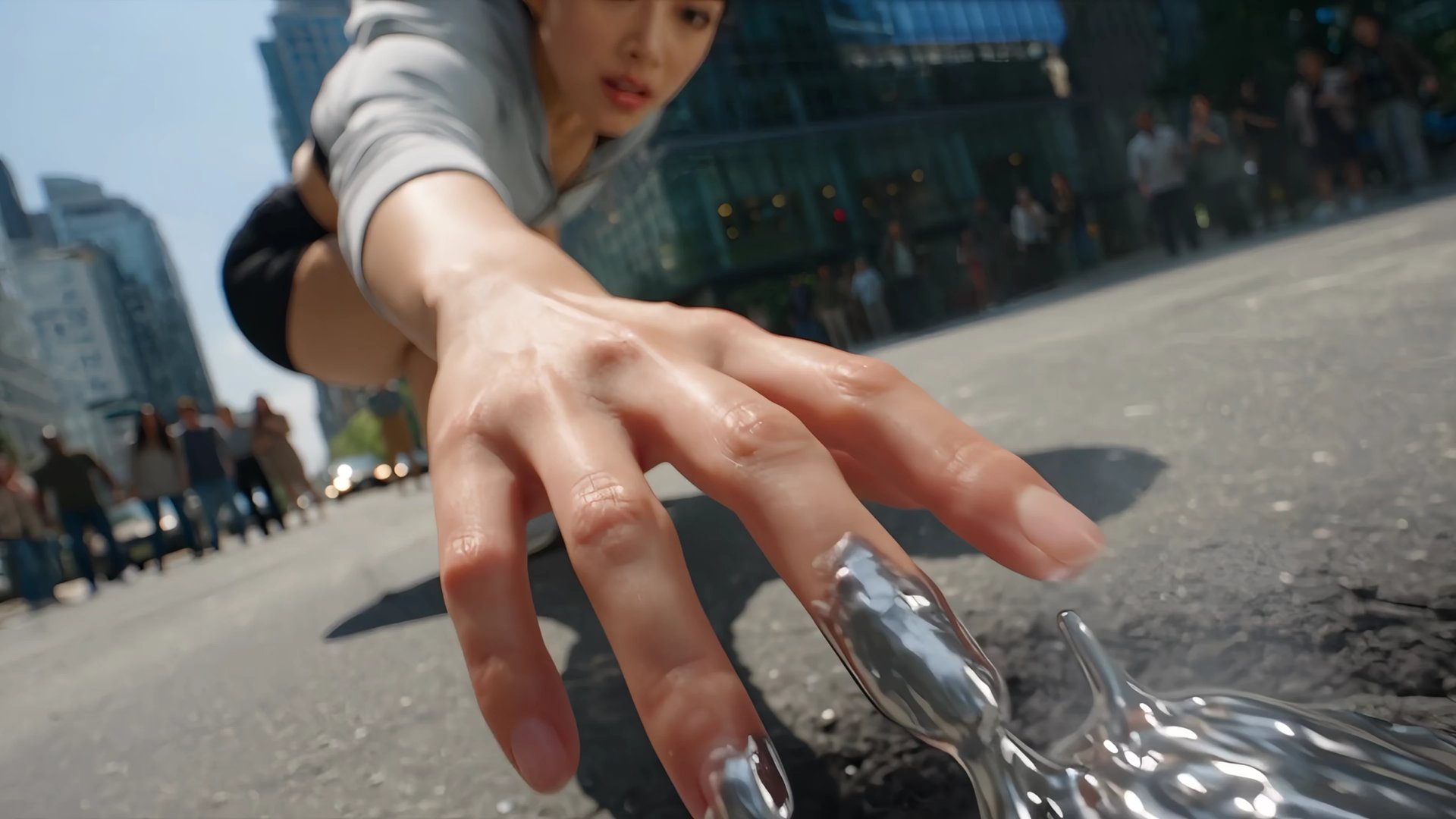
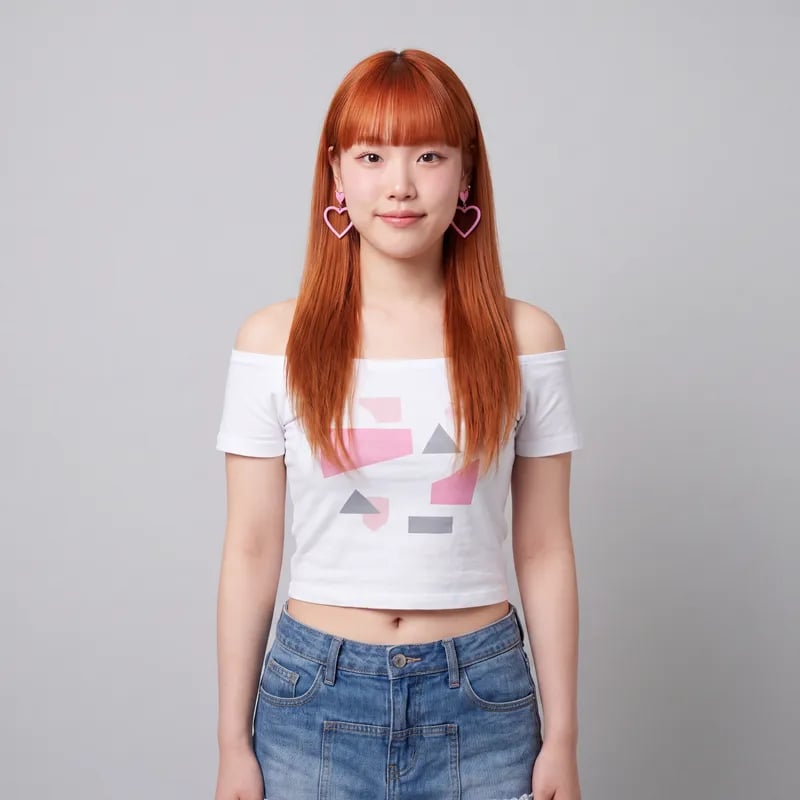
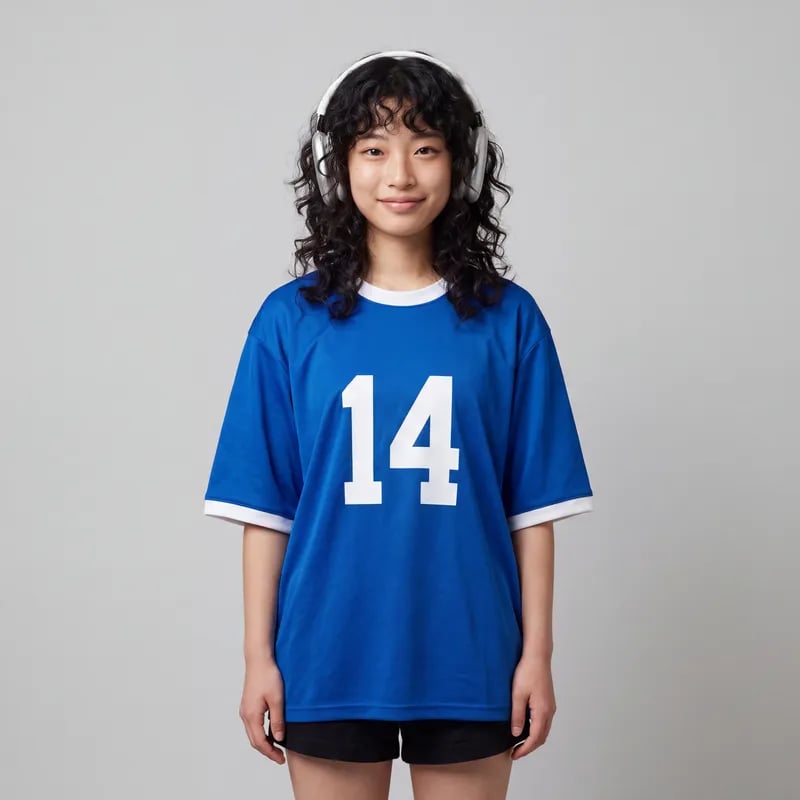

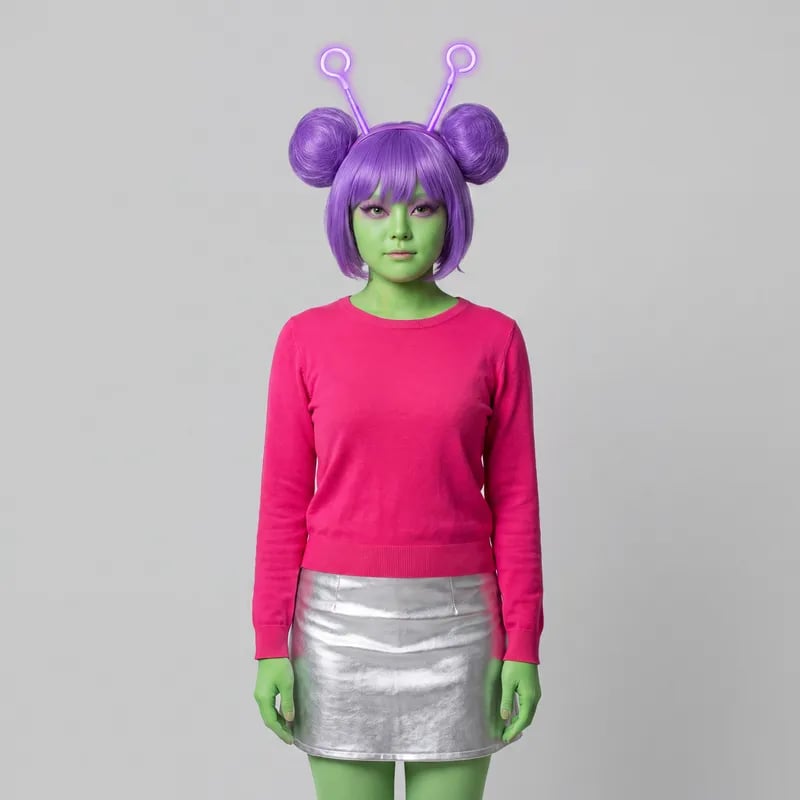
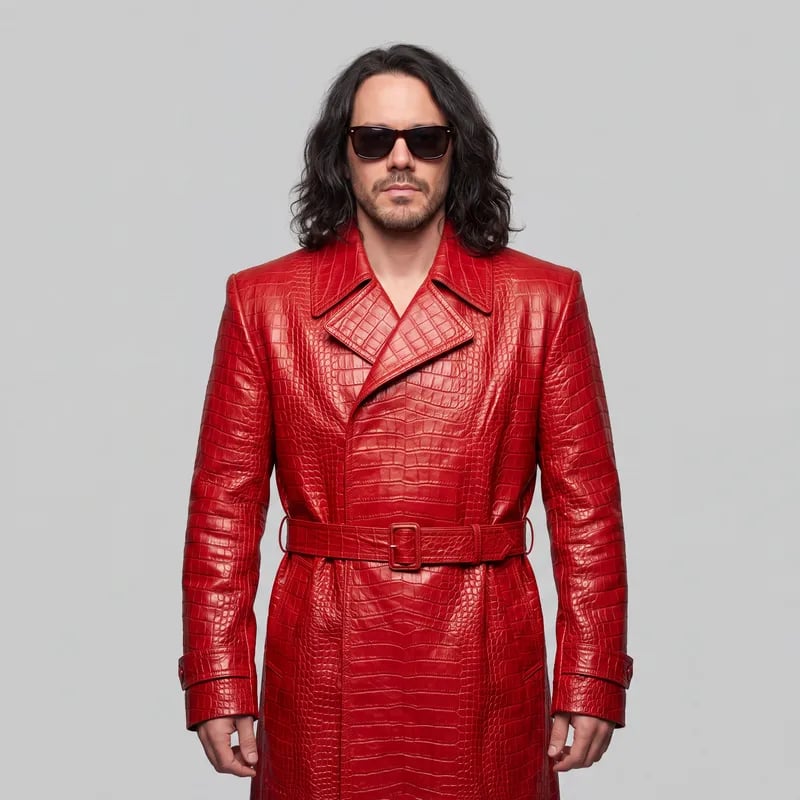



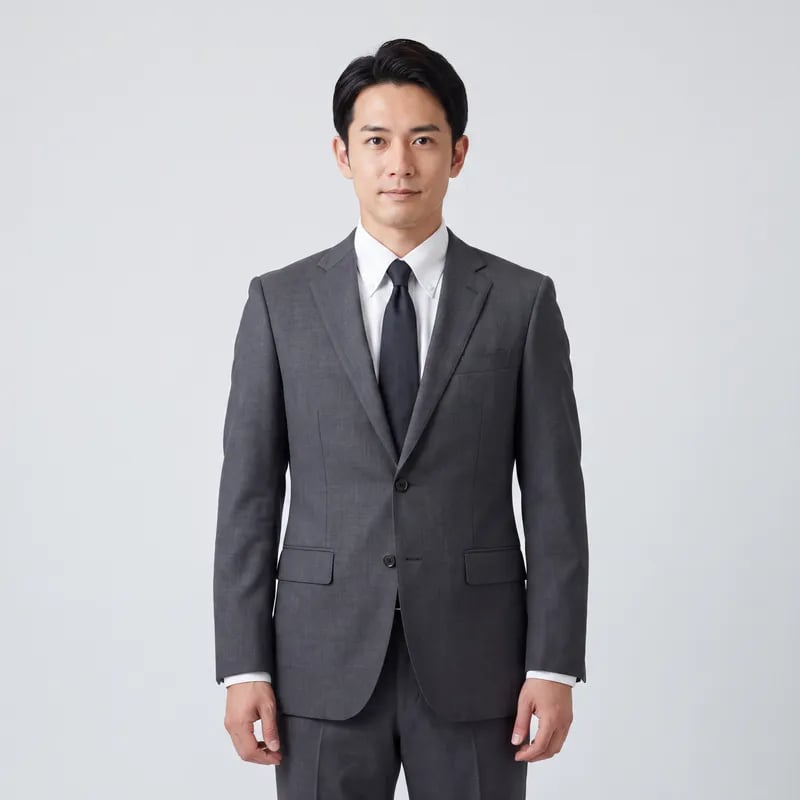
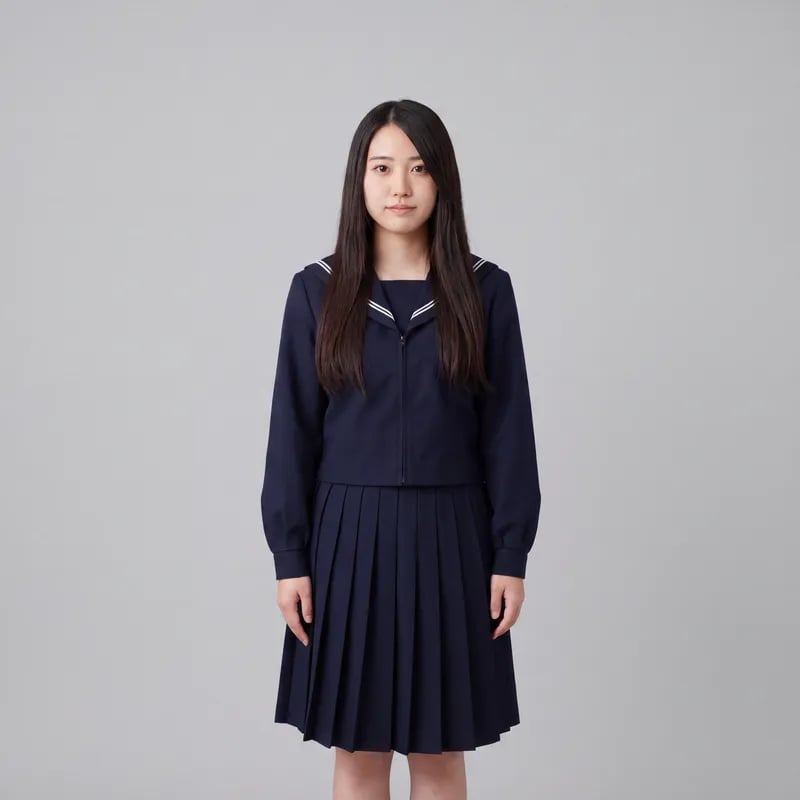
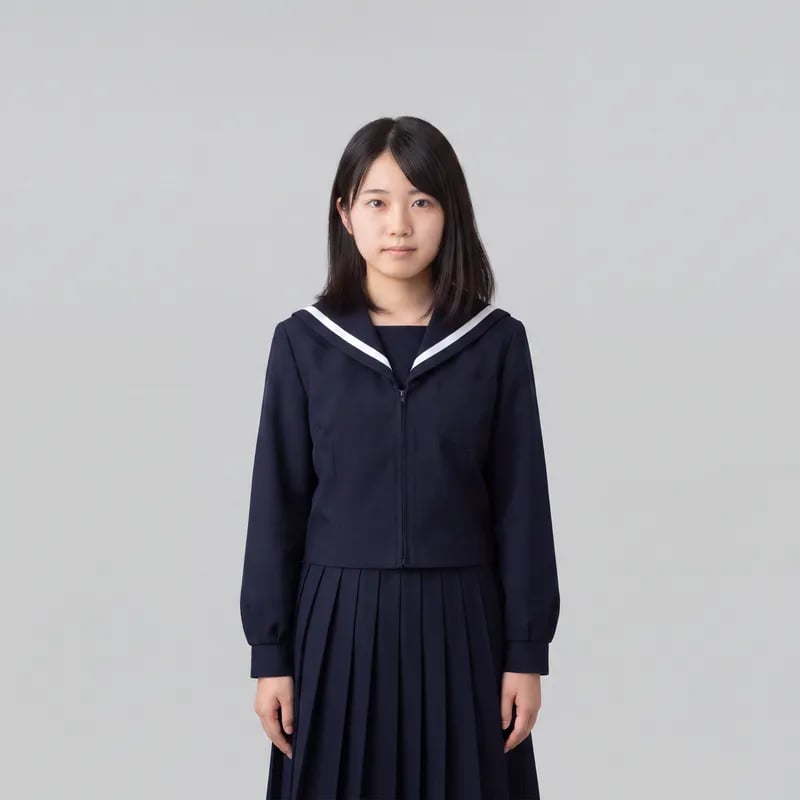
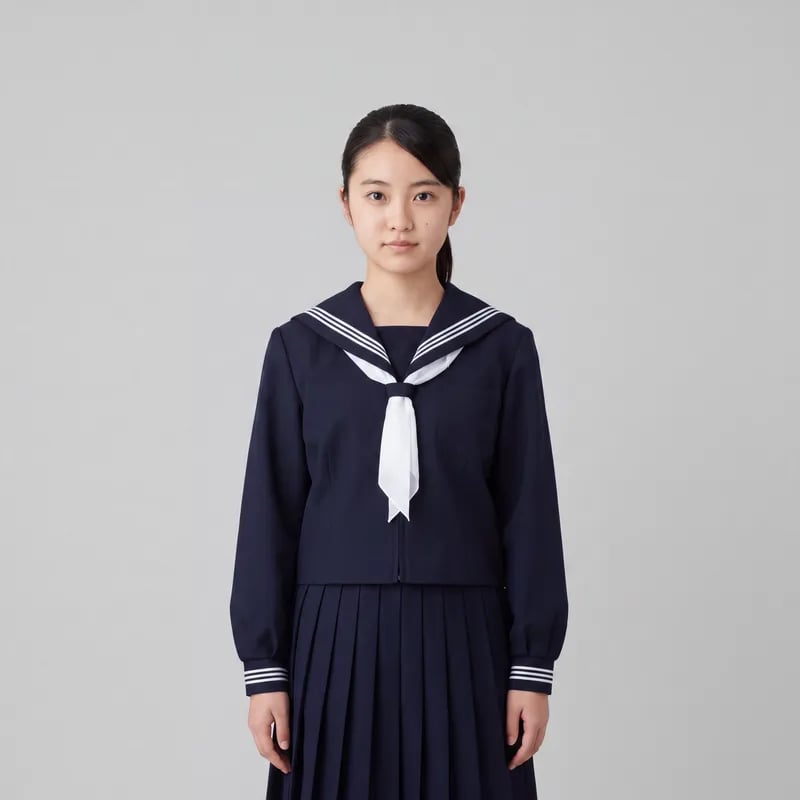



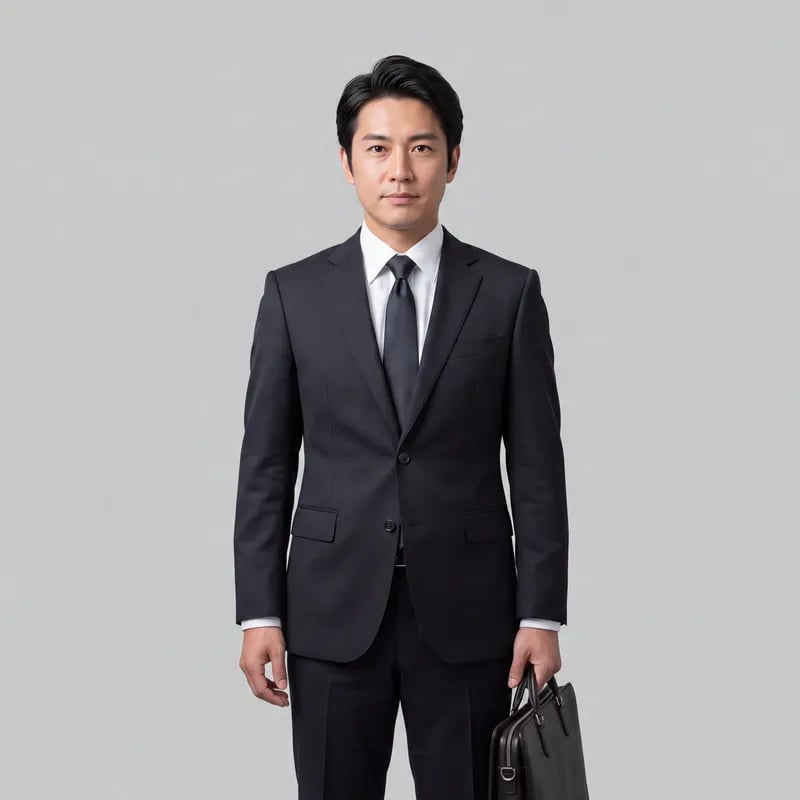
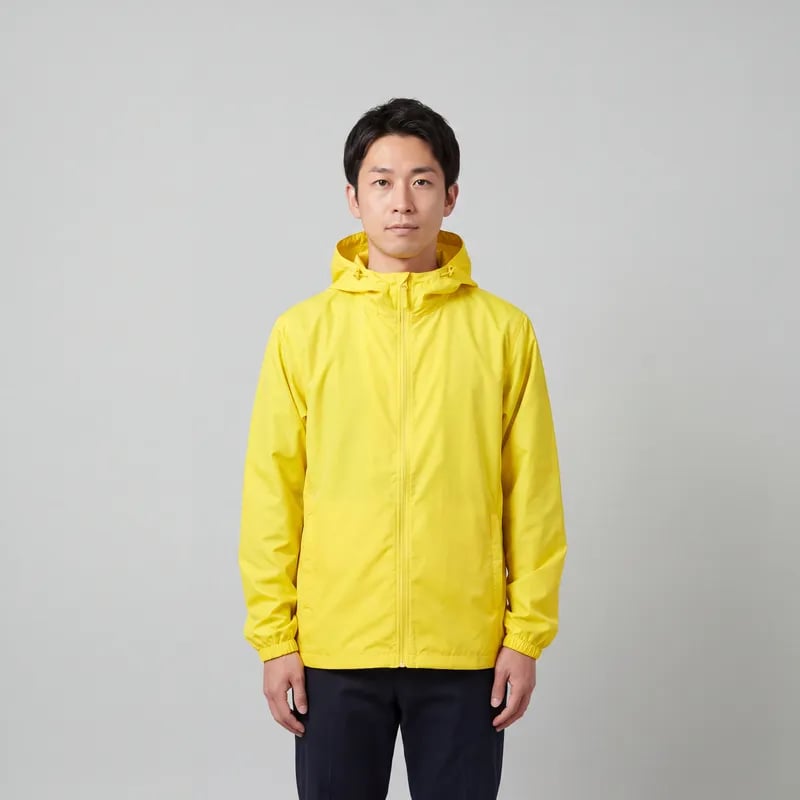
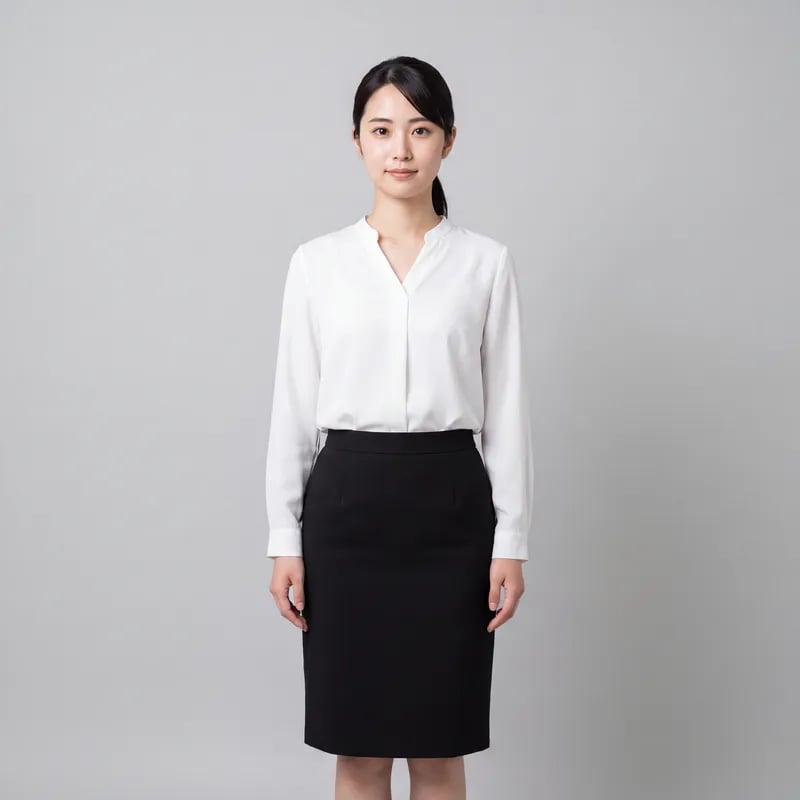
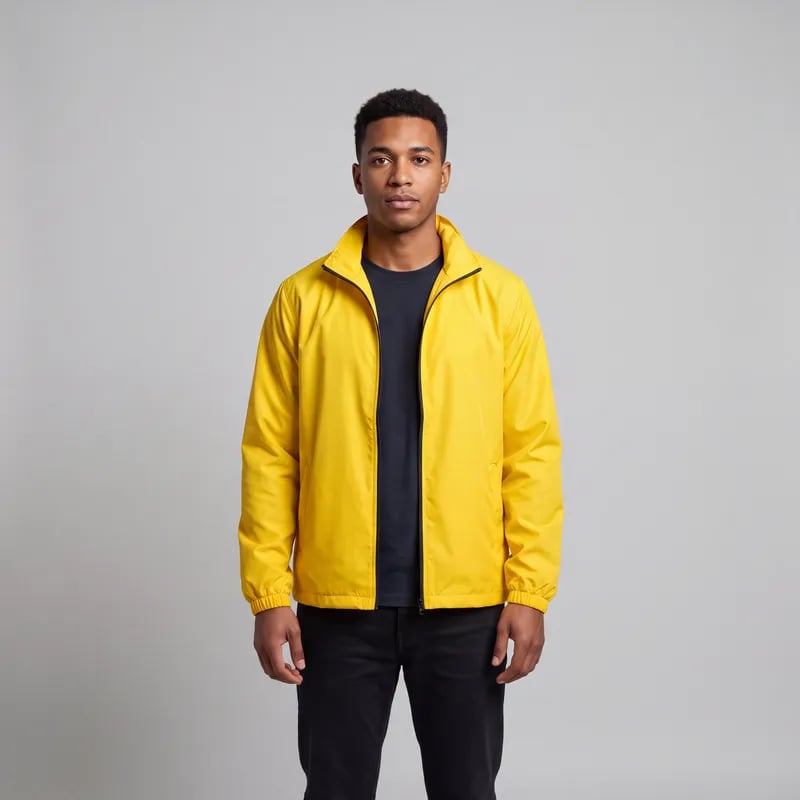
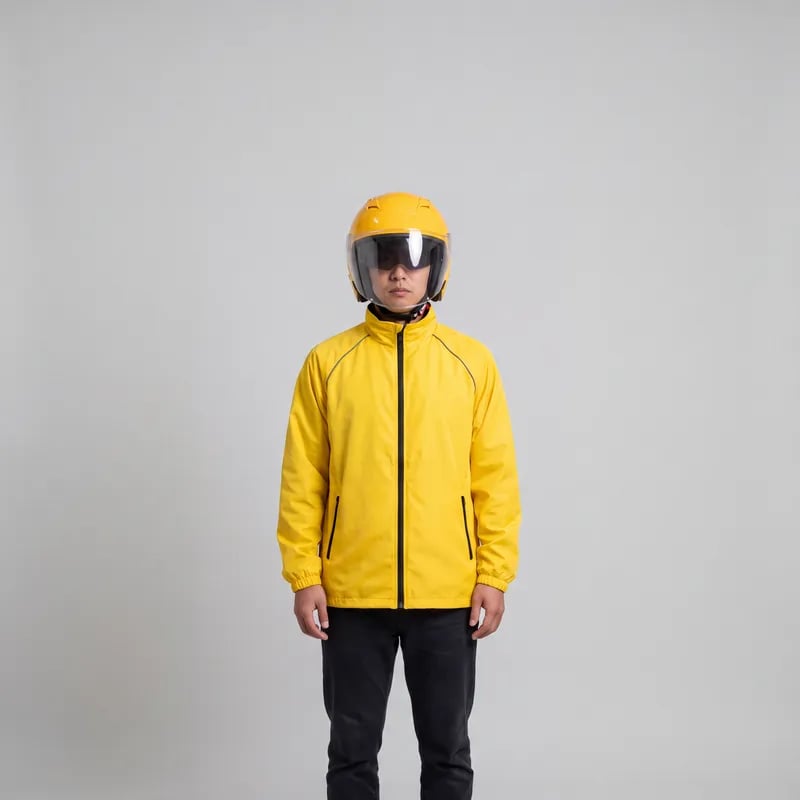
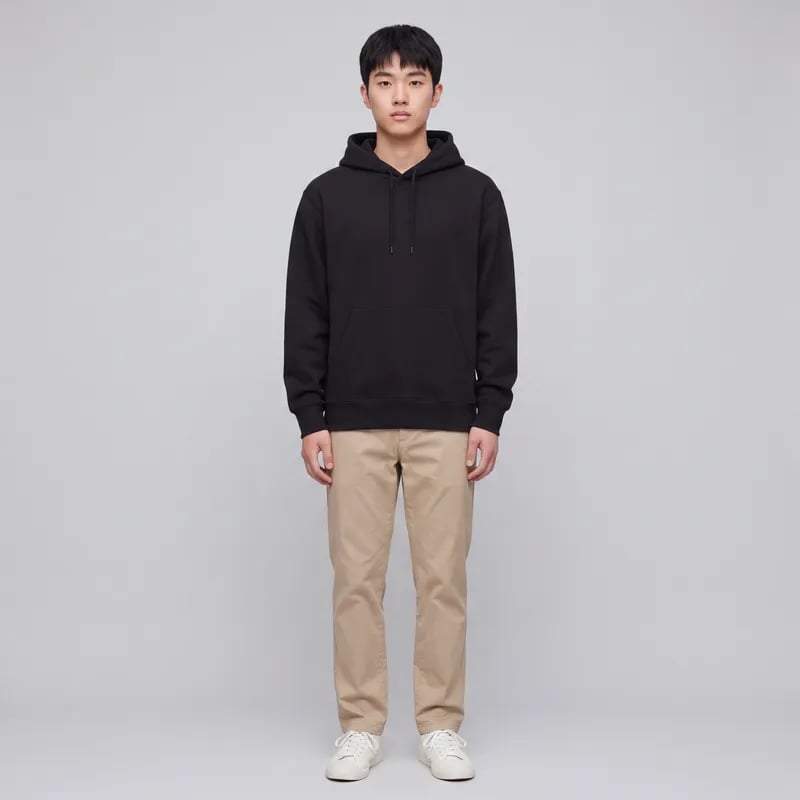
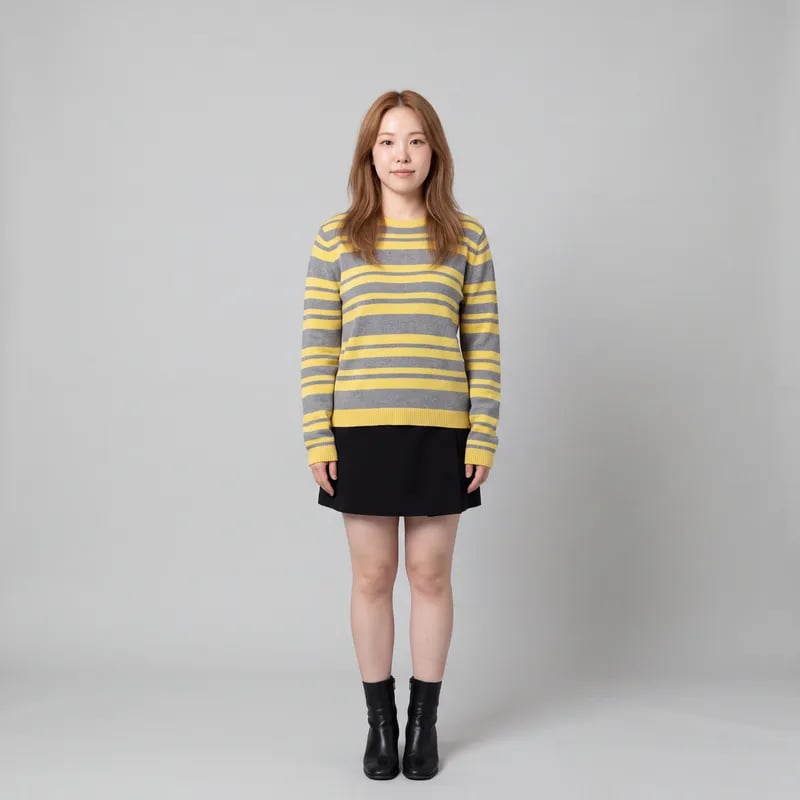

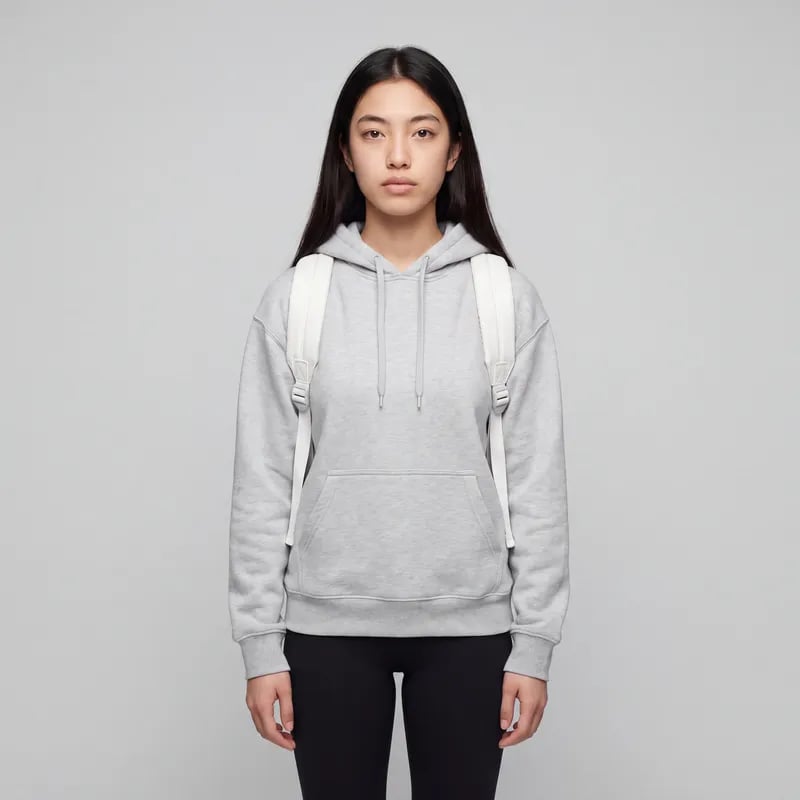

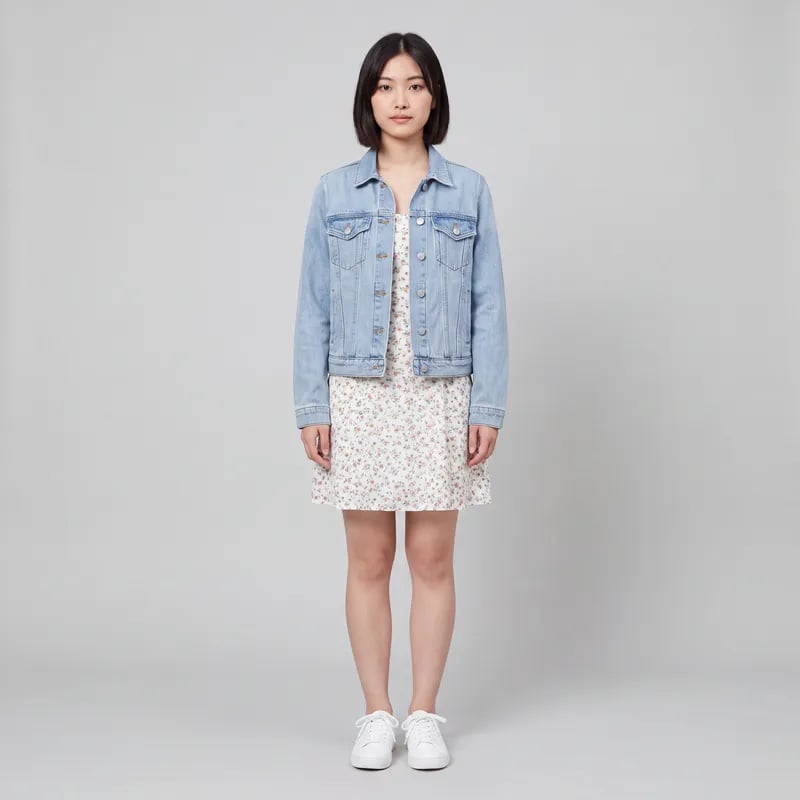
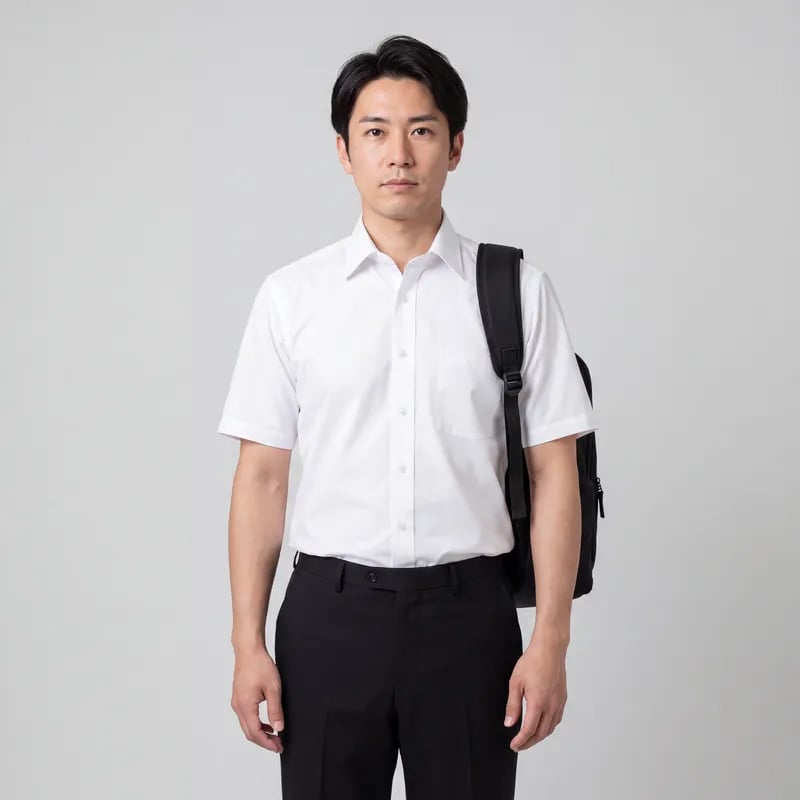
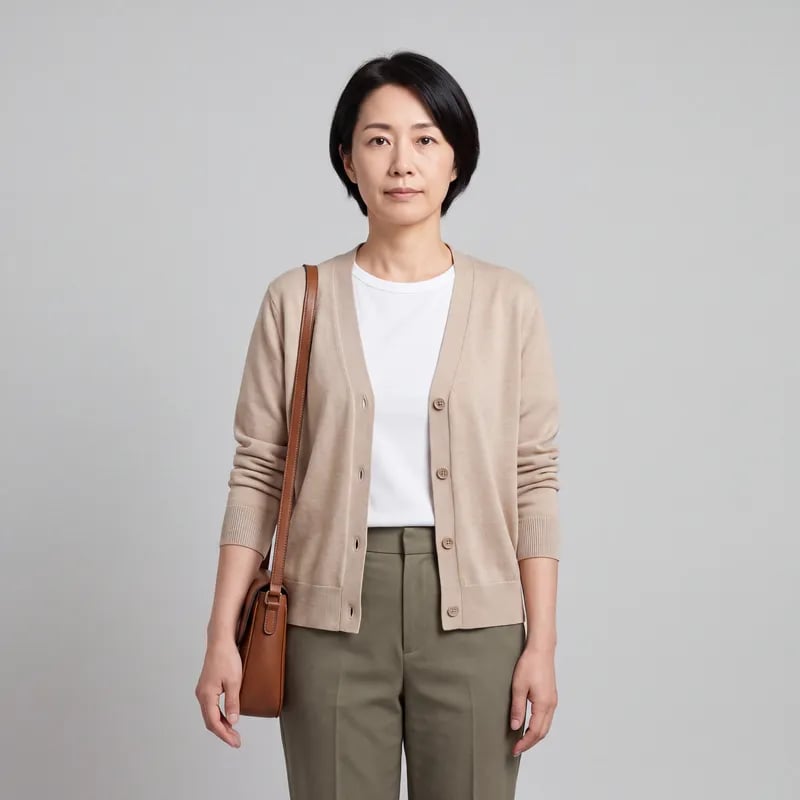
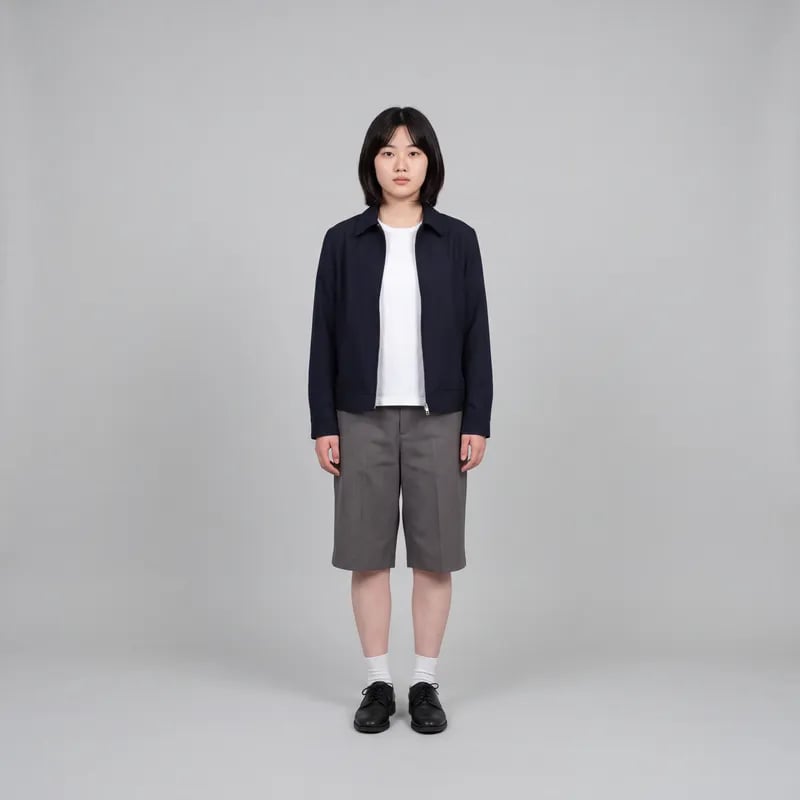
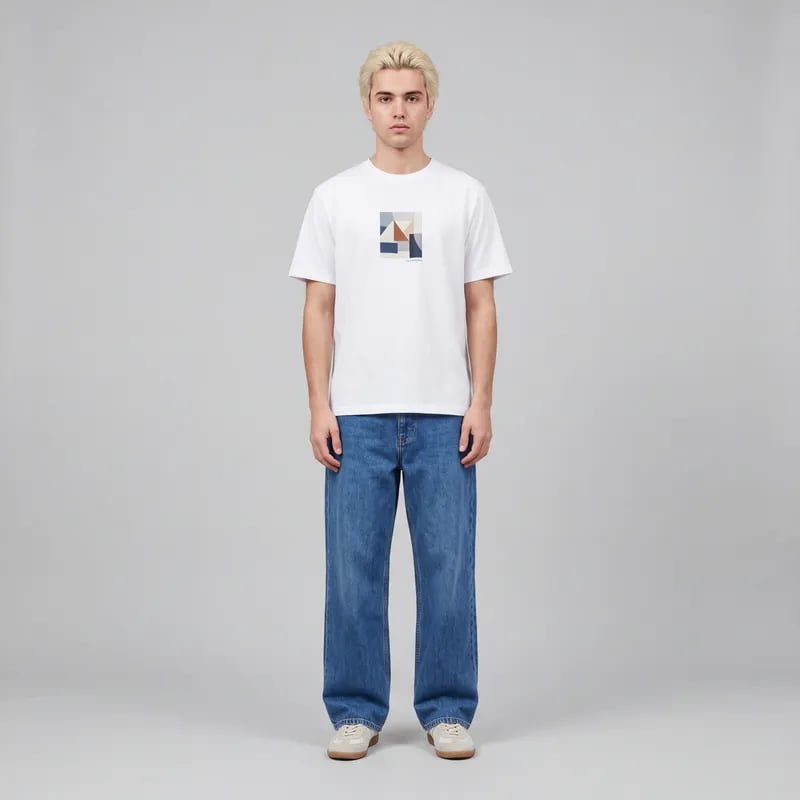
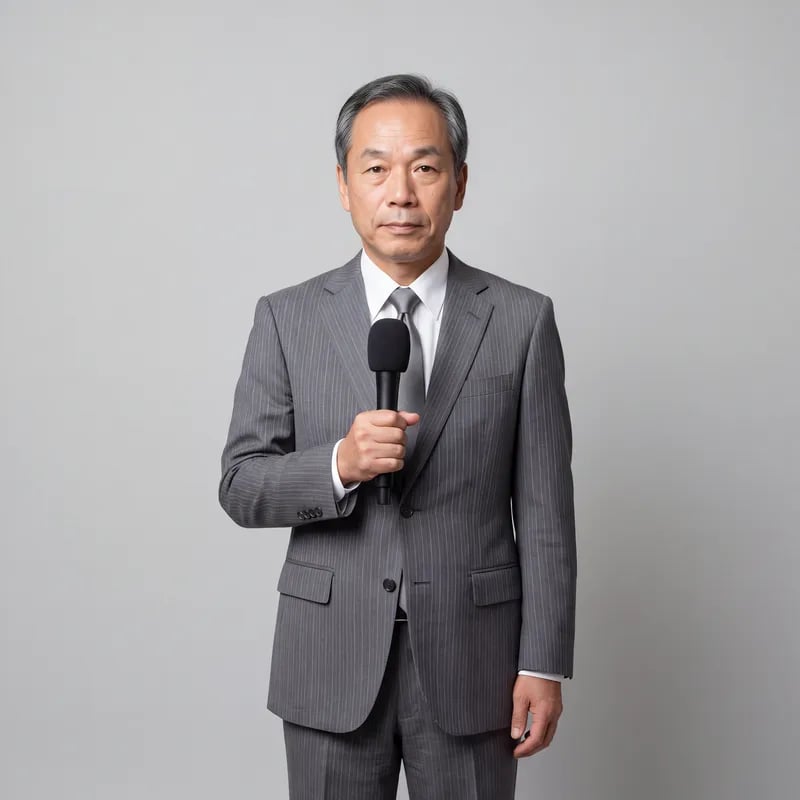
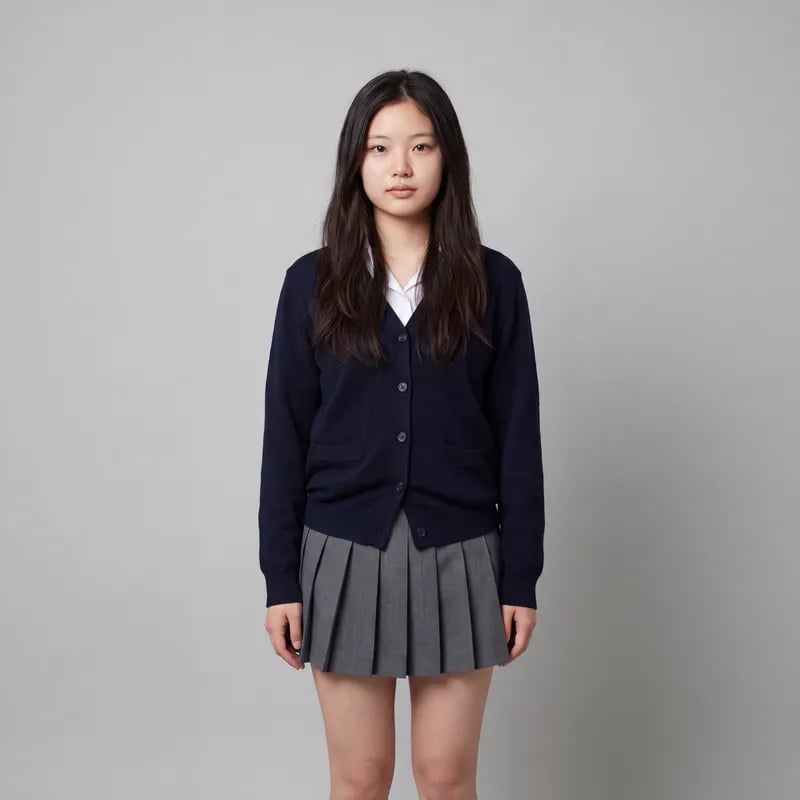
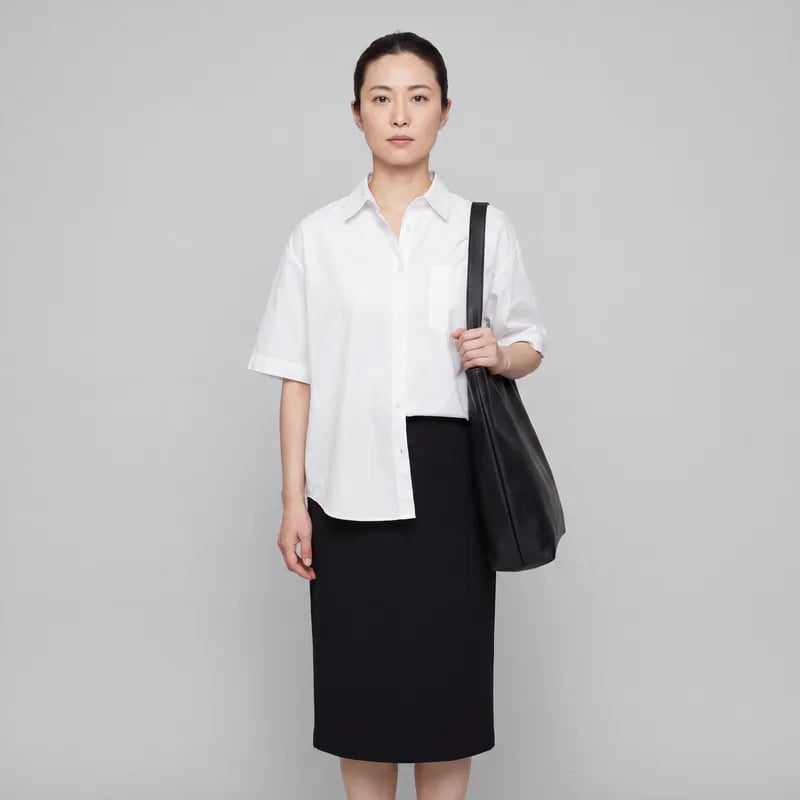
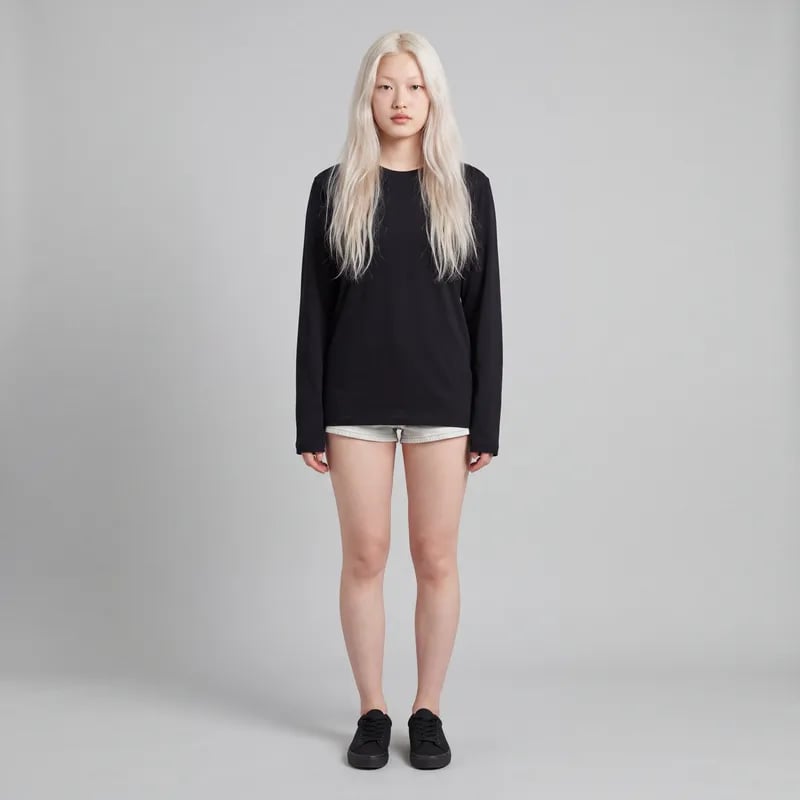
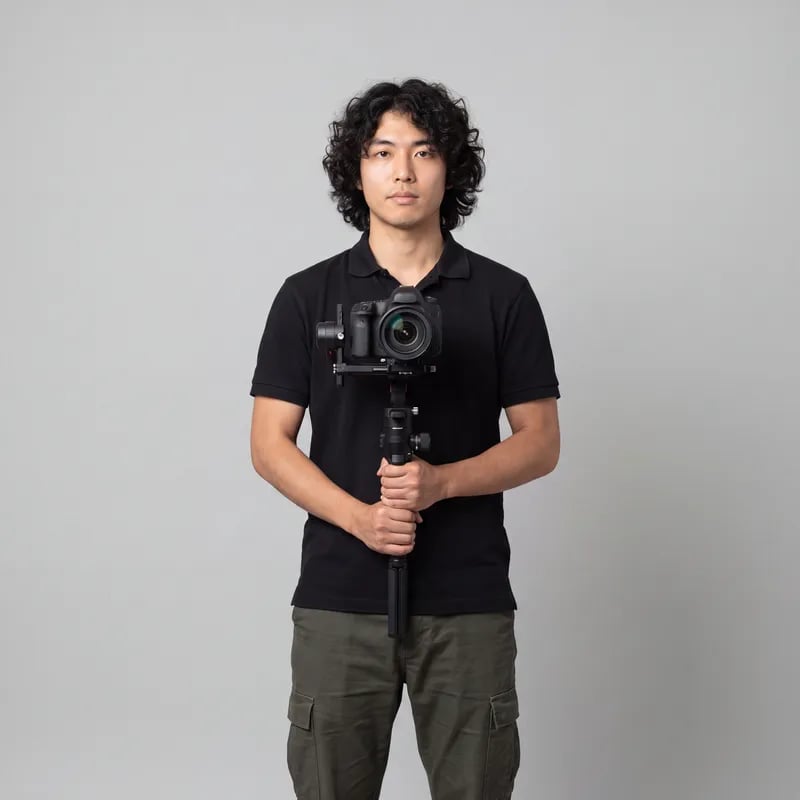
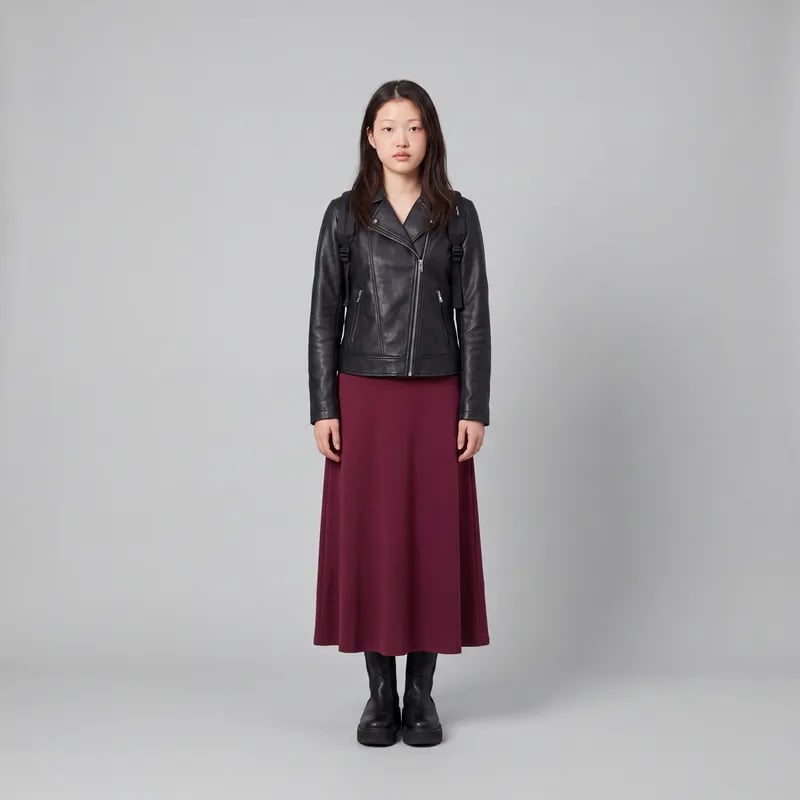
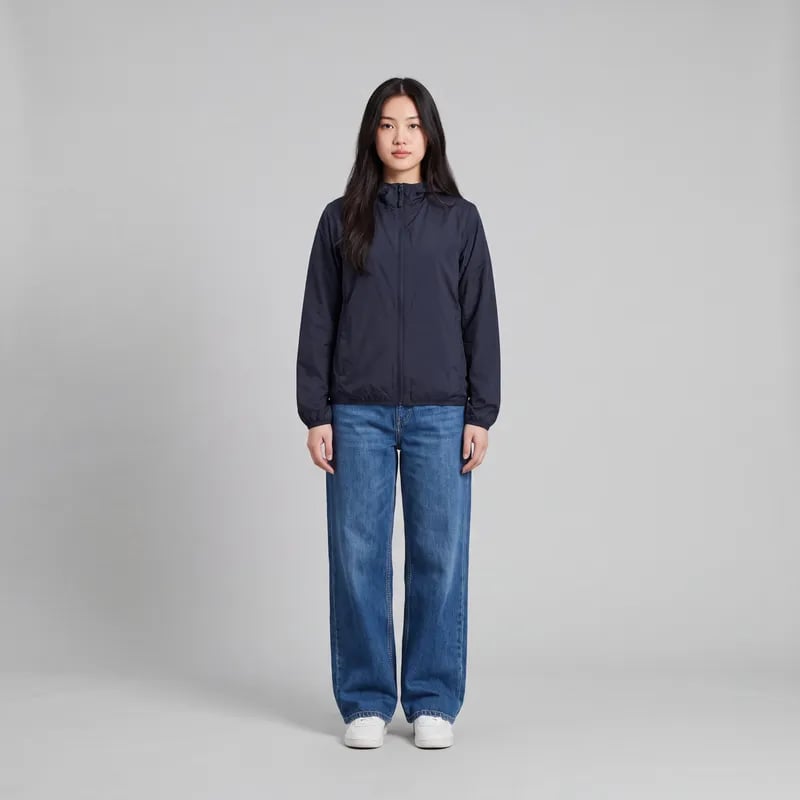
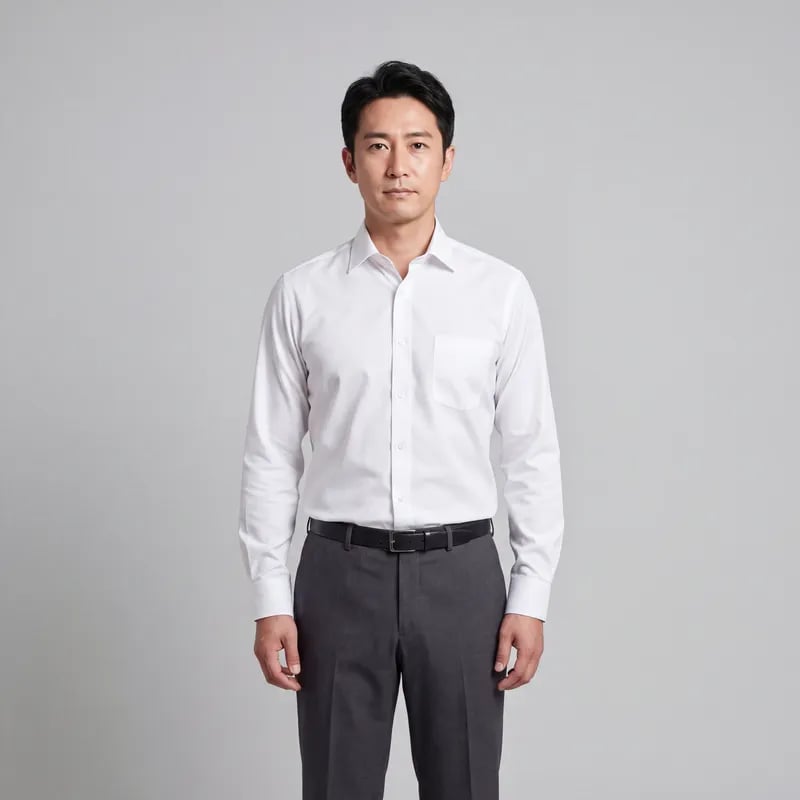
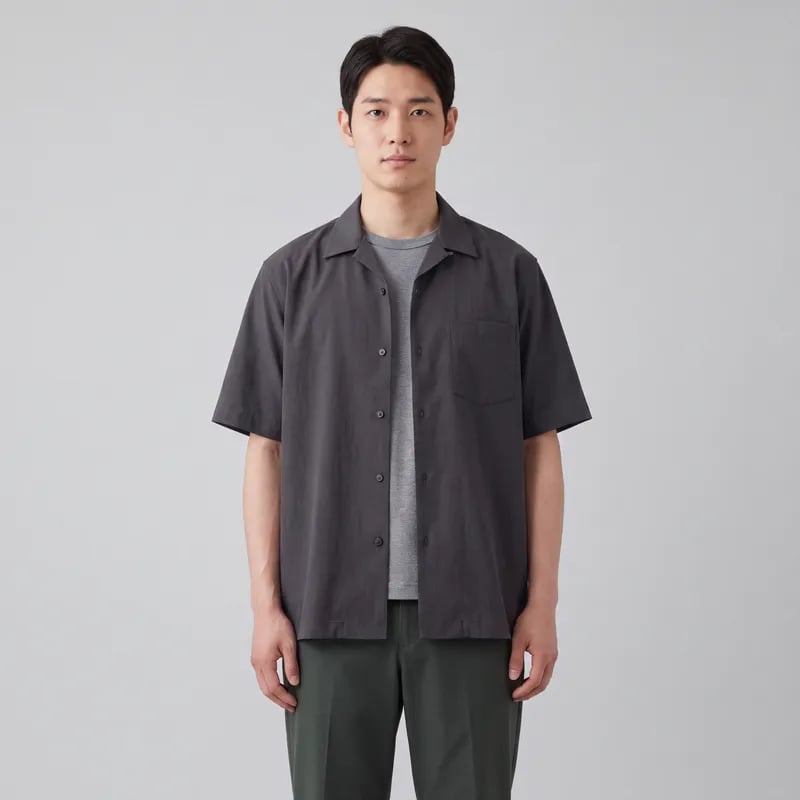
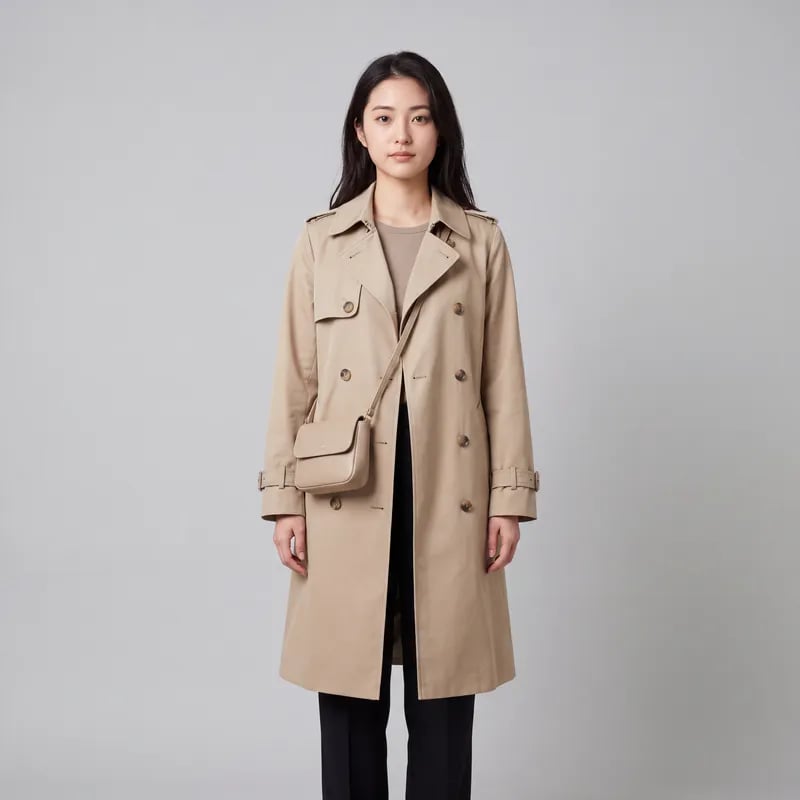
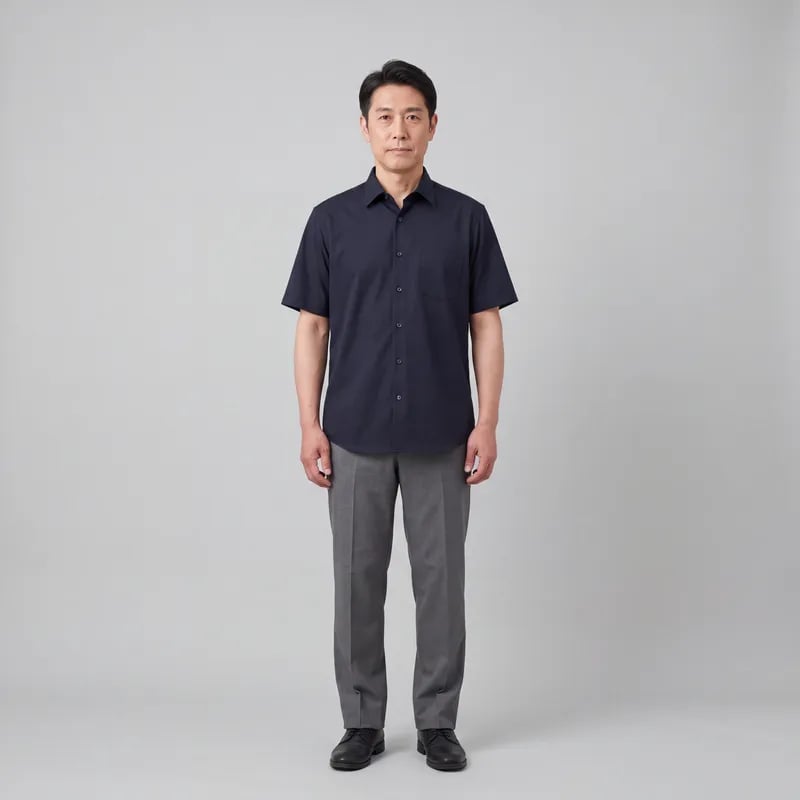
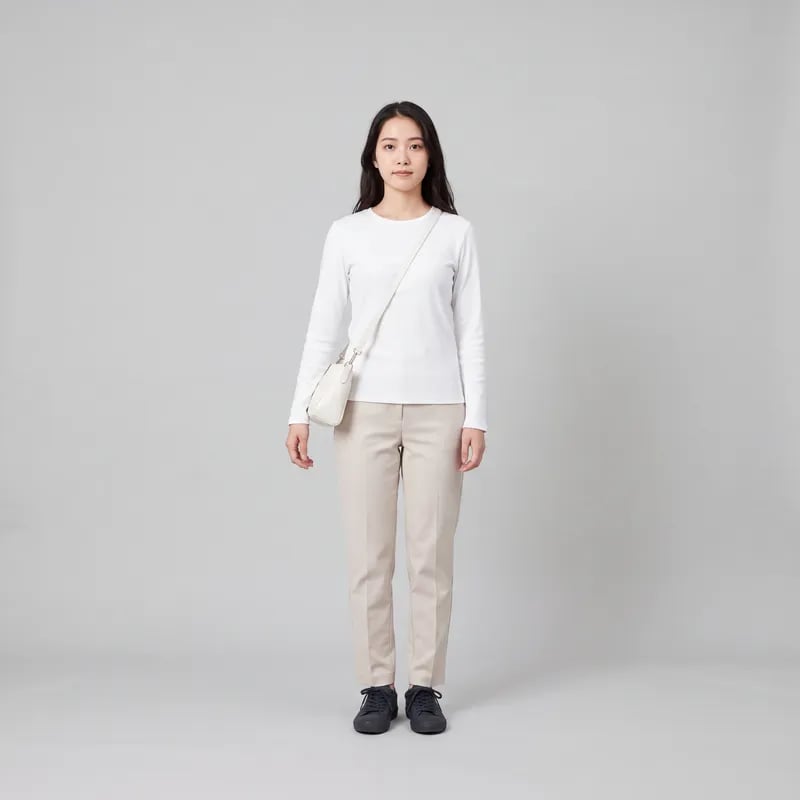
Product ads. Create product ads up to 30 seconds, then use its editing capabilities to change labels or backgrounds without starting over.
Seedance 2.5 AI Video Generator: Up to 4K and 30-Second Clips
Start Generating
AI Video Generator: Up to 4K and 30-Second Clips
Create videos up to 30 seconds with Seedance 2.5 using text, image, video, and audio references. Generate sound with the video and choose up to 4K quality.
Now live
Direct It Like You're On Set
Use prompts and references to guide each scene, then adjust the settings before you generate.
Up to 30 Seconds with Sound
Generate clips up to 30 seconds, with audio created alongside the video. Sound is on by default and can be turned off.
Up to 30 Seconds with Sound
Generate clips up to 30 seconds, with audio created alongside the video. Sound is on by default and can be turned off.
Guide the Video with Up to 50 References
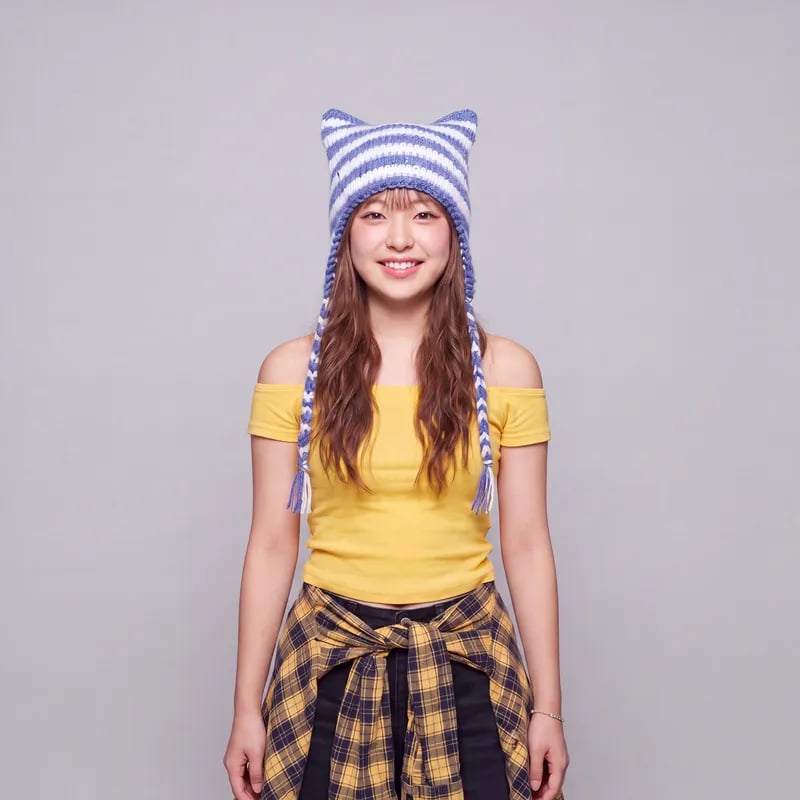
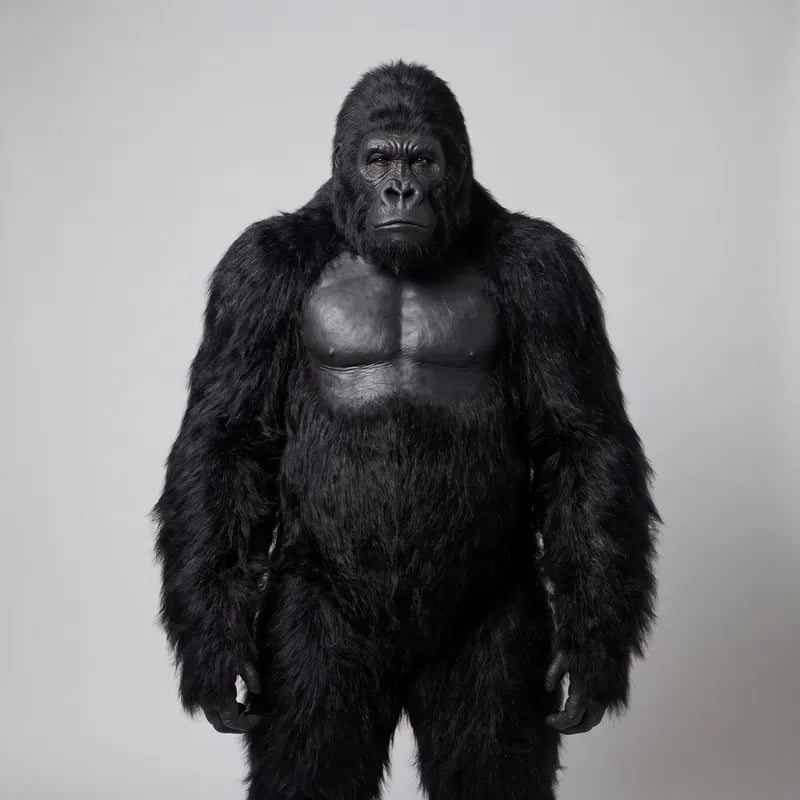
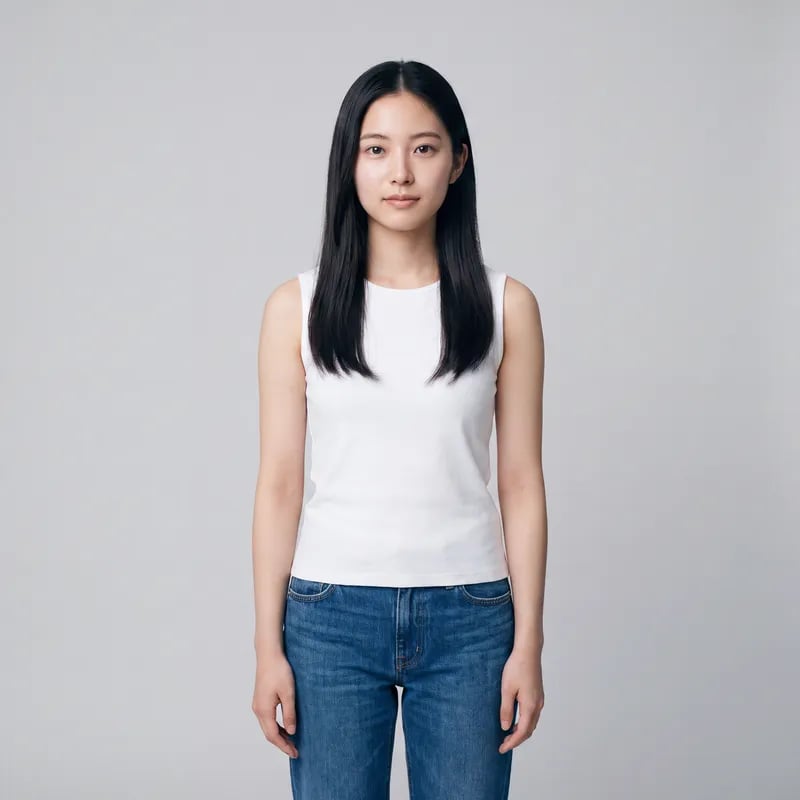
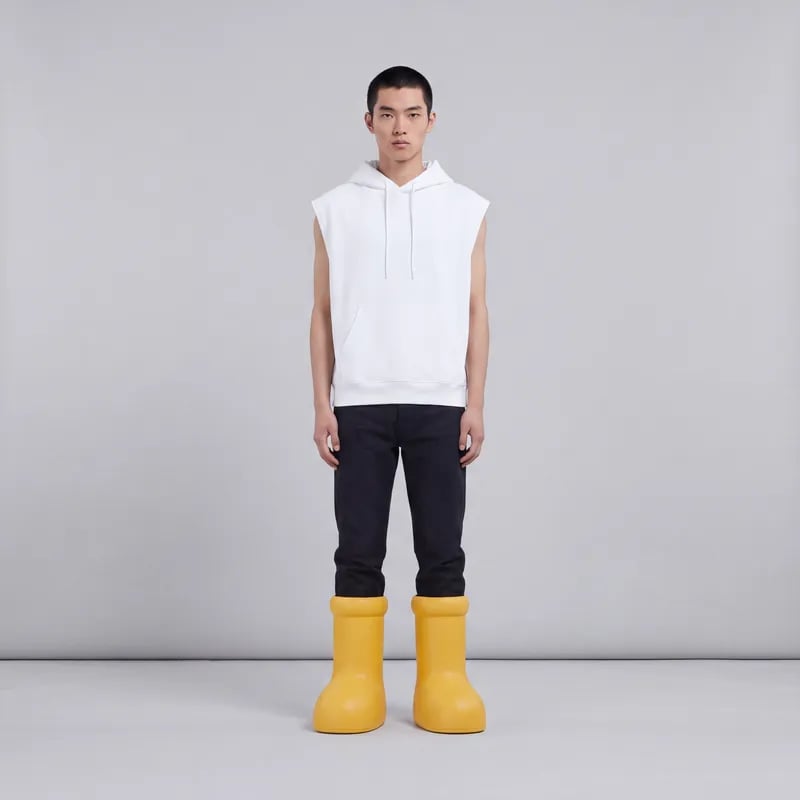
Add faces, products, outfits, locations, and style frames to steer the look of the clip. Seedance 2.5 takes up to 50 references in one generation: up to 30 images, 10 video clips, and 10 audio files.
Make Targeted Changes with Seedance 2.5 Edit
Refine clips with targeted changes, from updating a product label to cleaning up a background. Describe the result or sketch the area, with image or audio references to guide the edit.
What You Can Make with Seedance 2.5
Higgsfield is the generative platform for creative production. Create product ads, short films, and social videos using prompts and references.
New
Six reasons your film comes together easier
Generate in 4K
Create more detailed videos
50 refs
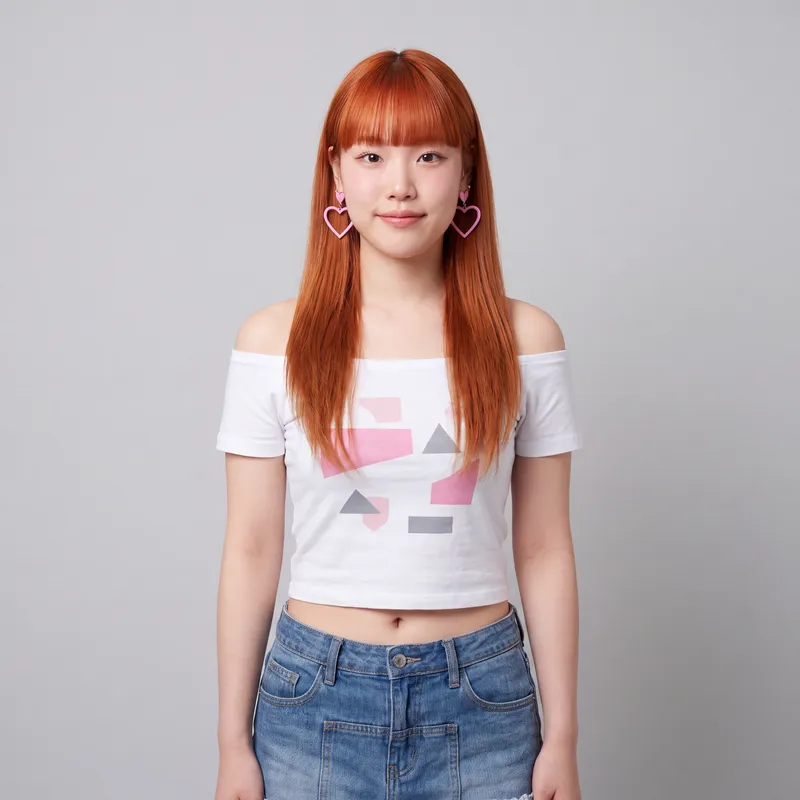
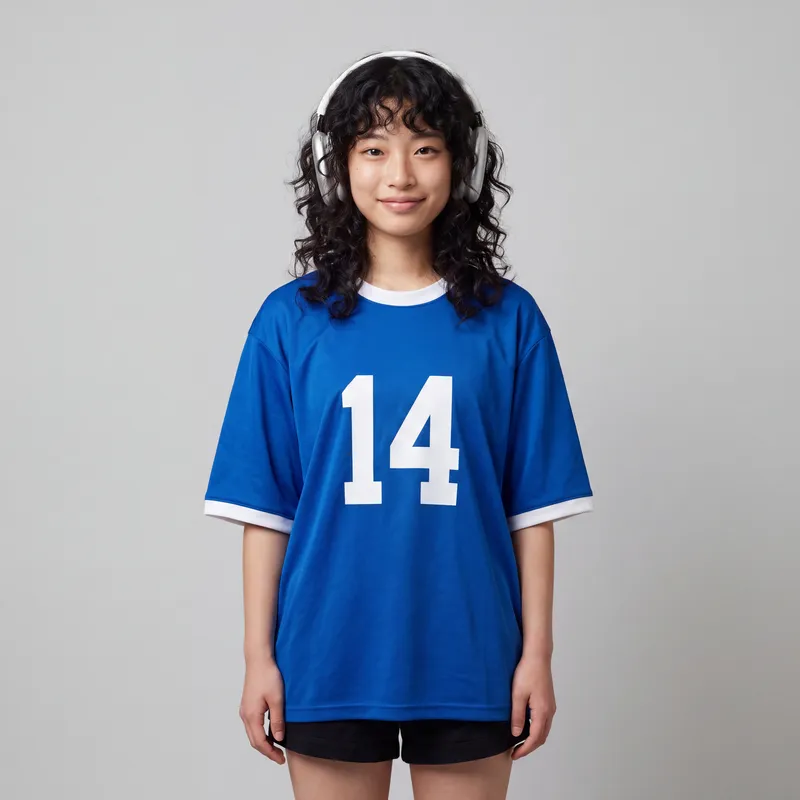

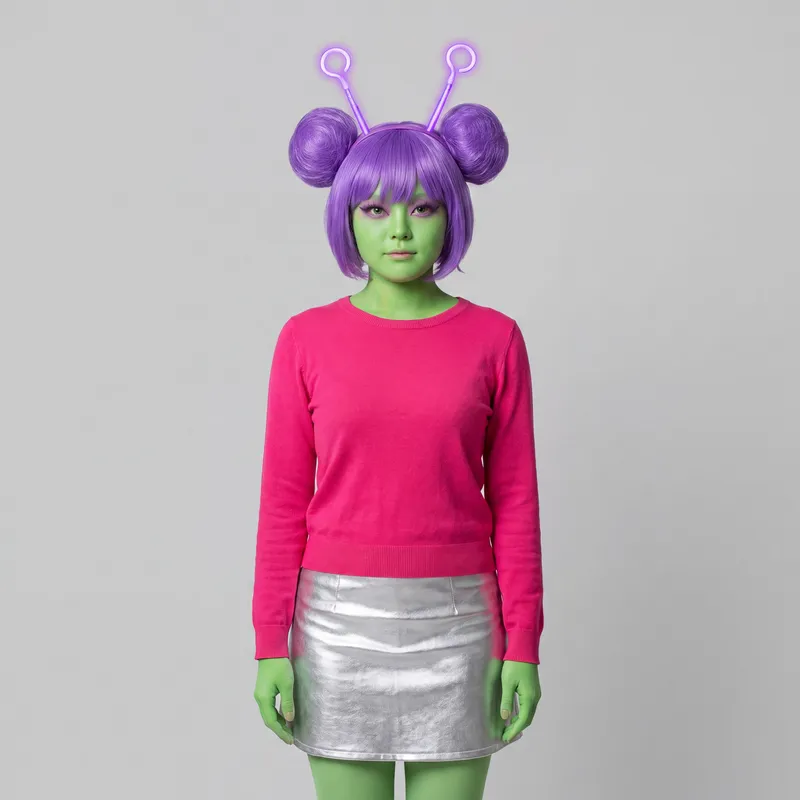
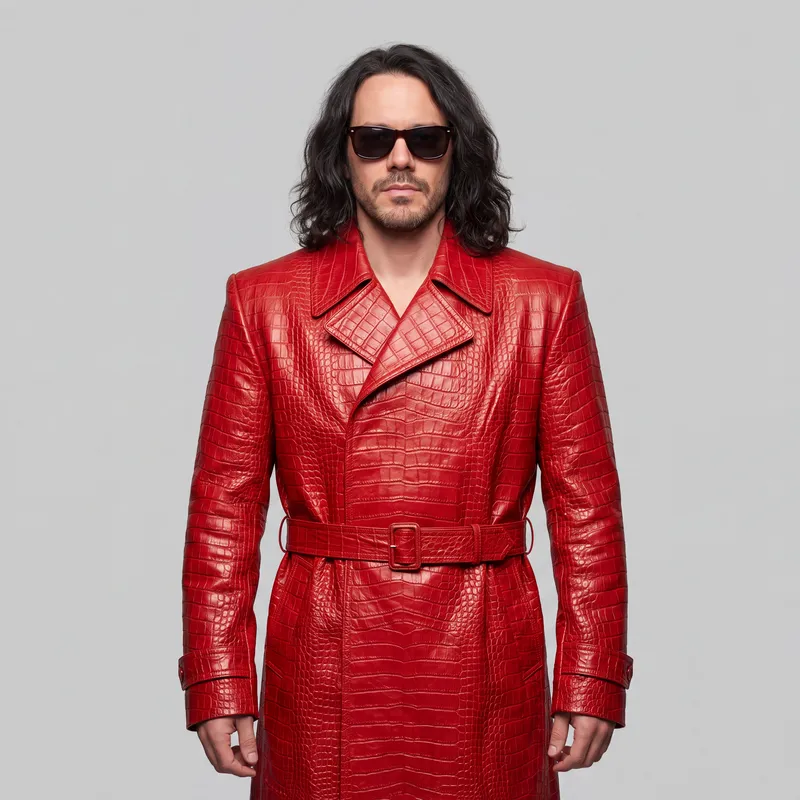
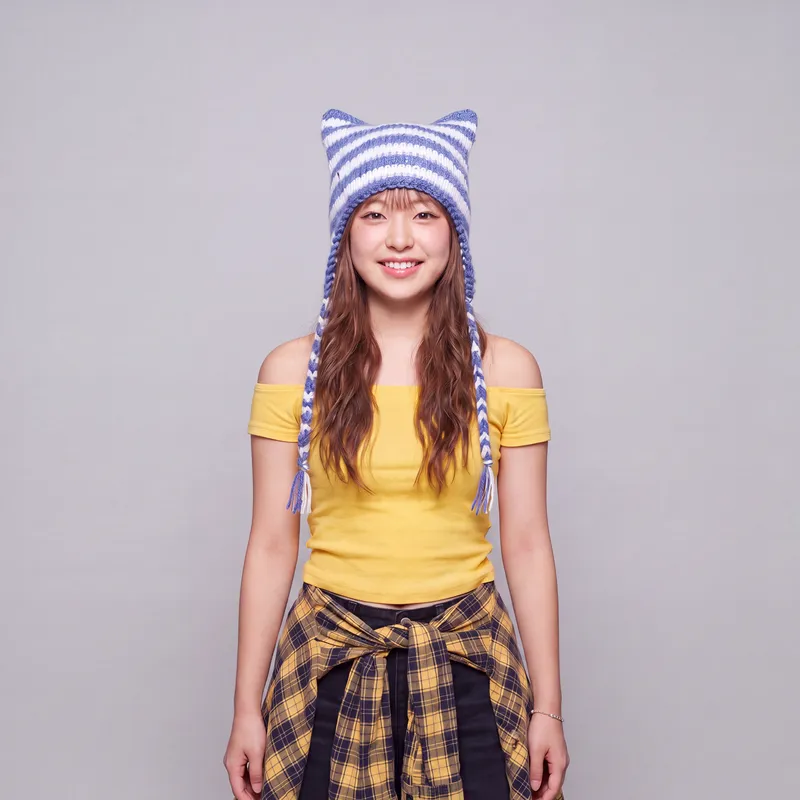
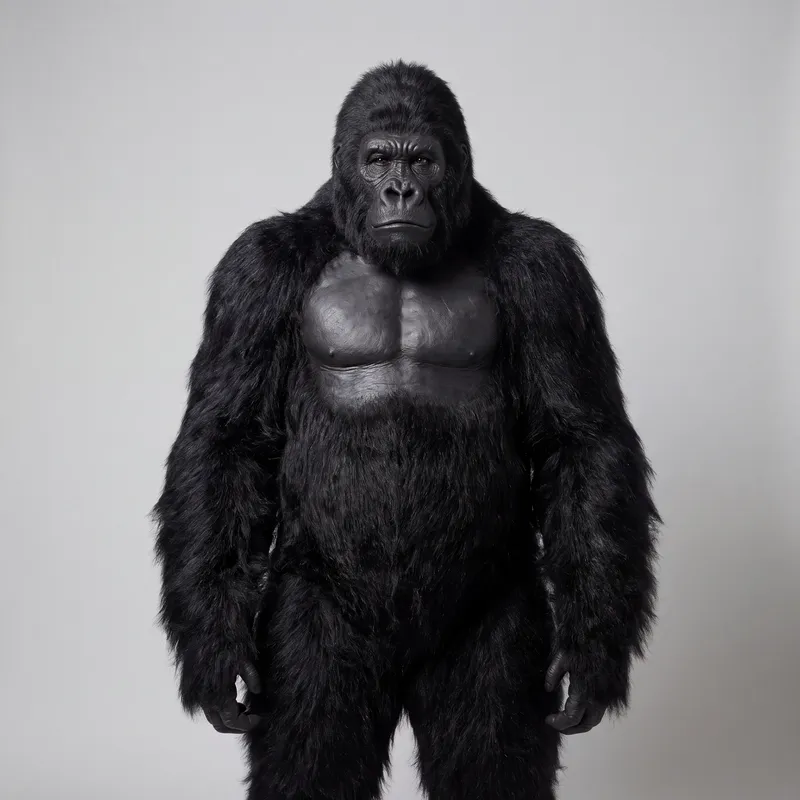
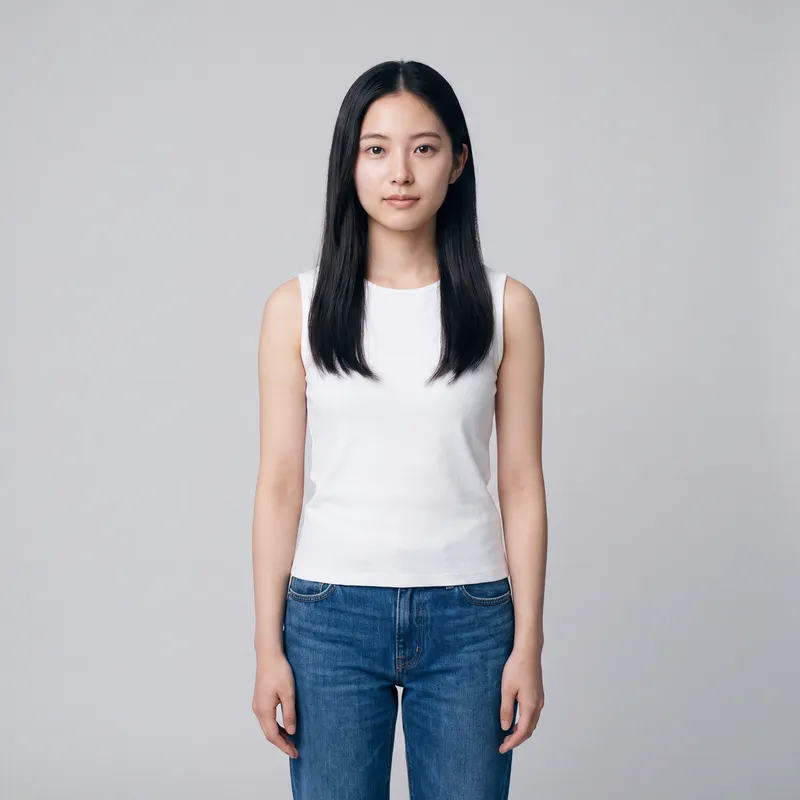



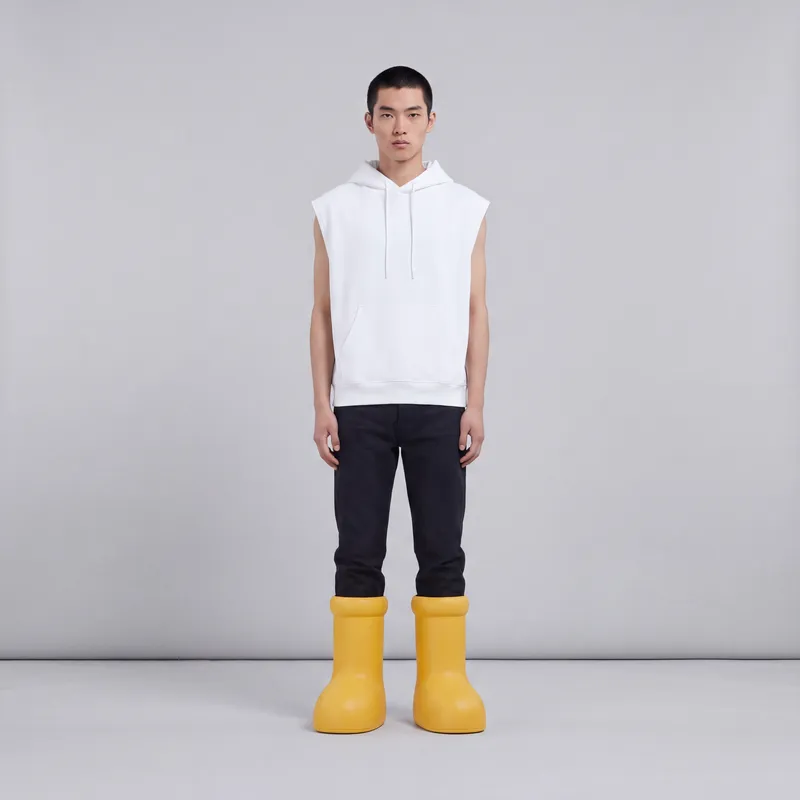
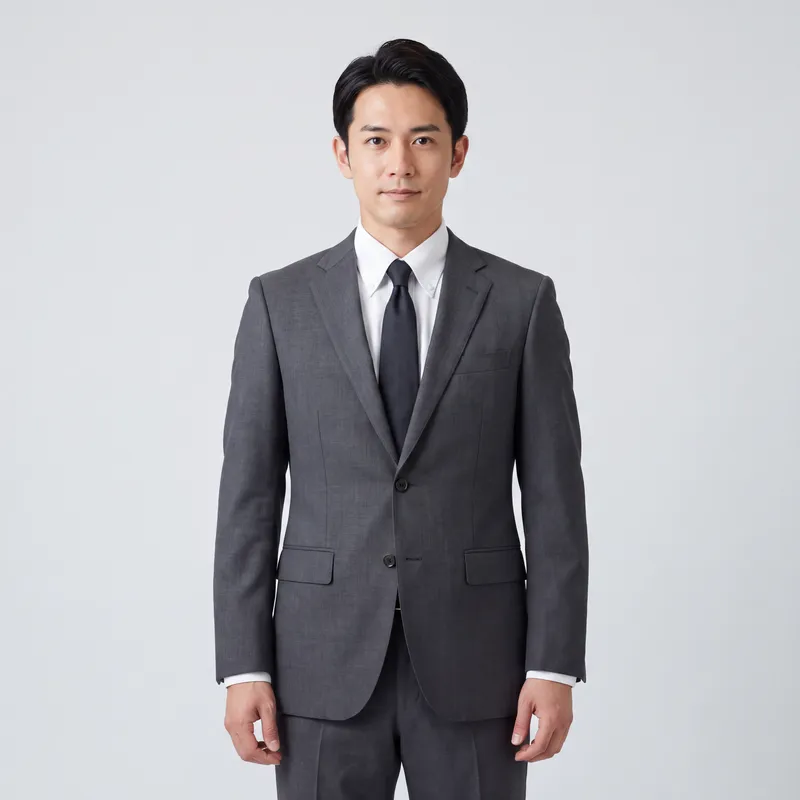
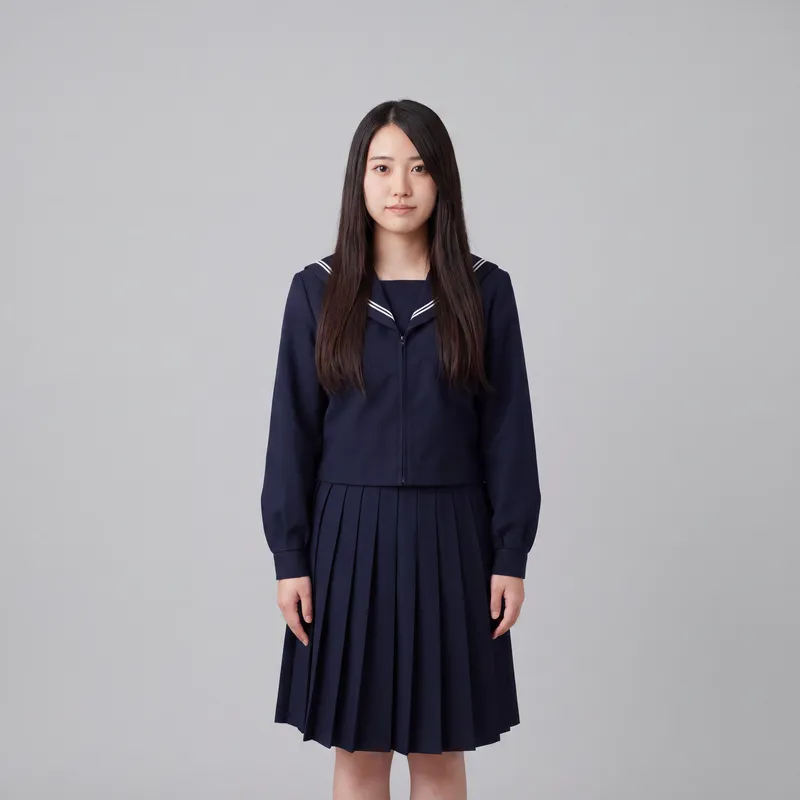
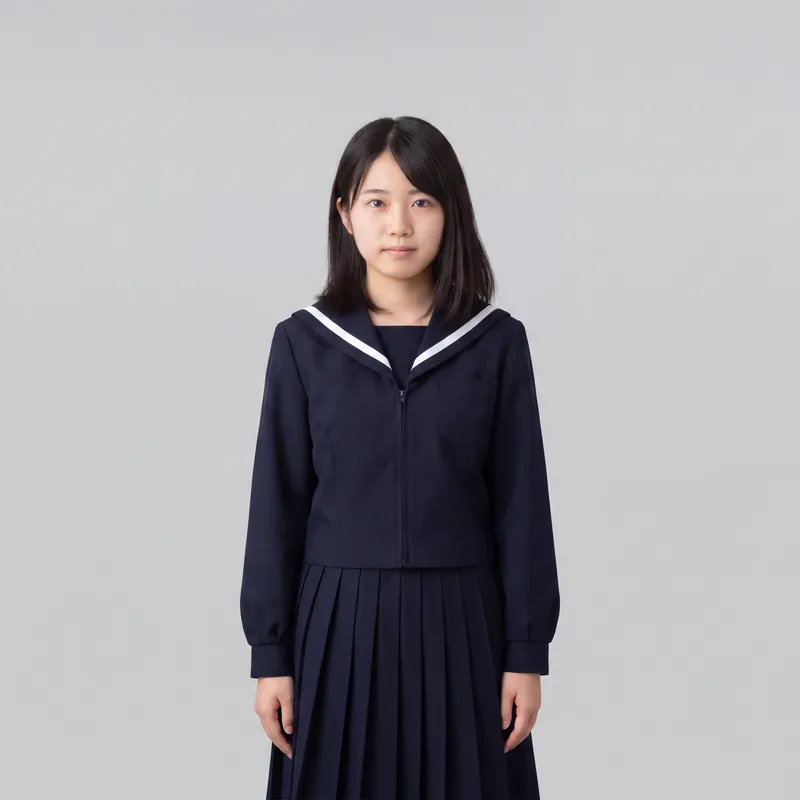
One generation, everything at once
Nothing drifts
Keeps your lighting, character and scene consistent
Audio
Sound is generated with the pixels, not glued on after
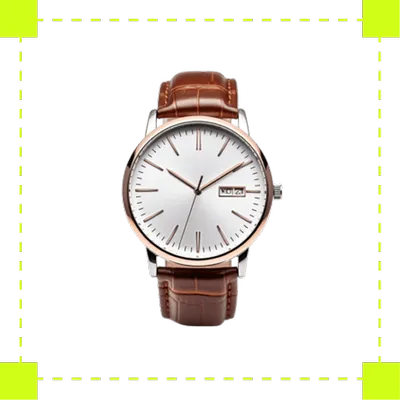

Region edit
Replace an object or polish a face
30s
Six times the runway in one continuous take
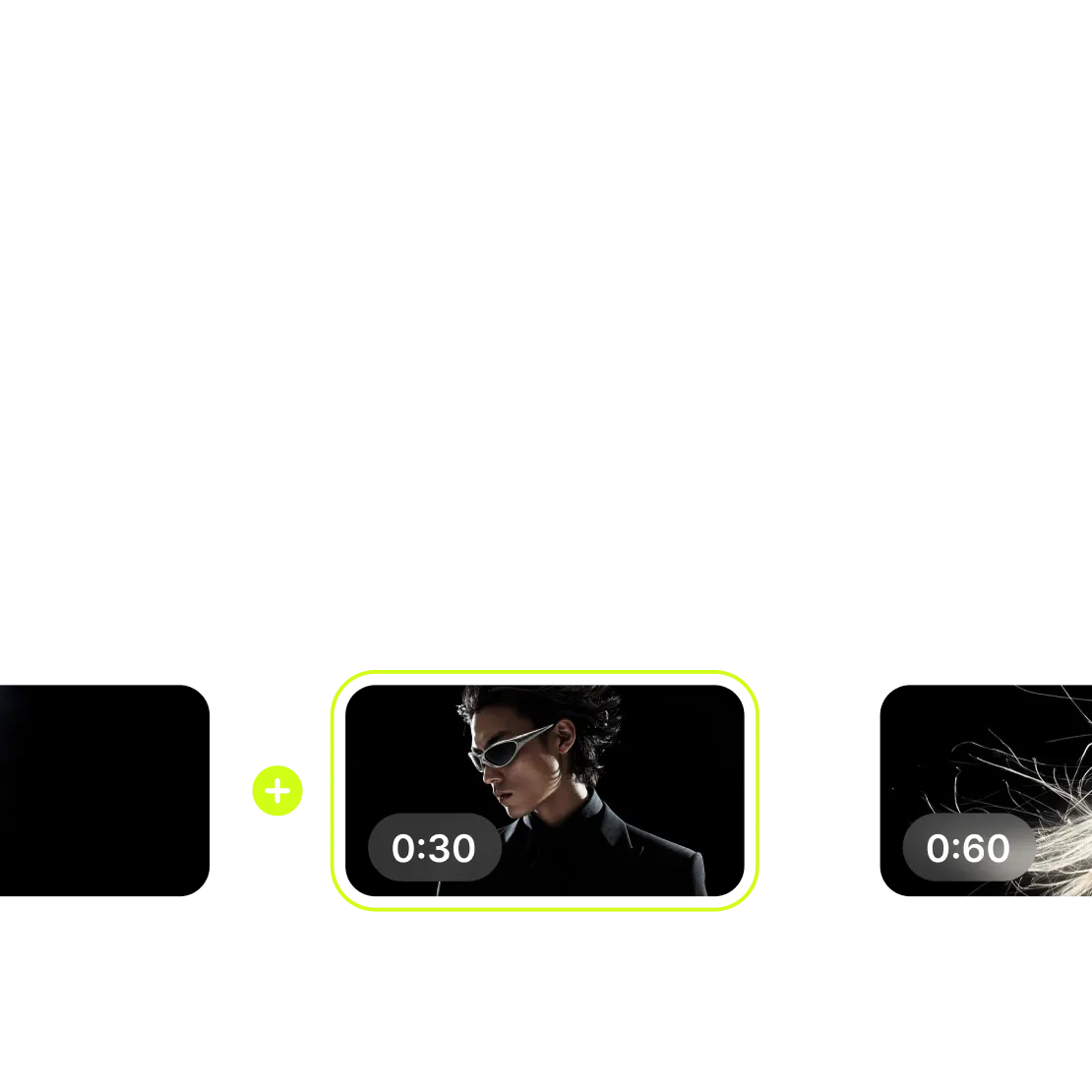
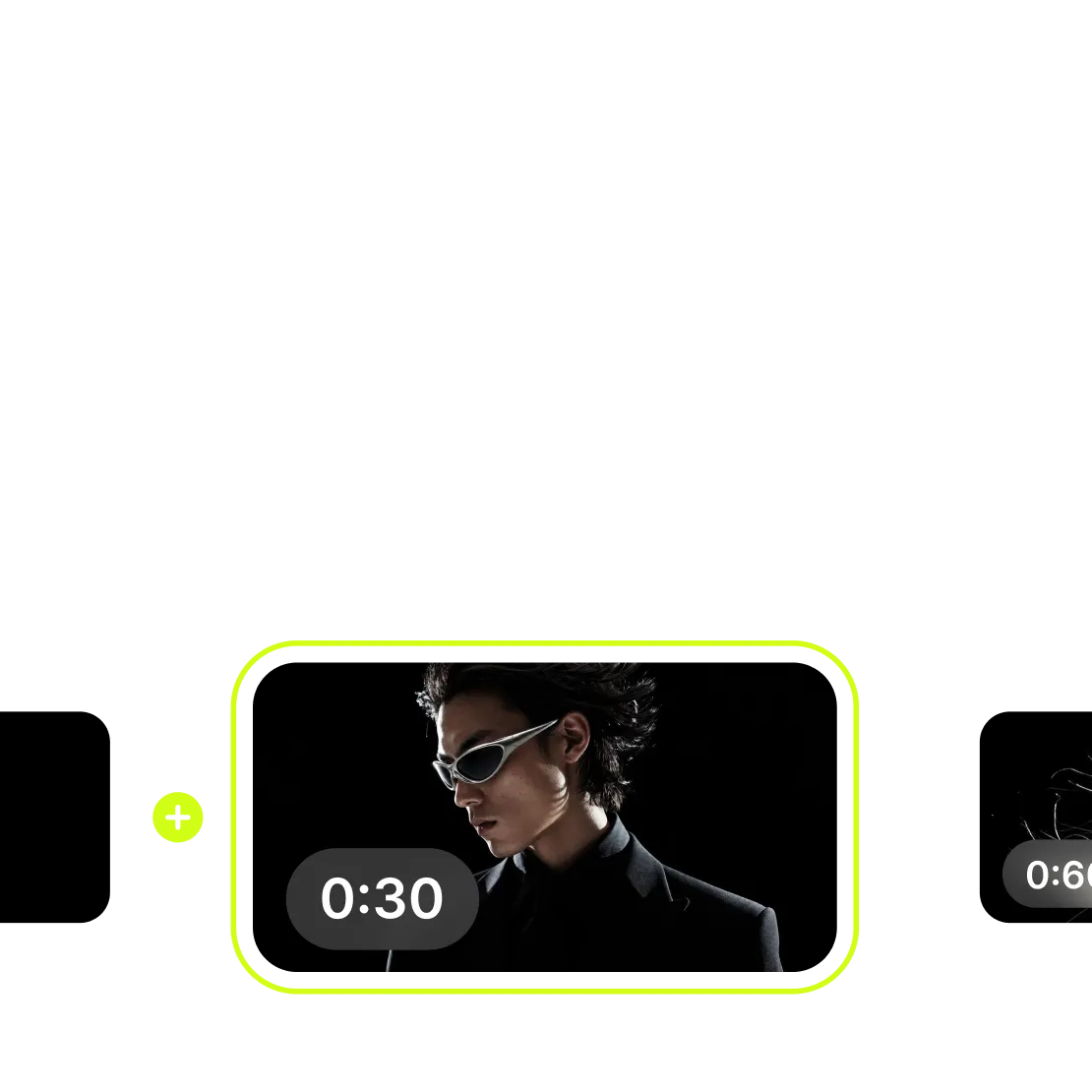
Seedance 2.5 Video Examples
Explore various examples across product ads, short films, social posts, and ecommerce videos to spark ideas for your next project.How to generate
How to Use Seedance 2.5
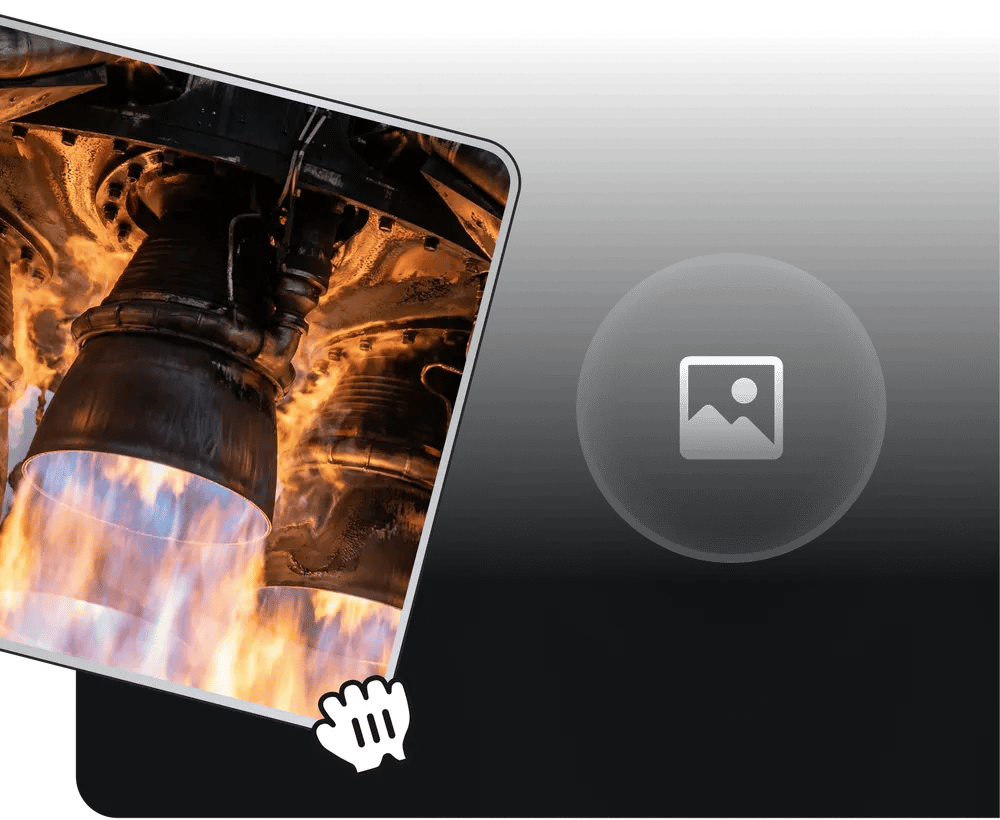
Start with a prompt, add references if needed, choose your video settings, and generate your clip.
 1
Choose Your Inputs
Write a prompt describing the subject, action, camera movement, lighting, and sound. Add references to guide the scene.
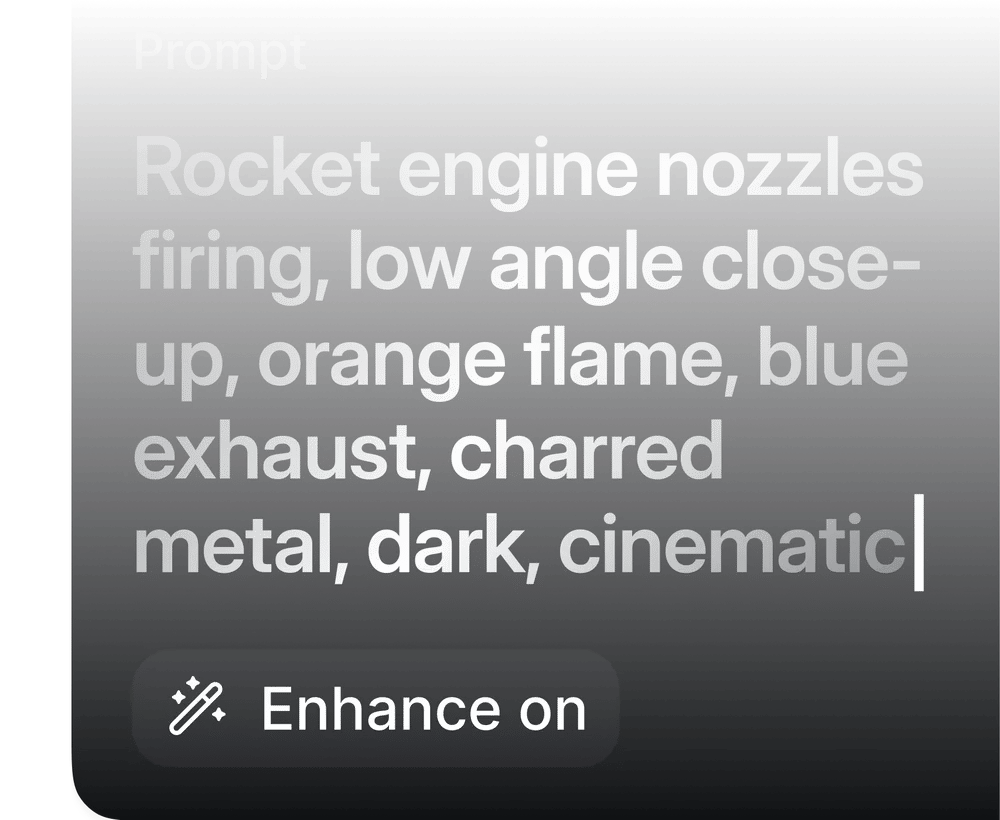 2
Adjust the Settings
Choose the duration, aspect ratio, and Quality setting for your clip.
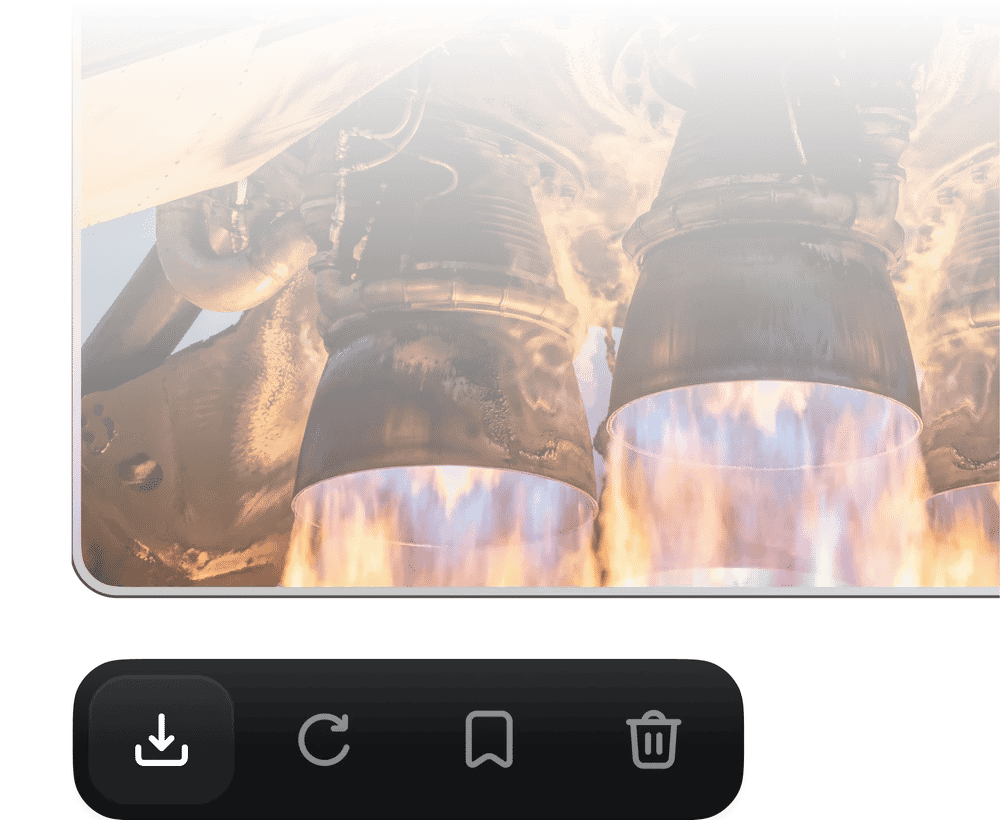 3
Generate and Download
Check the cost shown on the Generate button before you start. Generate your clip, then download it.
Community Videos Made with Seedance 2.5
Explore videos created with Seedance 2.5 by Higgsfield users, from cinematic scenes to product ads and social content.
See moreTrusted by 40M+ users worldwide
Join a global creative network where people generate AI images, share ideas, and inspire each other every day.

Trusted by 40M+ users worldwide
Frequently Asked Questions
We’ve answered the most frequently asked questions
What is Seedance 2.5?
Seedance 2.5 is an AI video model by ByteDance. On Higgsfield, it creates clips up to 30 seconds, generates audio with the video, and supports up to 50 references. It also offers Seedance 2.5 Edit for targeted changes and Seedance 2.5 Extend to continue a clip.
What is the difference between Seedance 2.5 and Seedance 2.0?
Seedance 2.5 supports videos up to 30 seconds and up to 50 references, while Seedance 2.0 supports shorter clips that last up to 15 seconds with fewer references. Higgsfield also offers separate workflows for editing and extending videos.
Does Seedance 2.5 have 4K?
Yes. You can generate videos in 4K with Seedance 2.5, however some 4K generations may take longer than 1080p.
How long can Seedance 2.5 videos be?
Each generation can be up to 30 seconds long at any supported resolution. To continue a clip you made on Higgsfield, open Seedance 2.5 Extend and choose a direction, such as Sequel.
How many references can I use?
You can add up to 50 references in one generation: up to 30 images, 10 video clips, and 10 audio files.
Does Seedance 2.5 generate sound?
Yes. Audio is generated with the video by default. You can turn it off before generating.
How do I edit part of a video?
Open the Edit Video tab in the video generator and upload a clip up to 30 seconds long. Describe a targeted change in a prompt, or choose Draw and sketch on the frame what to remove, add, or replace. You can also add up to 30 images and 10 audio files as references, then generate.
Which aspect ratios does Seedance 2.5 support?
The model supports 21:9, 16:9, 4:3, 1:1, 3:4, and 9:16, from widescreen to vertical formats.
Can it keep the same character across scenes?
Yes. Reusing the same references can help guide a character's appearance across generations, though small details may change between clips.
How do I get the best results?
Describe the subject, camera, lighting, mood, and sound in your prompt. Add references to guide the characters or visual details, and use editing tools to make a targeted change.