Video de entrada
REMEZCLA LA REALIDAD
Cambia la estética, la acción o el efecto: todo a partir de tu video de entrada
Más control, menor costo
Extiende escenas para narrativas más largas
Dirígelo desde ambos extremos


Generado

Las referencias dirigen el shot

Imagen de entrada
Video de entrada
Reedita sin volver a grabar
Física que se mantiene en 4K
Transforma tu mundo
Cambia la estética, la acción o el efecto según tu video de entrada
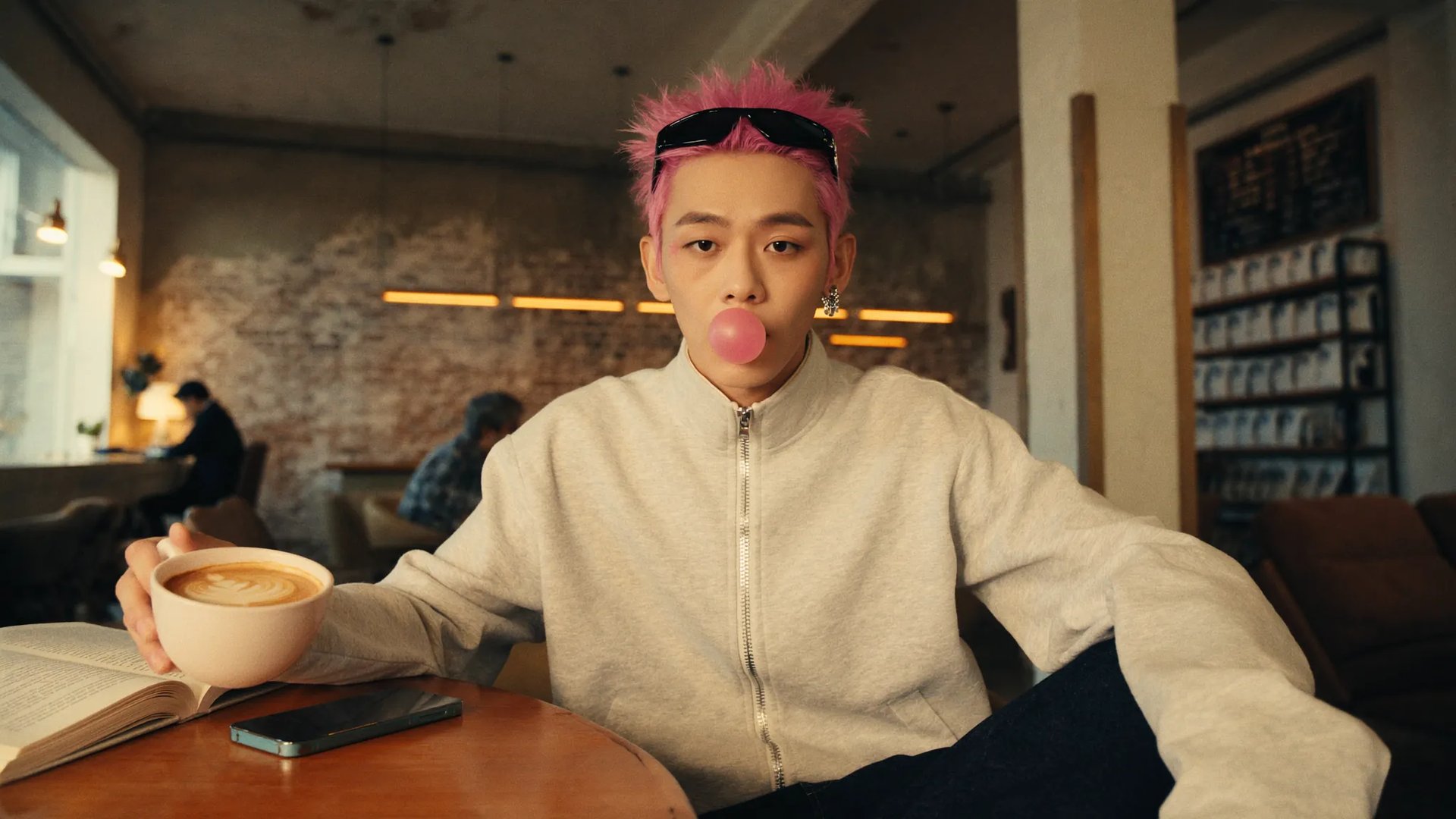
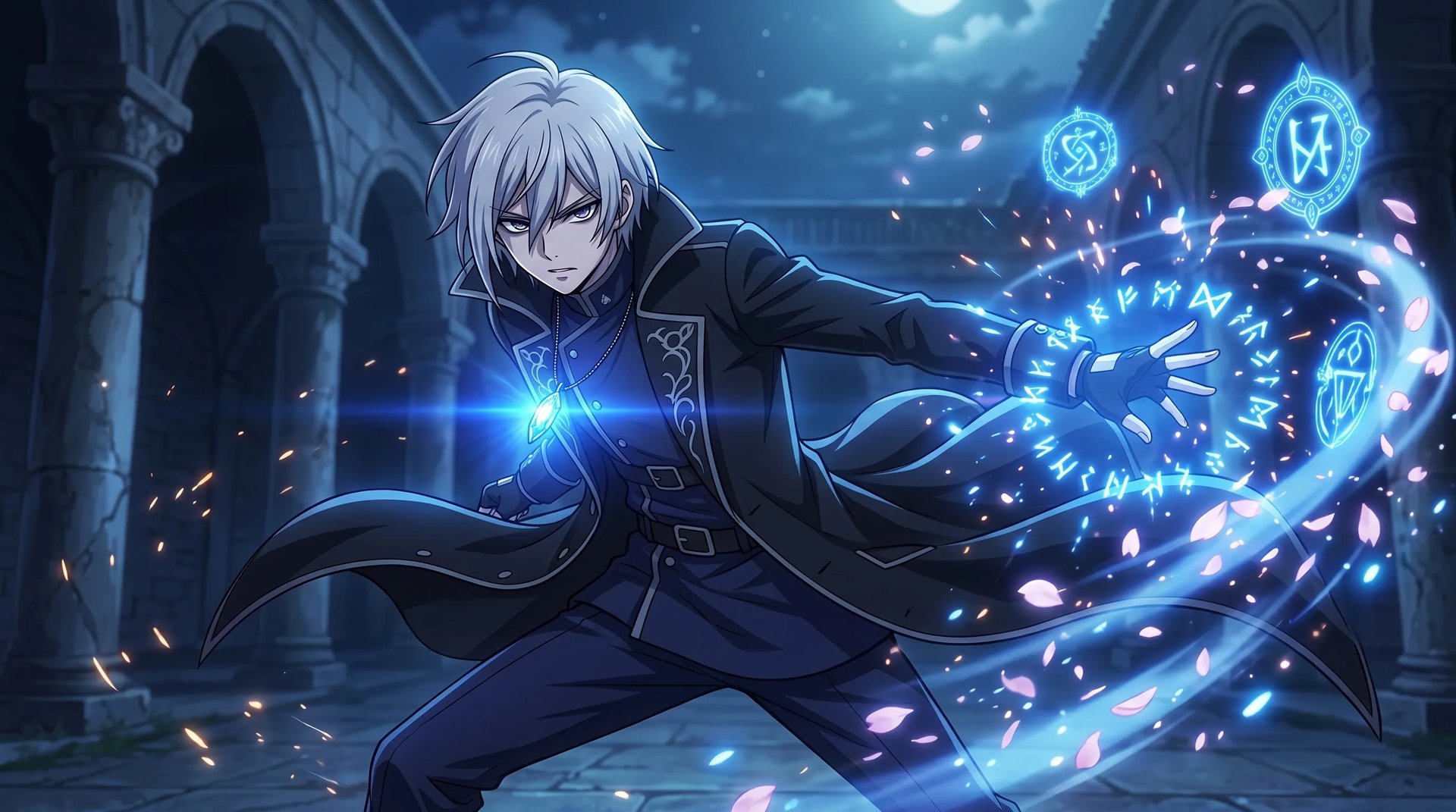
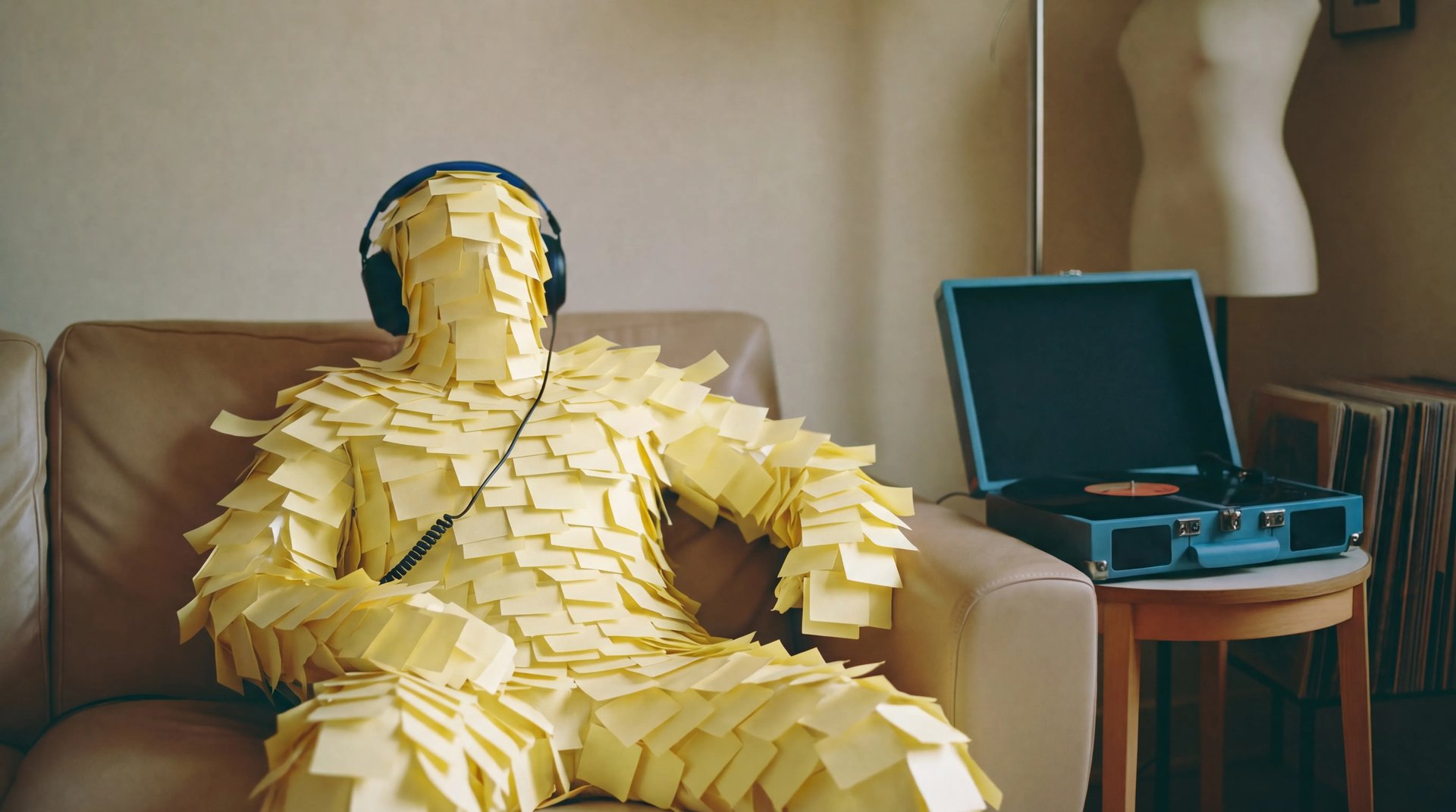
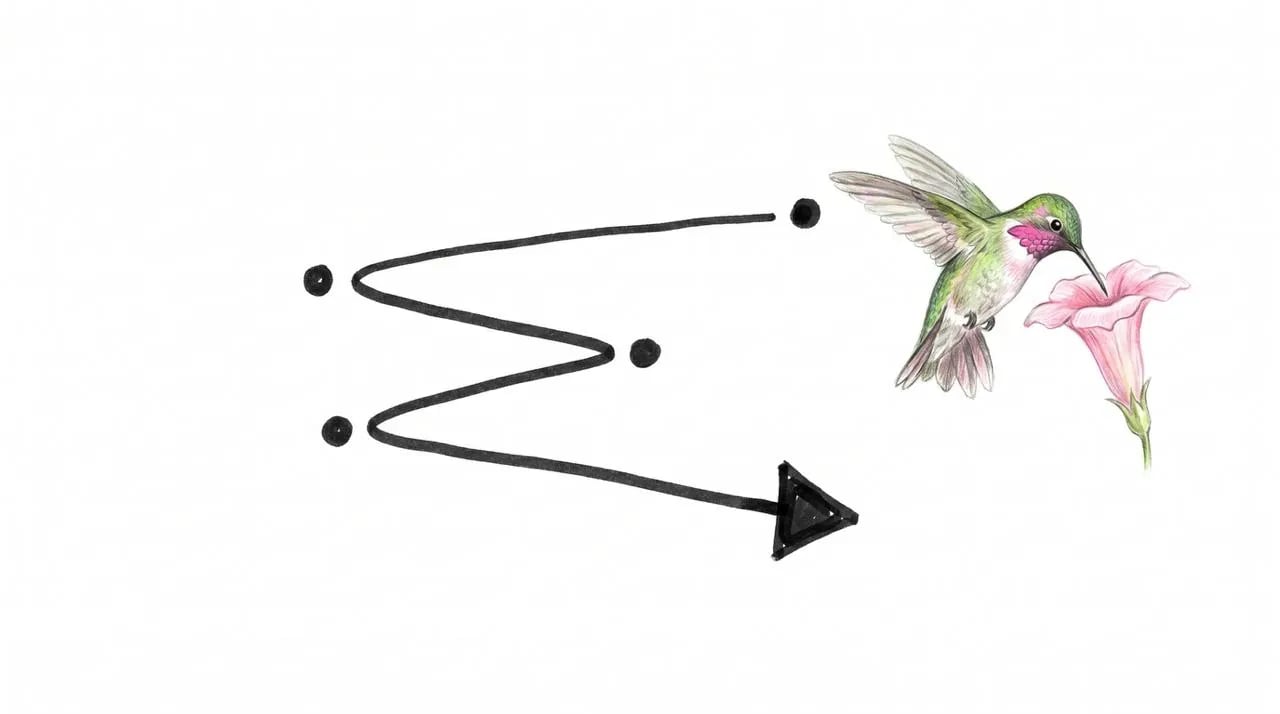
Cómo generar
Genera con el modelo de video más avanzado
 1
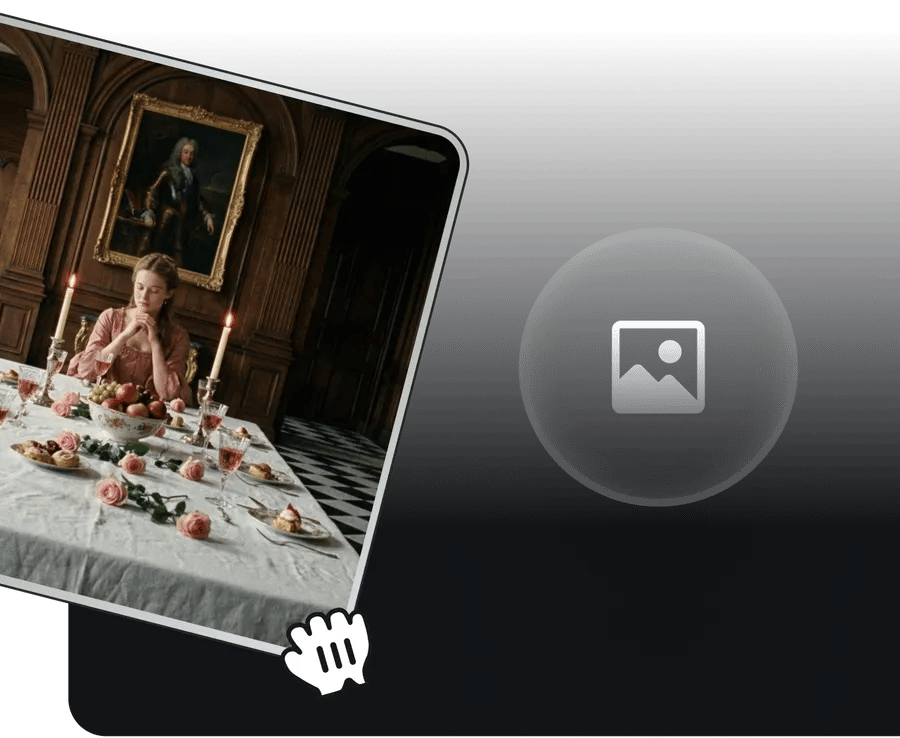
1Referencia de imagen de entrada
Sube imágenes de referencia para guiar tu visión
 2
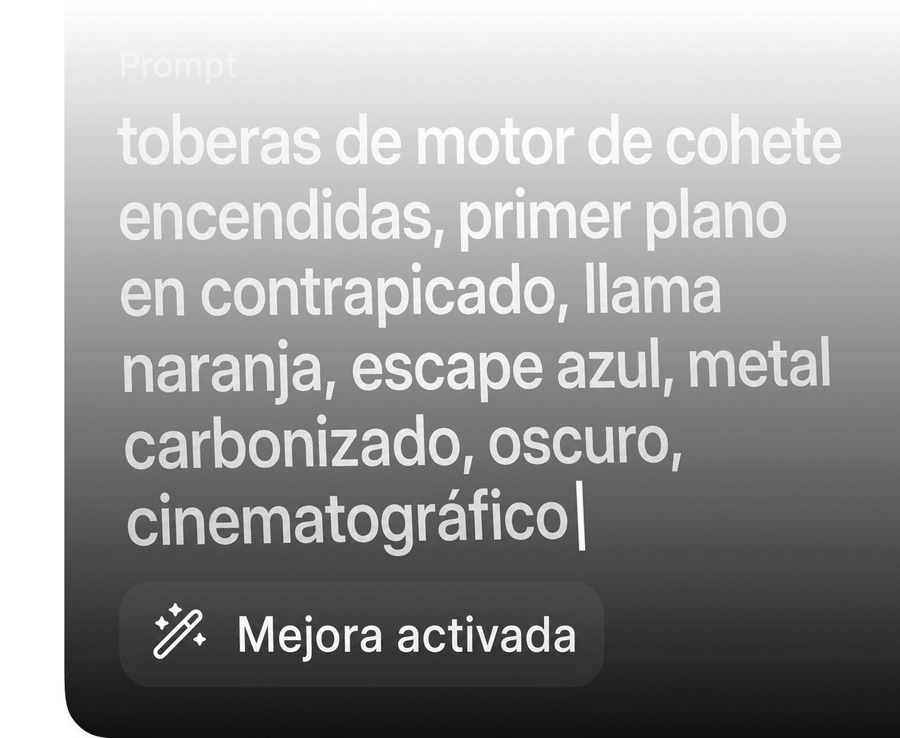
2ESCRIBE EL PROMPT
Usa lenguaje natural para describir el escenario y los sonidos deseados
 3
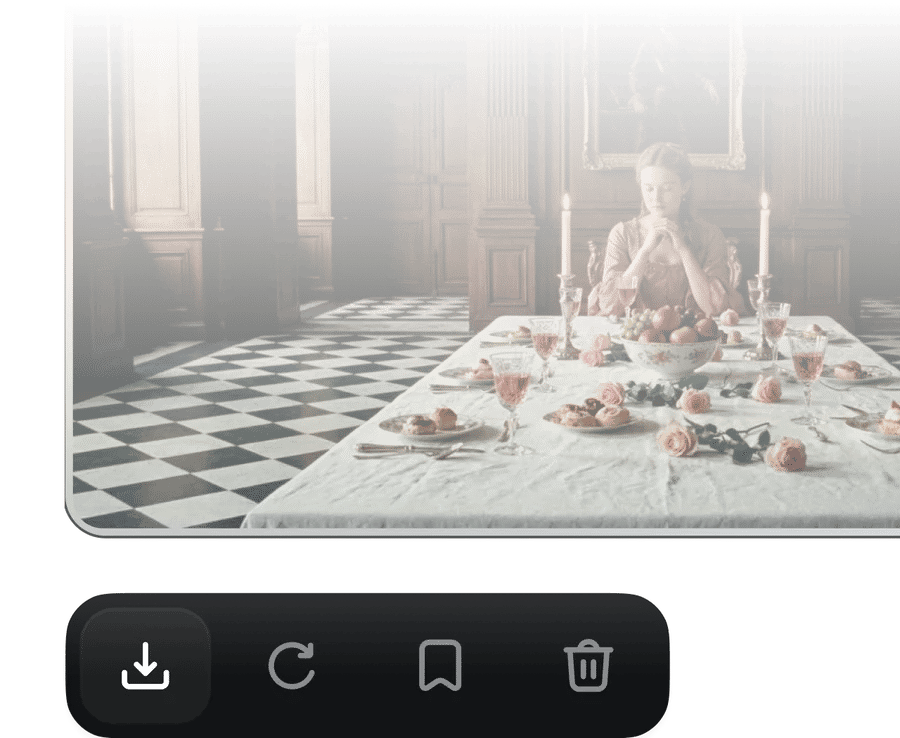
3Genera con Gemini Omni Flash
Haz clic en el botón "Generar" y recibe un video de alta fidelidad en segundos.
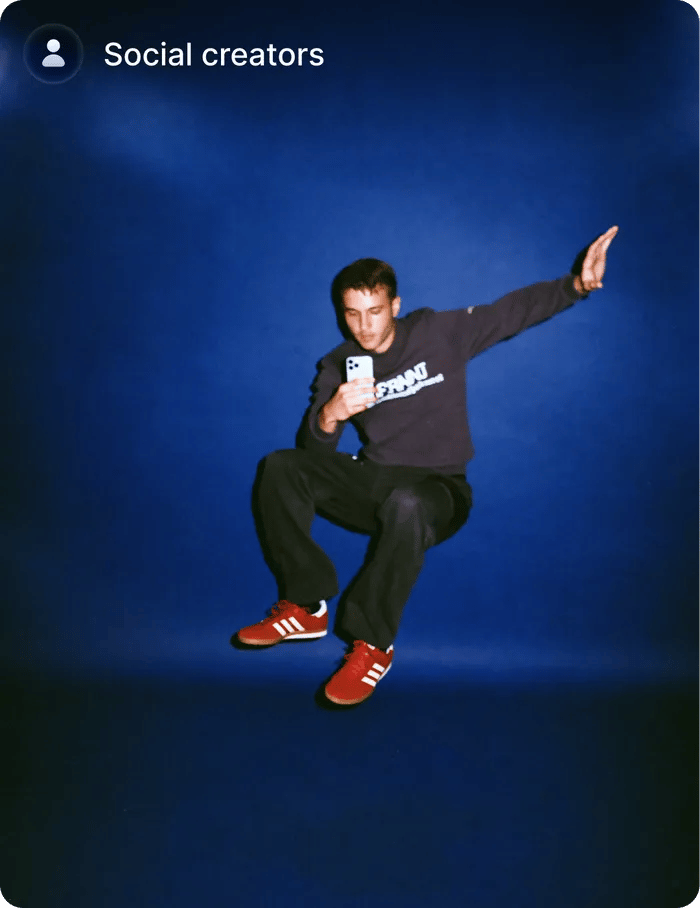
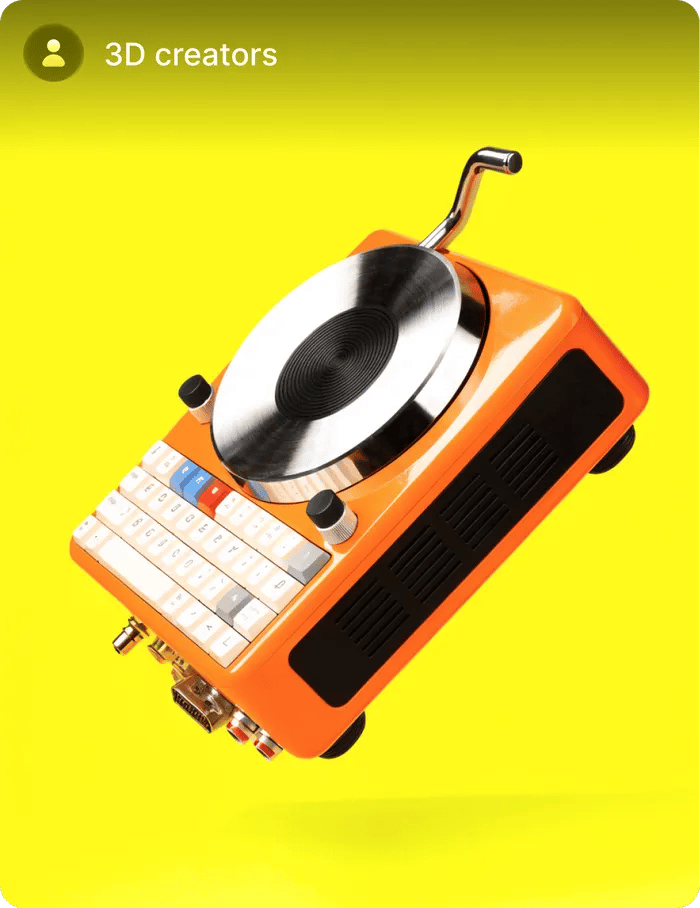
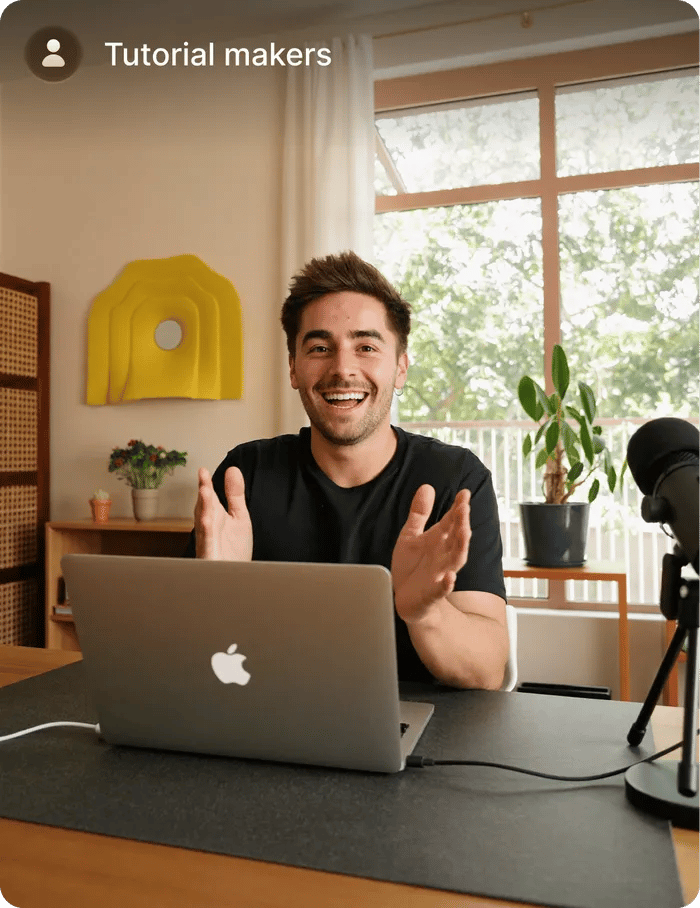
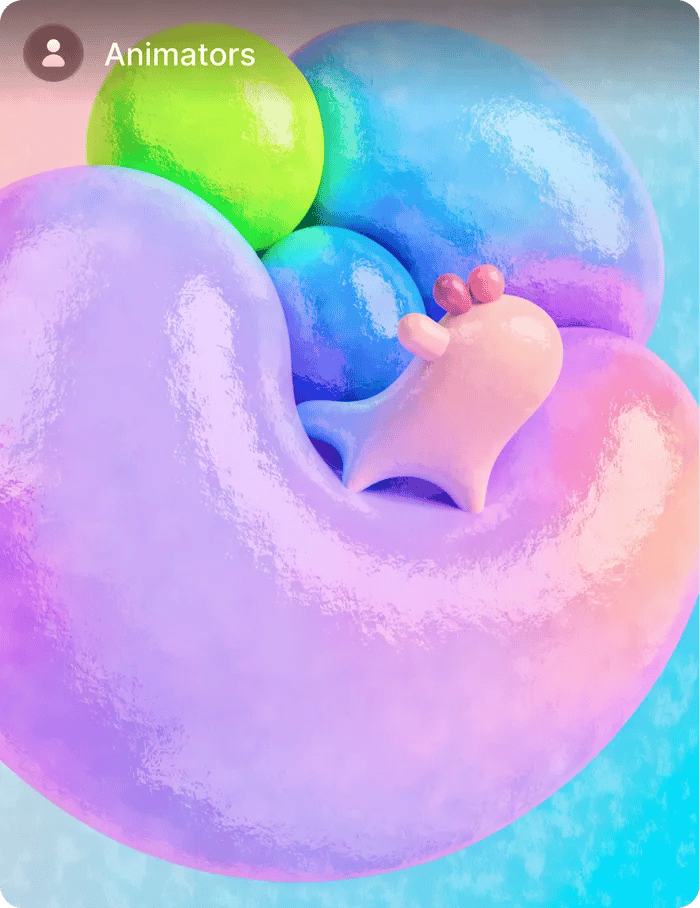
CREA A PARTIR DE CUALQUIER COSA
Crea cualquier cosa a partir de cualquier cosa desde cualquier entrada, comenzando por el video
Comunidad de más de 25 MILLION USUARIOS
Únete a una red creativa global donde las personas generan imágenes con IA, comparten ideas y se inspiran mutuamente cada día.



Con la confianza de Más de 5,000 personas en todo el mundo
Elige tu plan
Consigue acceso a más generaciones y acceso prioritario a nuevas funciones
¿Todavía tienes preguntas?
Hemos respondido las preguntas más frecuentes
¿Qué es Gemini Omni Flash?
Gemini Omni Flash es el modelo de generación y edición de video de Google DeepMind. Combina el razonamiento y el conocimiento del mundo de Gemini con la capacidad de crear y editar video a partir de cualquier combinación de entradas de imagen, texto, video y audio.
¿Cómo funciona?
Le das un clip, una imagen, un boceto o solo texto, y describes qué hacer en lenguaje natural. Genera o edita el video, manteniendo la consistencia de escena a lo largo de múltiples turnos. Cada instrucción construye sobre la anterior, como dirigir una conversación con un editor.
¿En qué se diferencia de otros modelos de video?
Tres cosas: edición conversacional de múltiples turnos con consistencia de escena, entradas multimodales nativas (imagen + texto + video + audio en un solo prompt) y base en el conocimiento del mundo de Gemini: física, historia y cultura renderizadas con precisión, no solo de forma plausible.
¿Qué formatos de entrada y salida son compatibles?
Entradas: imagen, video, audio, texto, bocetos. Imagen: PNG, JPG, WebP de hasta 20 MB. Video: MP4, MOV, WebM de hasta 60 s. Audio: MP3, WAV de hasta 30 s. Salida: MP4 (H.264) en 16:9, 9:16, 1:1 o 4:5.
¿Qué resolución y duración puede generar?
Salida nativa: 720p a 24 fps. La duración predeterminada del clip es de 8 segundos por generación, ampliable a 60 s mediante continuación. Upscale a 1080p disponible como paso de posprocesamiento.
¿Qué idiomas admite la voz multilingüe?
Inglés, español, mandarín, japonés, francés, alemán, portugués, hindi, coreano, ruso, árabe. Se admiten acentos y dialectos regionales. La sincronización labial se vuelve a renderizar para coincidir con los fonemas del idioma de destino.
¿Cuántos turnos de edición se admiten por sesión?
Edición ilimitada de múltiples turnos dentro de una sesión. La consistencia de escena se mantiene entre turnos. Cada turno produce una nueva generación; los turnos anteriores permanecen en el historial de la sesión y se pueden ramificar o restaurar.
¿Qué señales de seguridad y procedencia se incluyen?
Cada resultado lleva SynthID —una marca de agua digital imperceptible— y credenciales de contenido C2PA incrustadas en los metadatos del archivo. Ambas persisten tras la recodificación estándar y las subidas a plataformas.