
1
Copy the Higgsfield-Connector-URL
 Higgsfield-Connector-URL
Diese URL fügst du im nächsten Schritt in Claude ein

Create a faceless explainer video in an editorial motion graphics style about the history of football
Ich erkläre die Geschichte des Fußballs in drei einfachen Szenen.
Dein Erklärvideo zur Fußballgeschichte ist fertig.
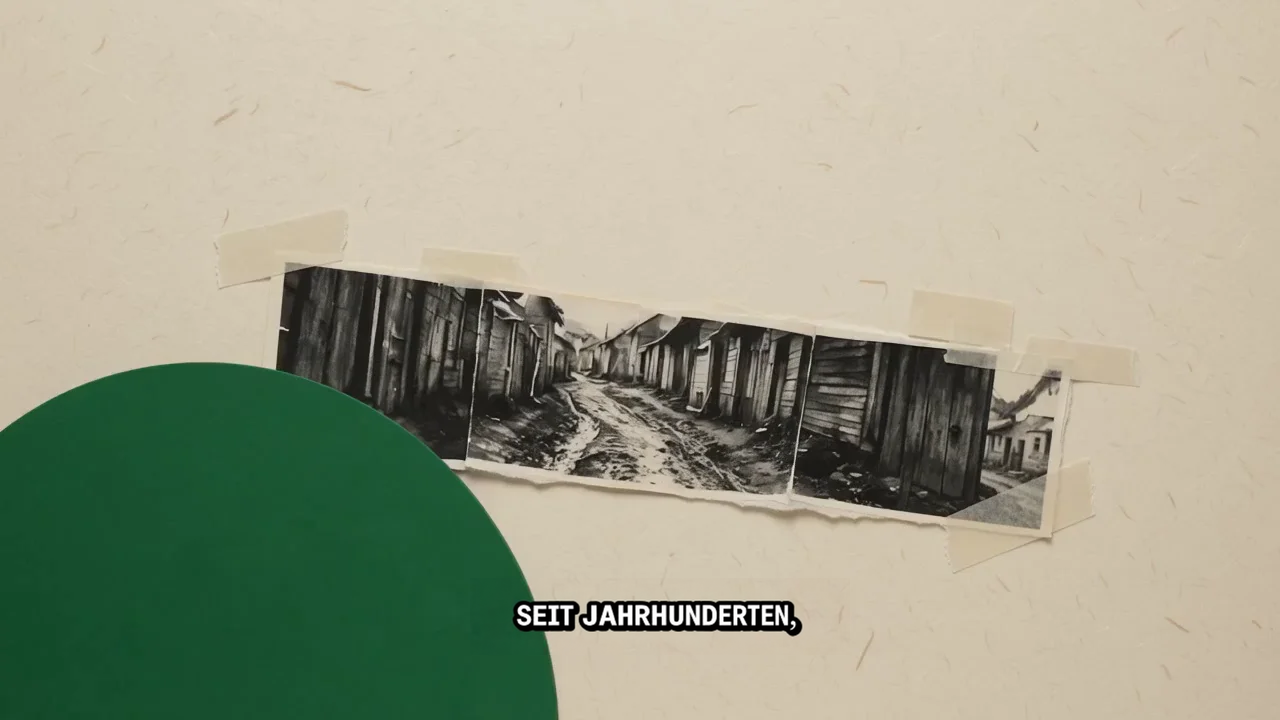
Create a faceless explainer video in an editorial motion graphics style about the history of football

Create a faceless explainer video in an editorial motion graphics style about how chameleons change color, using cutout illustrations, color diagrams, labels, and quick visual transitions

Create a faceless explainer video in an editorial motion graphics style about how the Mona Lisa became the world’s most famous painting, using layered cutouts, animated labels, and documentary pacing
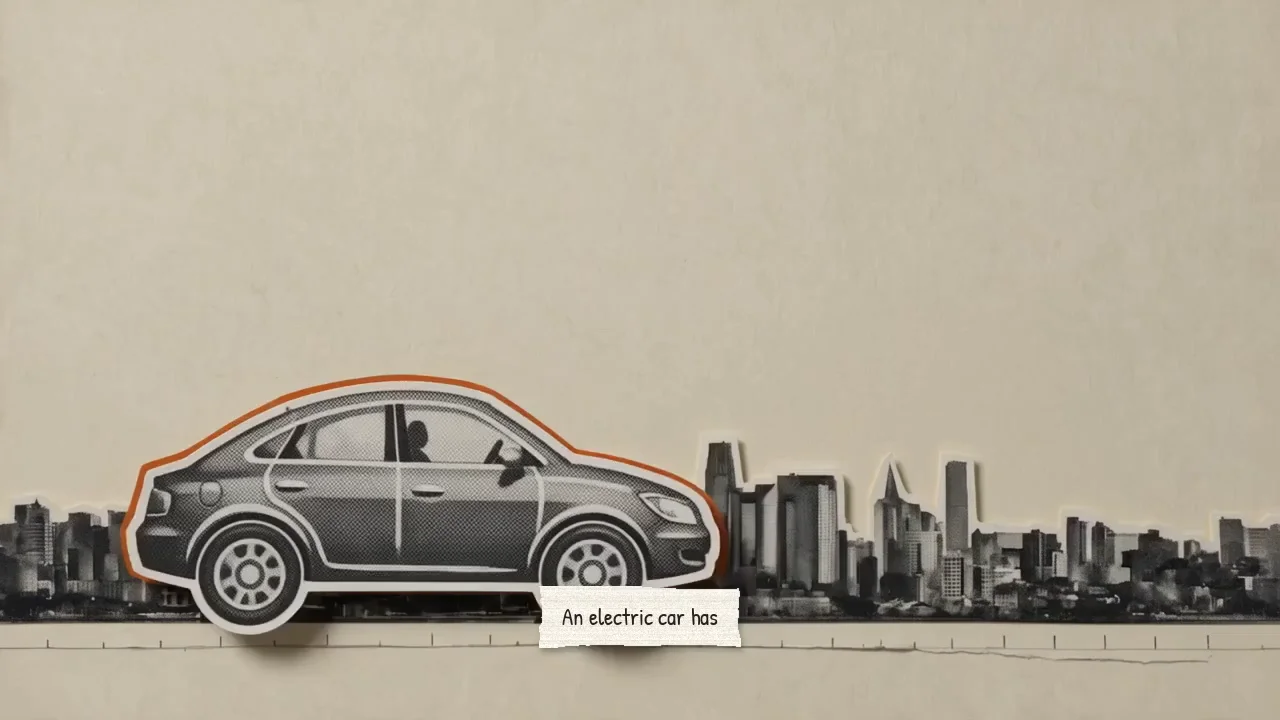
Create a faceless explainer video in an editorial motion graphics style comparing electric-car and gasoline-car emissions, including manufacturing, electricity generation, and the effect of a cleaner power grid

Create a faceless explainer video in an editorial motion graphics style about why climbers need supplemental oxygen on Mount Everest, using mountain cutouts, altitude diagrams, labels, and documentary pacing
Create a faceless explainer video in an editorial motion graphics style about how football evolved from early ball games into the modern sport, using historical cutouts, timelines, labels, and clear transitions
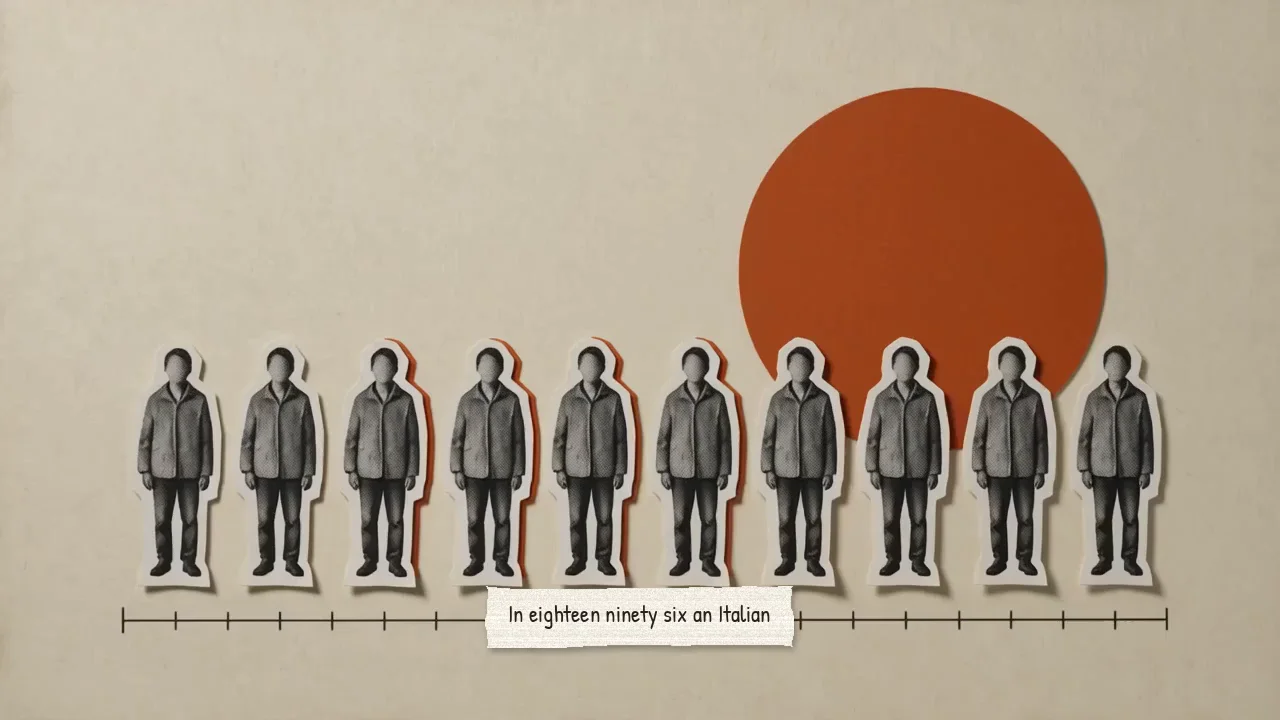
Create a faceless explainer video in an editorial motion graphics style about the Pareto principle, showing how a small share of causes can produce most results through clear charts, cutouts, labels, and examples
Verbinde Higgsfield mit deinem bevorzugten KI-Assistenten, um es zu nutzen Editorial Motion Graphics Fähigkeit
Beschreibe dein Thema in Claude, ChatGPT oder Supercomputer. Higgsfield erstellt Skript, Szenen, Voiceover und das fertige Video