Higgsfield

Comes to Minecraft

Higgsfield Minecraft plugin demo

BREAKTHROUGH CAPABILITIES

PROMPT TO BUILD

Generate full structures and watch them materialize block-by-block right where you are standing

video generation

Switch to a Film Roll, prompt a clip, and play it back on a Video Screen or Projector - motion generated via Kling 3

video generation

image generation

Type a prompt, hit Generate, and the result lands in the output slot as a Photo Slide you can hang like a painting

image generation

Camera

Point, zoom, shoot. The Camera turns any in-game view into a reference image the Supercomputer can build, imagine or animate from

Camera

Items & Blocks

SupercomputerHiggscraft
Video ProjectorHiggscraft
CameraHiggscraft
Generation ArchiveHiggscraft
Photo SlideHiggscraft
Film RollHiggscraft

Three steps

Install NeoForge preview

Install NeoForge

Run the NeoForge installer for your Minecraft version, then launch the profile once

Download .jar file preview

Download .jar file

Install the mod into your mods/ folder

Authorize in chat preview

Authorize in chat

Launch the game and run /higgscraft auth in chat - no key to paste. Then start generating

Made with HiggsCraft

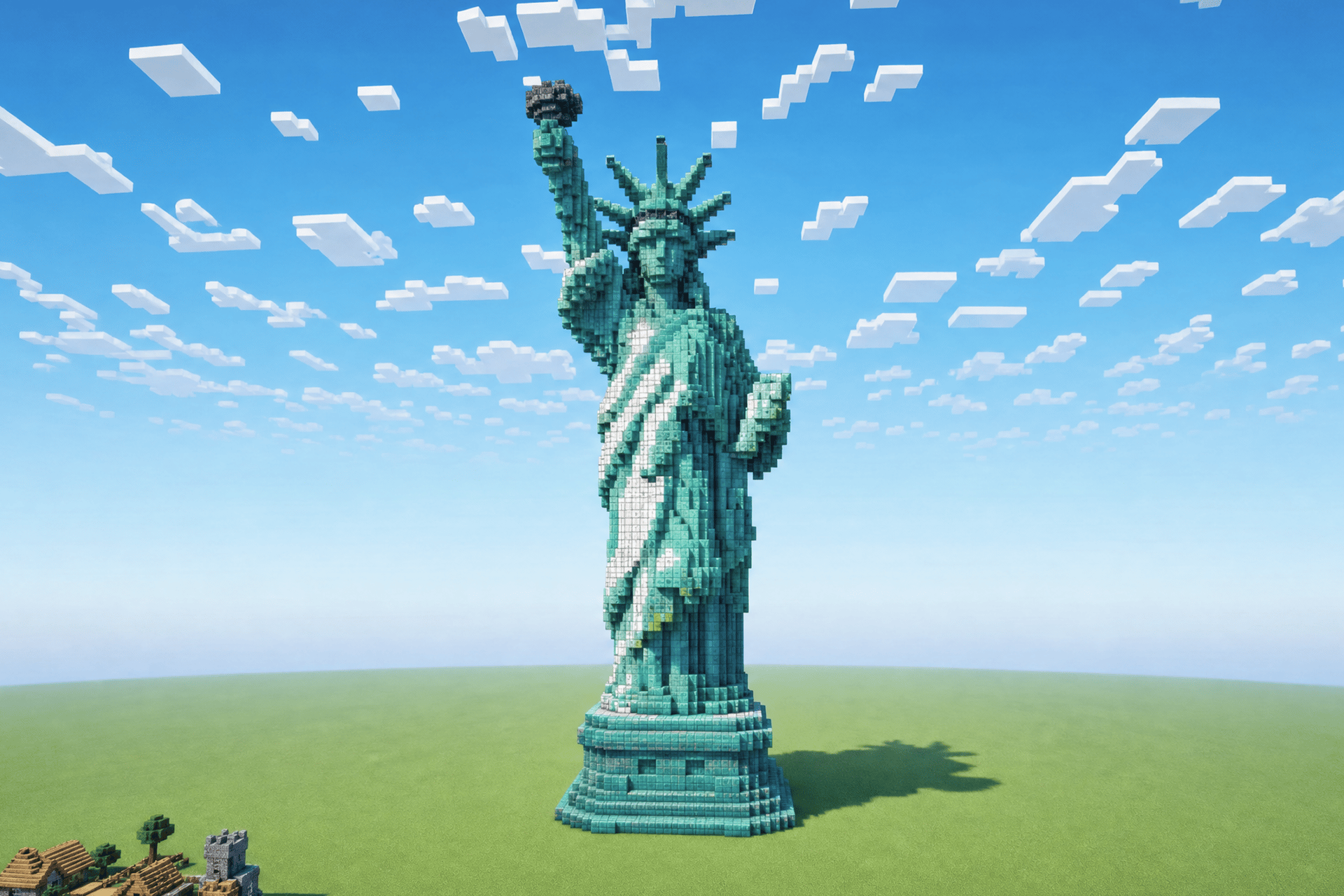
Minecraft Statue of Liberty build made with Higgscraft
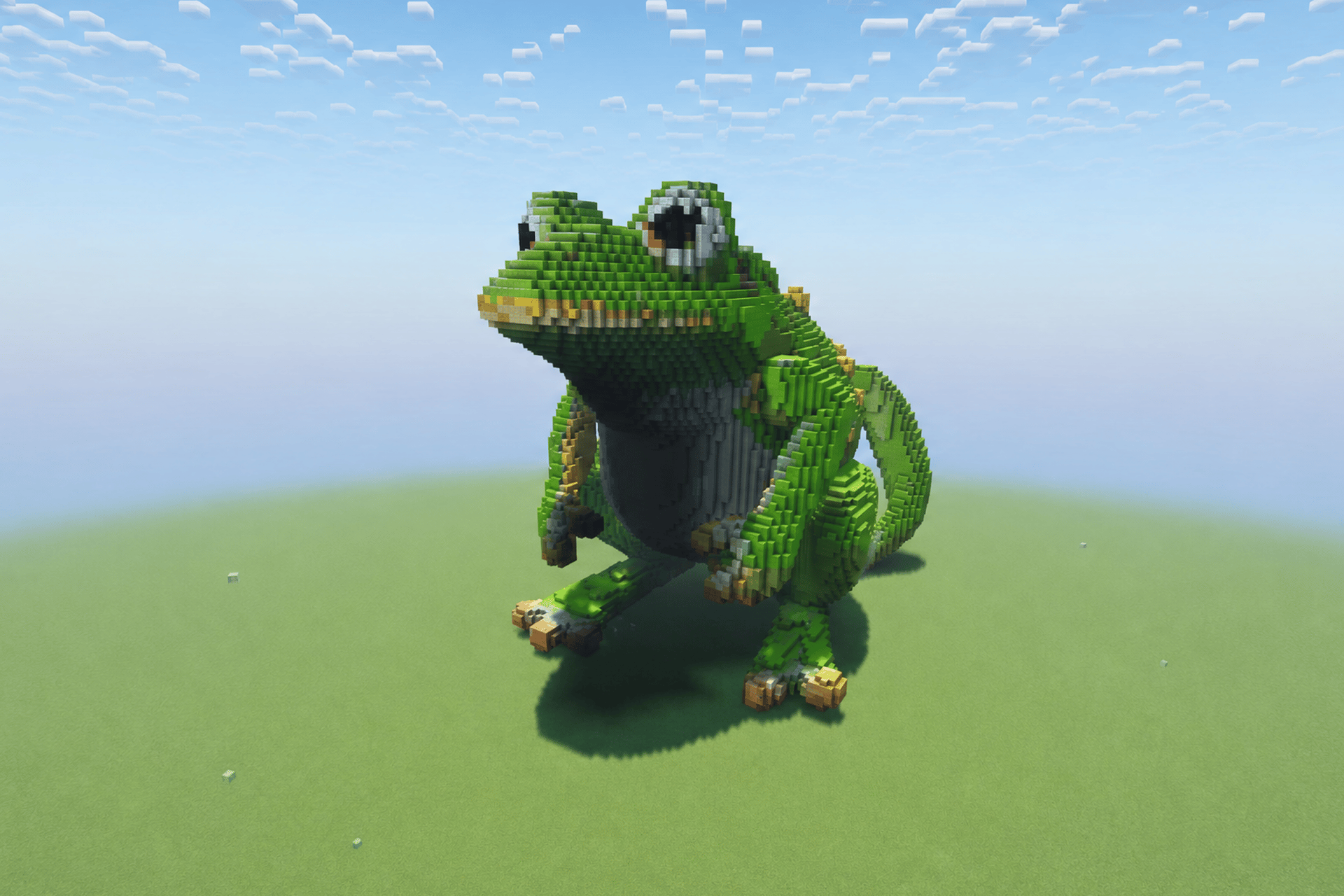
Minecraft frog build made with Higgscraft
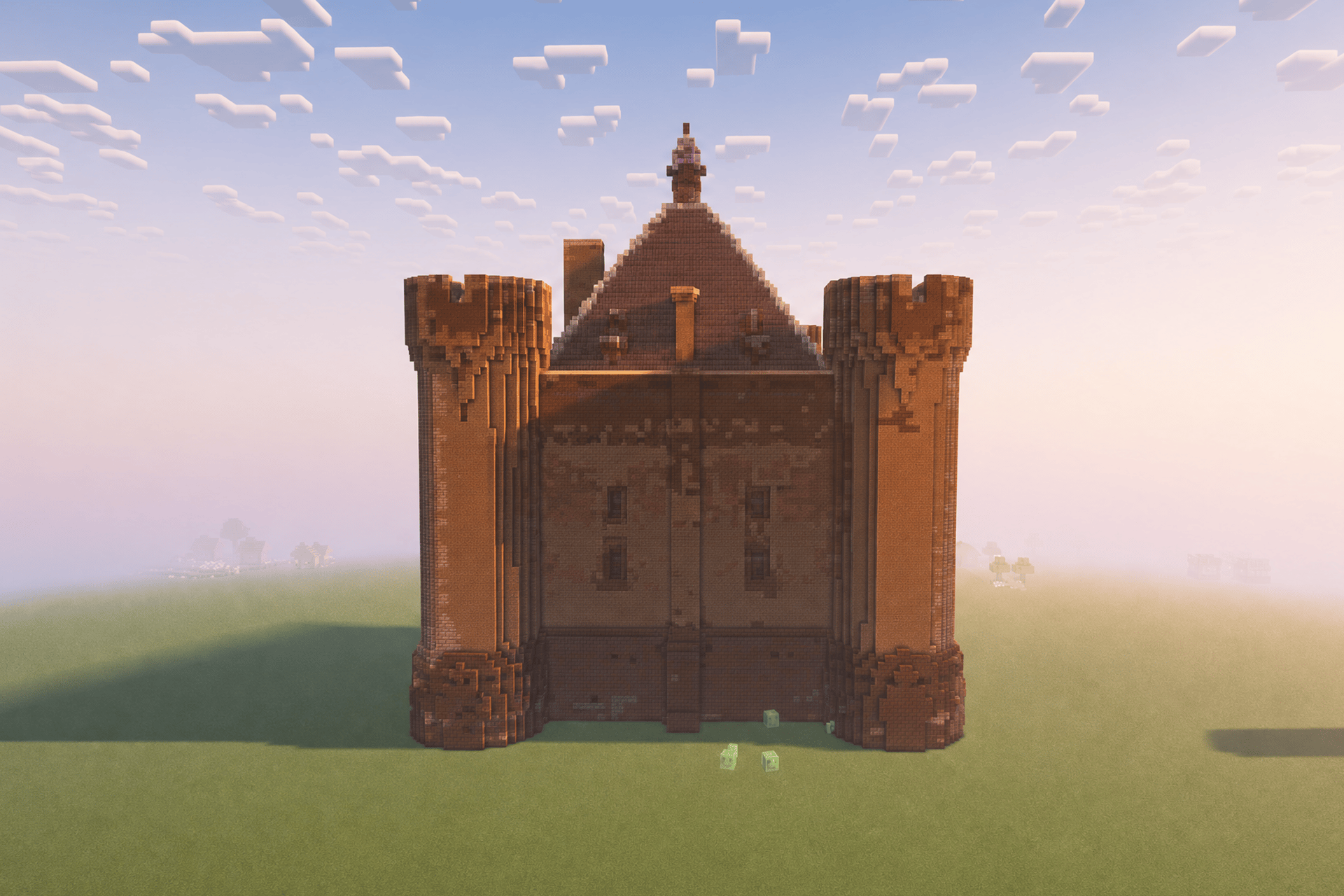
Minecraft castle build made with Higgscraft
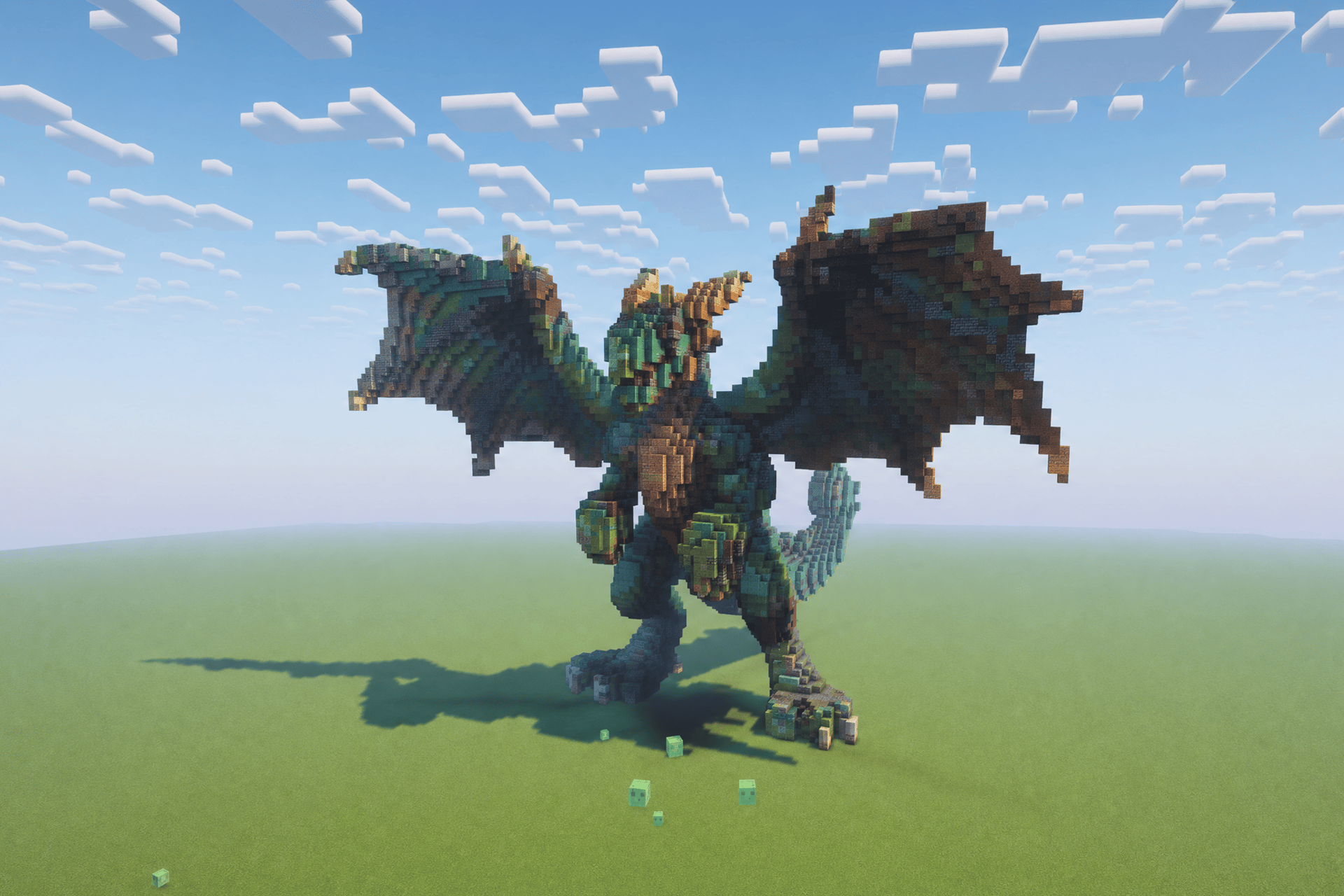
Minecraft dragon build made with Higgscraft

Got any questions left?

We’ve answered the most frequently asked questions
What is HiggsCraft?
A Minecraft mod that brings Higgsfield into your world. Craft a Supercomputer, load a Photo Slide or Film Roll, type a prompt, and generate AI images, video and full builds — output straight into the machine.
What do I need to run it?
Minecraft Java Edition 1.21.1 with the NeoForge mod loader — no extra mods required. Install it from the CurseForge app, or drop the .jar into your mods folder manually.
How do I sign in?
Join a world and run /higgscraft auth in chat. There's no API key to paste — authorization happens entirely in-game.
What's the difference between a Photo Slide and a Film Roll?
A Photo Slide holds a generated image and hangs on a wall like a painting. A Film Roll stores a generated video clip you play back on a Video Screen or Video Projector. Both are required media before generating, and both are rewritable.
Where does my result appear?
In the Supercomputer's output slot — never directly in your hand. You collect the finished Photo Slide or Film Roll from the machine once generation completes.
How much does a generation cost?
Each generation spends credits from your balance. The Supercomputer shows your balance and an estimated cost before you hit Generate — images are cheap (around 1 credit), while video costs more (around 450 per clip).
How long does video take?
Video is generated through Kling 3 and can take a few minutes. You'll see a loading state in the Supercomputer and chat updates like "Generating video…" and "Video ready on a Film Roll."
Can I use my own screenshots as references?
Yes. Use the Camera to capture any in-game scene with zoom, then drop the shot into the Supercomputer's reference slots to guide your next generation.
Do the new items have crafting recipes?
Yes. Every new item and block — Supercomputer, Photo Slide, Film Roll, Camera, Video Screen and Video Projector — comes with a crafting recipe and custom textures. You'll see "New Recipes Unlocked" in-game when they're available.

Home

Community

Generate

Library

Profile